AI Sidekick
Share
AI Sidekick
Slack assistant that manages daily team queries, answers questions without searching docs, and provides analytics to eliminate blockers and optimize productivity.
General Information about AI Sidekick
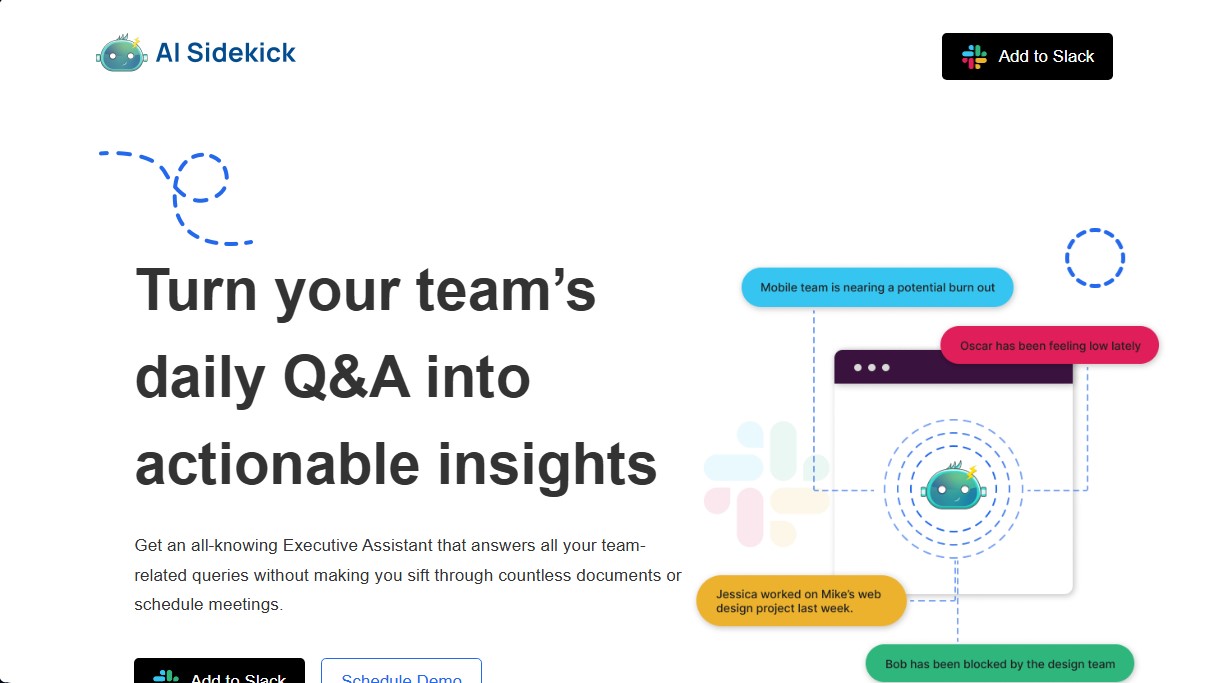
AI Sidekick is an AI-powered virtual executive assistant specifically designed to optimize communication and team management within the Slack environment. Its primary function is to transform daily interactions and Q&A sessions into actionable insights, allowing team leads to get immediate answers regarding project status without the need to review extensive documentation or schedule constant meetings.
This AI productivity tool integrates natively into the workflow. Once installed, a dedicated channel is set up for daily tracking where team members use the “/in” command at the start of their day to complete a brief questionnaire. Through this process, the app gathers key data that it then processes using artificial intelligence algorithms to provide both a global and detailed view of collective performance. Users can interact with AI Sidekick via direct messages, asking any questions about the team and receiving precise answers based on the real-world context of daily operations.
Key features and practical benefits include:
- Identifying blockers: Quickly detects obstacles by analyzing data shared in the daily Q&A, facilitating faster problem-solving.
- Content generation: The tool has the ability to draft emails and other professional texts, saving time on administrative tasks directly from your computer.
- Burnout prevention: It helps monitor team morale, allowing managers to identify signs of fatigue to prevent burnout and improve overall well-being.
- Centralized information access: Acts as a dynamic knowledge base that eliminates the need for manual searches through old conversation threads or scattered files.
This application is geared toward high-performance teams, department heads, and companies operating remotely or in a hybrid model. By centralizing knowledge and automating task tracking, AI Sidekick improves operational transparency and allows employees to focus on their primary goals without interruptions. It is an effective solution for those looking to reduce meeting load and automatically obtain contextual insights, significantly improving efficiency and the work environment through the strategic use of applied artificial intelligence for group management.
Features and Use Cases of AI Sidekick
How AI Sidekick Works
Frequently Asked Questions about AI Sidekick
What is AI Sidekick and how can it help my team?
AI Sidekick is an intelligent assistant that analyzes your team's daily updates to quickly resolve questions, eliminating the need for constant meetings.
How do I install AI Sidekick on Slack?
Simply add the app to your Slack workspace and set up a channel where employees can complete their daily updates using a simple command.
Does the tool offer a free trial period?
Yes, you have a 14-day free trial to explore all features without having to enter your credit card details when you sign up.
What is the difference between AI Sidekick's pricing plans?
The Pro plan costs nine dollars per user per month, while the Pro Max plan offers a flat rate for the entire workspace along with additional features.
Can AI Sidekick help me write emails?
Absolutely. You can ask the assistant to draft emails or messages based on the information gathered regarding your team's current status and goals.
How does the assistant help improve team morale?
The tool identifies blockers and issues early through context analysis, allowing managers to intervene and prevent burnout.
Is it possible to cancel the subscription at any time?
Yes, you are free to cancel your account whenever you like through the settings, as our plans do not require any long-term commitment.
What is included in the AI Sidekick Pro Max support plan?
This premium plan guarantees 24/7 personalized technical support to resolve any issues that may arise within your company.
How does AI Sidekick detect daily work obstacles?
The system uses rich data from daily Q&As to flag factors that are stalling progress before they become serious problems.
Do I need to provide my credit card information to start the trial?
No payment information is required to start using the tool during the initial two-week evaluation period.
AI Sidekick Pricing
14-day free trial
• Full access to all features for two weeks.
• No credit card required.
• Cancel at any time.
Sidekick Pro
9 $ per month per user.
• Q&A system for selected users.
• Unlimited chats with the Sidekick assistant.
Sidekick Pro Max
99 $ per month per user (billed for the entire workspace).
• Q&A system for selected users.
• Unlimited chats with the Sidekick assistant.
• Customizable questions (coming soon).
• 24/7 technical support.
AI Sidekick Screenshots