
Share
What is Codecaine?
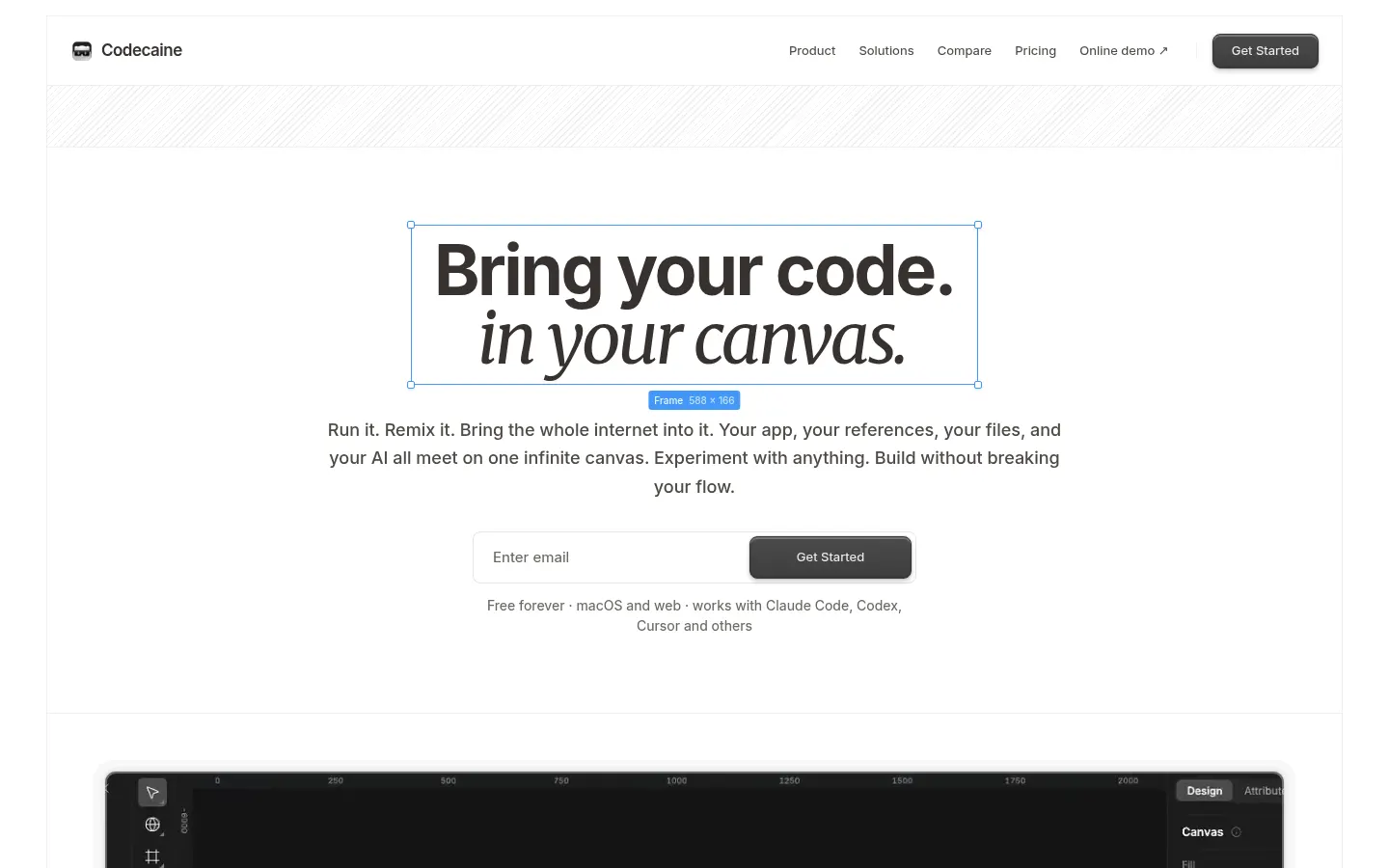
Codecaine is an AI-assisted visual editor for your running app and your coding agent. Pick a folder on your Mac or a GitHub repo; Codecaine works out what it needs, installs what is missing the first time, starts it and puts the real page on an infinite canvas, router, data and loading states included. From there you edit it like a design tool.
What is Codecaine used for?
It removes the design-to-dev handoff. Click any element and change spacing, type, layout or copy, and every change lands in your code. When you save, your GitHub repo follows with no extra commands, and if two changes collide you choose the winner. You can also bring in a live website, a Figma frame, code or a PDF, which arrive on the canvas as editable layers.
How does Codecaine work with AI agents?
In Agent Mode you select the part you mean, say what you want and keep working while the assistant does it on the same canvas, so you see the change land on the page rather than in a chat window. Codecaine sets up and signs in Claude Code, Codex, Cursor, opencode or Pi and drives it for you; the model, account and code stay yours. Voice requests are supported too.
Who is Codecaine for?
- Designers who want to work on the real product, not a mockup.
- Frontend developers polishing visual details without context switching.
- Founders building with AI agents who want visual control.
- Small teams that want to skip the handoff meeting.
Codecaine pros and cons
It brings familiar design features to existing code: design-tool shortcuts, auto layout on flex and grid, color, spacing and type variables, distance guides, shadows, blurs, gradients and masks, plus Git and Netlify sync. On the downside, the desktop app is macOS on Apple Silicon only (a web version exists), and the AI side depends on the agent you already use.
Codecaine features and use cases
How to use Codecaine
Codecaine FAQ
What is Codecaine?
Codecaine is a visual editor that runs your real app on a canvas and writes the changes you make, or ask your AI agent for, into your code.
Is Codecaine free?
Yes, it is free forever with every feature; you only pay for the AI agent you use, as noted in the pricing section.
Do I have to change my project to use it?
No, you pick a folder or repo and Codecaine works out what it needs to run and installs anything missing.
Where do my changes go?
They are written straight into your code, and on save your GitHub repository syncs with no extra commands.
Which AI agents does it work with?
Claude Code, Codex, Cursor, opencode and Pi, which Codecaine sets up and drives under your own account.
Can I import Figma designs?
Yes, you can bring in Figma frames, live websites, code or PDFs, and they land on the canvas as editable layers.
Which platforms does it run on?
There is a desktop app for macOS on Apple Silicon and a web version.
Does Codecaine have an API?
The site does not advertise a public API; setup is a single command you can hand to your own agent.
Does Codecaine work in Spanish?
The interface is in English; requests to the agent depend on your model, and the major ones understand Spanish.
What are the alternatives to Codecaine?
In our directory you can compare Cursor, an AI code editor, v0, which generates UIs from text, and Lovable, for building apps with AI.
Codecaine pricing and plans
Reference price: 0 USD. Source · Verified: November 17, 2026
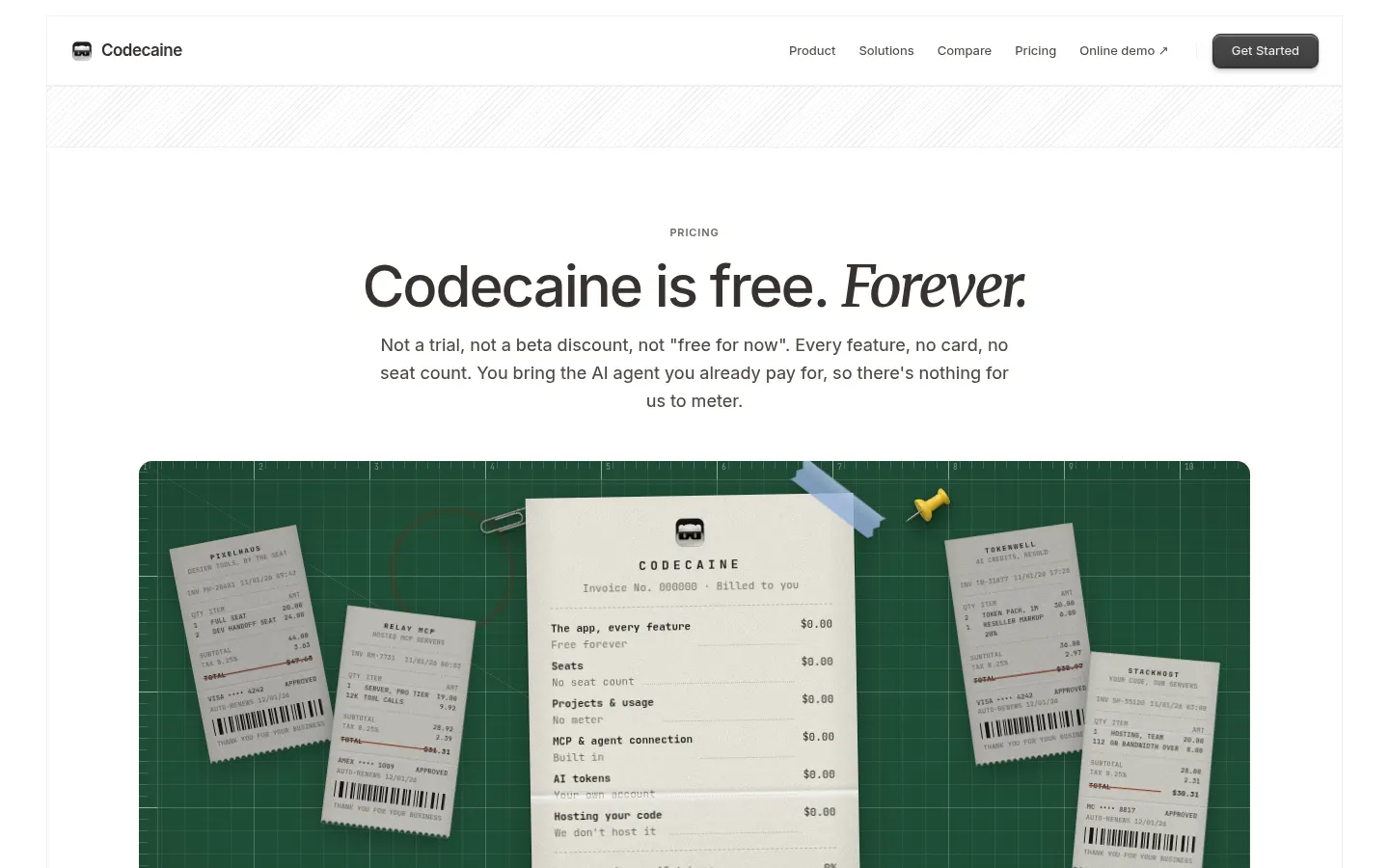
Codecaine is free forever: every feature, no card and no seat count. Checked on: 17/11/2026.
- According to the site, this is not a trial or a temporary discount.
- You bring the AI agent you already pay for (Claude Code, Codex, Cursor…), billed in USD or another currency by its own provider.
Codecaine Screenshots
Codecaine user reviews
Write a review
Checking your session...
Codecaine Reviews
Loading reviews...