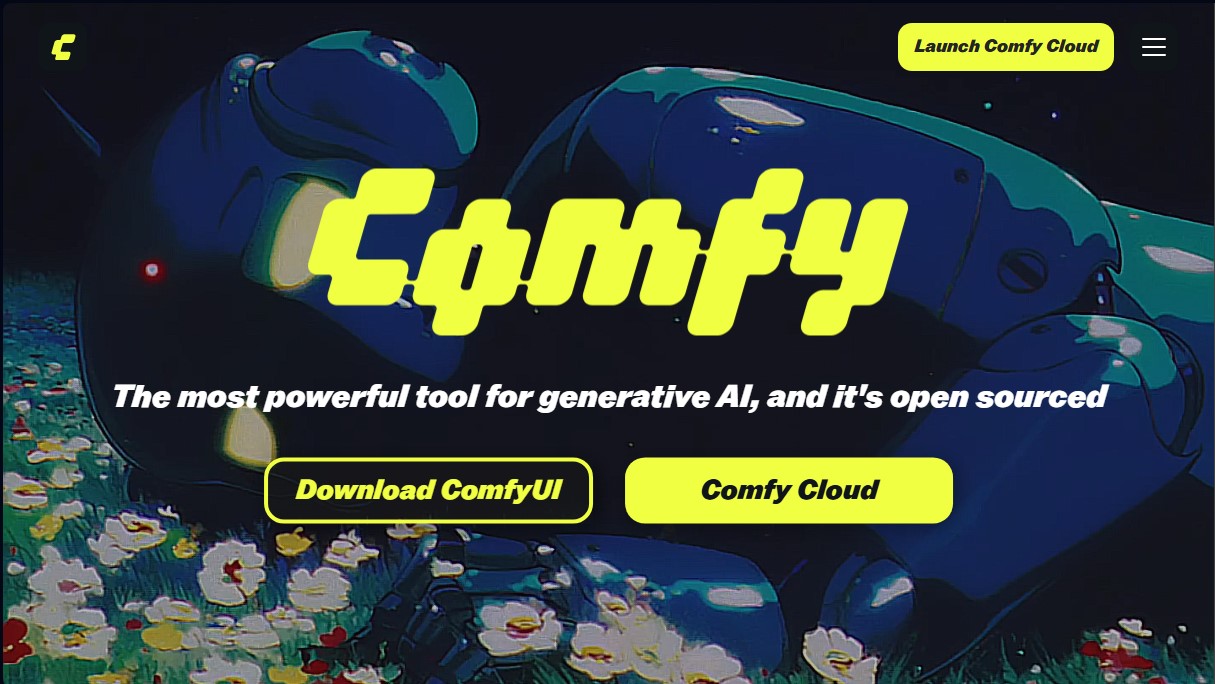
ComfyUI
Share
ComfyUI
An open-source node-based tool for building generative AI workflows. Generate images and videos with full control over every stage of the process.
General Information about ComfyUI
ComfyUI is one of the most powerful and advanced tools for generative artificial intelligence, designed as an open-source model. Unlike other linear interfaces, this application offers a node-based workspace, allowing users to build visual workflows by connecting different functional blocks on an infinite canvas. Its primary goal is to provide total control over the creative process, enabling users to branch, remix, and adjust every parameter of the AI model independently and precisely.
The technology behind ComfyUI focuses on modularity. It uses an optimized execution engine to process complex models, enabling image, video, and 3D asset generation. By operating through a graph system, users can observe how information flows from data input to the final result. One of its greatest technical advantages is the ability for local execution, which ensures privacy and maximizes computer hardware performance—especially the power of the graphics card—though a cloud version is also available for projects requiring higher computing power.
Key functional capabilities and practical benefits include:
- Total control via nodes: Enables the design of custom architectures for specific AI tasks, bypassing the limitations of traditional interfaces.
- Reusable workflows: Exported files retain metadata, allowing them to be dragged back into the interface to instantly reconstruct the entire workflow.
- Real-time previews: Facilitates rapid iteration by displaying results as adjustments are made to the nodes.
- Extensibility: Thanks to its open-source nature, users can add custom nodes developed by the community to integrate new features or next-generation models.
- Advanced compatibility: Supports cutting-edge technologies such as Kling 3.0, Hunyuan 3D 3.0 for 3D asset generation, and image upscaling tools.
This tool is ideal for designers, technical artists, game developers, and audiovisual production teams who need a professional environment for synthetic content creation. It is especially useful for those looking to implement repeatable and precise workflows, allowing for the import of custom LoRAs and the use of state-of-the-art models in a highly flexible and efficient ecosystem. Its architecture allows both individual users and production teams to reconstruct complex workflows, optimizing creation time for video generation and advanced graphic design projects.
Features and Use Cases of ComfyUI
How ComfyUI Works
Frequently Asked Questions about ComfyUI
What is ComfyUI and what is its purpose?
ComfyUI is an open-source tool designed to visually create generative AI workflows using a node-based system.
How does the node system in ComfyUI work?
This system allows you to build AI processes by connecting different blocks on a canvas, providing full control to adjust or branch out any part of the workflow.
Can I run ComfyUI locally on my computer?
Yes, the tool is designed to run locally, which allows for faster performance, lower costs, and absolute control over hardware resources.
What are the advantages of Comfy Cloud compared to the local version?
Comfy Cloud allows you to run complex workflows on powerful servers equipped with RTX 6000 Pro cards featuring 96GB of VRAM through a subscription model.
How can I share or reuse a ComfyUI workflow?
Exported images and videos include metadata that allows you to drag and drop them directly into the interface to instantly reconstruct the entire workflow.
Does ComfyUI support importing custom LoRA models?
Yes, users subscribed to the Creator or Pro cloud plans can import their own models and LoRAs from platforms like CivitAI or Hugging Face.
What is included in the Comfy Cloud free plan?
The free plan offers 400 monthly credits and allows for a maximum execution time of 10 minutes per workflow.
Can new features be added to ComfyUI?
Since it is an open-source tool, you can extend its capabilities by installing or creating custom nodes tailored to your specific needs.
How are credits consumed in the paid version?
Credits are only charged for active GPU usage while a workflow is running; therefore, time spent building the schematic does not consume your balance.
What happens if I exceed the execution time limit for a task?
If a workflow exceeds the maximum time allowed by your subscription plan, the system will automatically cancel it to ensure service stability.
ComfyUI Pricing
Free (Open Source)
0 €
- 100% open-source software for local download and execution.
- No subscription fees or usage limits imposed by the developer.
- Full control over custom node creation and workflows.
- Runs directly on user hardware.
Free (Cloud)
0 $ per month
- 400 monthly credits (approx. 35 five-second videos).
- 10-minute maximum execution time per workflow.
- Runs on RTX 6000 Pro GPUs (96GB VRAM).
- Access to over 900 pre-installed models.
- Queue up to 100 workflows.
Standard
20 $ per month
- 4,200 monthly credits with the option to purchase additional top-ups.
- 30-minute maximum execution time per workflow.
- Includes all Free plan features.
- Unused additional credits roll over for up to one year.
Creator
35 $ per month
- 7,400 monthly credits with the option to purchase additional top-ups.
- Import your own LoRAs from CivitAI or Hugging Face.
- Up to 5 seats per workspace (coming soon).
- Includes all Standard plan features.
Pro
100 $ per month
- 21,100 monthly credits with the option to purchase additional top-ups.
- Extended execution time of up to 1 hour per workflow.
- Up to 20 seats per workspace (coming soon).
- Includes all Creator plan features.
Enterprise
Contact Sales
- Volume pricing and custom compute packages with an annual commitment.
- Priority support and dedicated assistance via Slack.
- Advanced execution with concurrent processing and longer-running tasks.
- Enterprise-grade security with SSO, audit logs, and advanced access controls.
- Includes all Pro plan features.
ComfyUI Screenshots