DataLab
Share
DataLab
AI-powered cloud environment for data analysis and visualization using Python, SQL, and R. Connect databases, generate code, and build collaborative reports.
General Information about DataLab
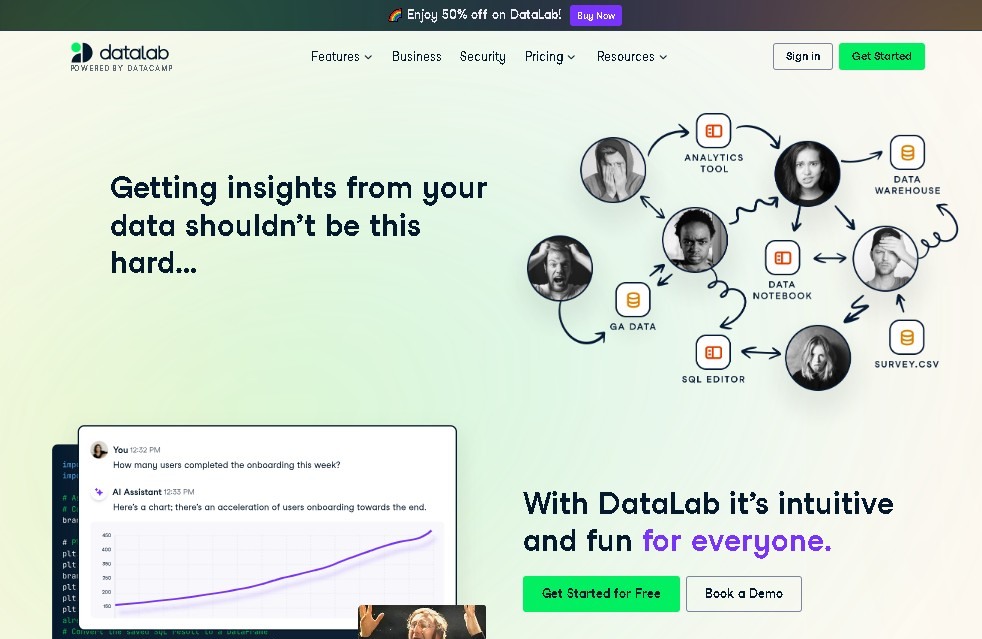
DataLab is a cloud-based data analysis environment developed by DataCamp. This tool functions as an interactive data notebook that allows users to explore, process, and visualize information directly from their browser, eliminating the need to install local software on their computer. It is designed to streamline the workflow for both beginners and data science professionals, providing a unified workspace compatible with standard programming languages like Python, SQL, and R.
DataLab's standout feature is its integration with generative AI. It uses advanced models to act as an intelligent assistant, allowing users to interact with their datasets using natural language. This AI for data analysis can automatically generate code, suggest visualizations, and perform complex analyses simply by receiving text instructions. Users have a complete development environment where they can oversee, edit, and run the code produced by the technology, ensuring total control over the results.
Regarding its integration capabilities, the platform stands out for its versatility in connecting to multiple information sources. Analysts can import local CSV or Excel files, link Google Sheets, or establish direct connections with large-scale enterprise databases such as MySQL, PostgreSQL, Snowflake, and BigQuery. This makes the tool a central hub for cloud data management, allowing users to efficiently centralize scattered information into a single point of analysis.
Its core capabilities and functional benefits include:
- AI-assisted code generation to speed up the writing of complex scripts and SQL queries.
- The ability to chat with your data to get quick answers and extract insights without needing to manually program every step.
- A collaborative environment that facilitates the creation of interactive reports and professional visualizations that can be shared with other team members.
- Scalable infrastructure with cloud computing resources (RAM and vCPUs) that adapt to each project's workload.
- Real-time synchronization for teamwork, allowing multiple users to edit and review notebooks simultaneously.
DataLab optimizes productivity by reducing the technical barriers associated with setting up traditional programming environments. As a purely web-based solution, it allows access to interactive data analysis projects from anywhere with an internet connection. Its practical approach helps transform raw data into strategic decisions through clear visualizations, making it an ideal choice for organizations looking to enhance their predictive and descriptive analysis through applied artificial intelligence tools.
Features and Use Cases of DataLab
How DataLab Works
Frequently Asked Questions about DataLab
What is DataLab and what is it used for?
It is a cloud-based environment designed to interactively explore, analyze, and visualize data using AI-powered notebooks.
Do I need to install any software to use DataLab?
No installation is necessary, as the tool runs entirely within your web browser.
Which programming languages can I use in DataLab?
The platform supports Python, SQL, and R for developing professional data science projects.
How does artificial intelligence help with analysis in DataLab?
The integrated AI allows you to automatically generate code, chat with your data to get answers, and quickly create complex visualizations.
Can I connect my own databases to DataLab?
Yes, you can connect local files, Google Sheets, and enterprise databases such as MySQL, PostgreSQL, Snowflake, or BigQuery.
What is included in the free DataLab Starter plan?
This plan offers up to three notebooks, fifteen AI interactions, and basic computing resources at no cost.
What are the benefits of the DataLab Premium subscription?
It provides unlimited notebooks and AI queries, more RAM, increased processing power, and advanced collaboration features.
Can reports created in DataLab be shared with others?
The tool makes it easy to collaboratively create reports and visualizations and share them effortlessly with other team members.
DataLab Pricing
Starter (Free)
- Up to 3 workbooks.
- 15 GPT-4o AI prompt limit.
- Limited compute resources: 4 GB RAM and 2 vCPUs.
Premium (Paid - Check official website for pricing)
- Unlimited workbooks.
- Unlimited AI prompts.
- Enhanced compute power: 16 GB RAM and 8 vCPUs.
- Collaboration tools and execution scheduling.
Teams / Enterprise (Custom Pricing)
- Includes all Premium features.
- Unlimited data integrations.
- Advanced team management and license administration.
DataLab Screenshots