Gemini Notebook
Share
What is Gemini Notebook?
Gemini Notebook is Google's AI research assistant, previously known as NotebookLM. It works like a notebook where you add your own sources, such as PDFs, documents, web pages or videos, and it answers questions using only that material, with citations that jump to the original passage.
What is Gemini Notebook used for?
It helps you study, research and make sense of long documentation. You can ask about any detail, compare sources or generate custom reports. Because answers are grounded in your sources, it is easier to check where each fact comes from than with a general chatbot.
What can it create from your sources?
- Audio Overviews: a podcast-style conversation between two voices that walks through the material.
- Video Overviews and infographics that explain processes visually.
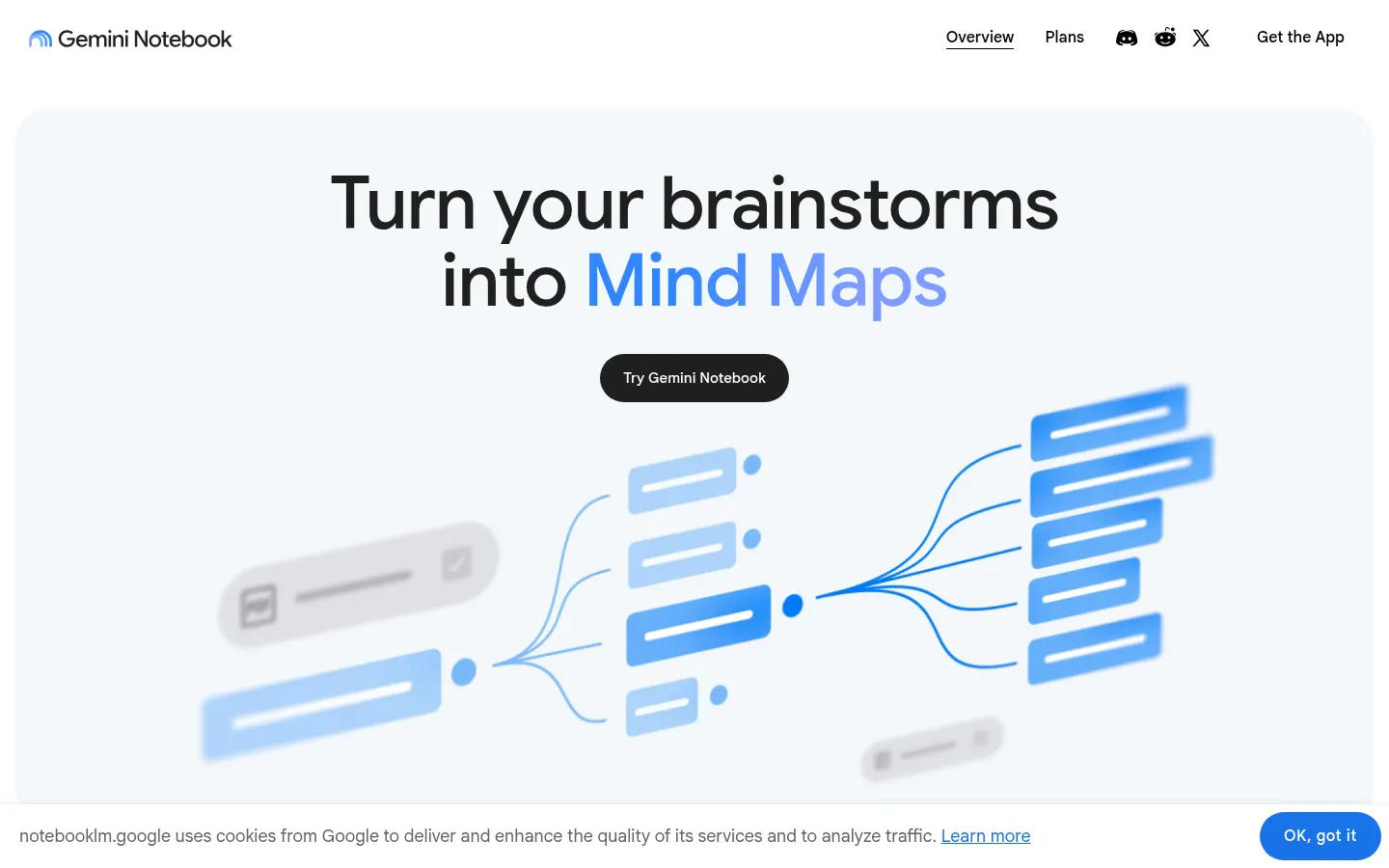
- Mind maps that organize key concepts.
- Flashcards and quizzes for exam prep.
- Slide decks and written reports.
How does it find new information?
Beyond your uploads, it can suggest material through Source Discovery or run Deep Research to gather web information inside the notebook. Notebooks can be shared or made public so others can ask questions about them.
Who gets the most out of Gemini Notebook?
Students and teachers working with notes and readings, researchers doing literature reviews, product and support teams who need quick answers from their docs, and creators who turn long text into audio or video.
Gemini Notebook pros and cons
- Pro: cited answers based on your own sources, which reduces made-up facts.
- Pro: Audio and Video Overviews are great for reviewing material.
- Pro: on work and school accounts, data is not used for model training.
- Con: there is a cap on sources per notebook depending on the account.
- Con: some new features reach English or certain countries first.
Gemini Notebook features and use cases
How to use Gemini Notebook
Gemini Notebook FAQ
What is Gemini Notebook?
It is Google's AI research assistant, previously called NotebookLM, which answers questions from the sources you upload.
Is Gemini Notebook the same as NotebookLM?
Yes. Google renamed NotebookLM to Gemini Notebook, and notebooklm.google now redirects to the new name.
Is Gemini Notebook free?
Yes, there is a standard version at no cost with a Google account. Google AI Plus, Pro and Ultra raise the limits.
Does it work in Spanish?
Yes. The chat and many generation features, including Audio Overviews, work in Spanish and other languages.
Does it have an API?
There is no general public API for individuals; businesses can use it through Google Workspace and Google Cloud.
What sources can I add?
PDFs, text documents, web pages, videos and your own notes, with a per-notebook source cap that depends on your account.
Does it use my data to train Gemini?
Not on work or school accounts. On personal accounts, data is not used for training unless you submit feedback.
What is an Audio Overview?
It is a generated two-voice conversation that explains your sources like a podcast, handy for reviewing on the go.
What are the best Gemini Notebook alternatives?
On GptZone you can compare Humata and ChatPDF for chatting with documents, and Elicit for research with academic papers.
Gemini Notebook pricing and plans
Gemini Notebook Screenshots
Gemini Notebook user reviews
Write a review
Checking your session...
Gemini Notebook Reviews
Loading reviews...