Genius Sheets
Share
Genius Sheets
Automate financial reporting by integrating QuickBooks with Excel and Google Sheets. Sync data in real time to generate dashboards and financial models.
General Information about Genius Sheets
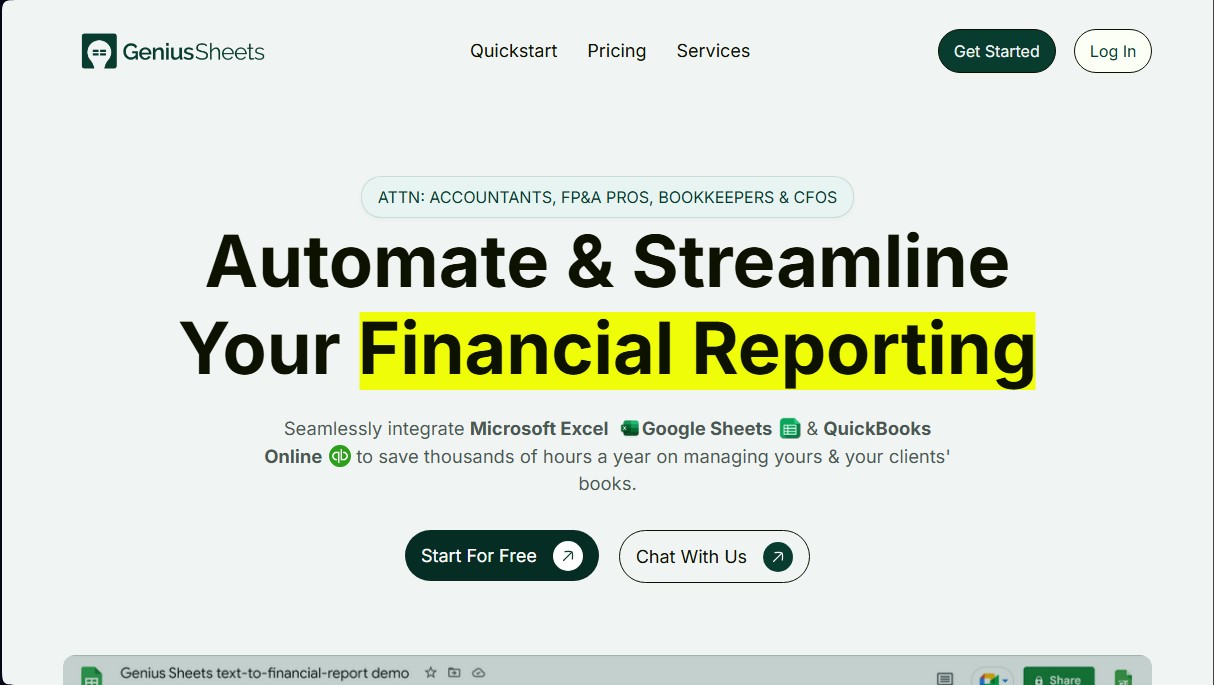
Genius Sheets is a financial reporting automation tool designed specifically for accountants, FP&A specialists, bookkeepers, and CFOs. Its primary goal is to optimize accounting management through native integration of QuickBooks Online with Microsoft Excel and Google Sheets. This solution eliminates manual data exporting and pasting, allowing financial professionals to efficiently keep their books and their clients' records up to date on their computers or via the cloud.
The platform operates through on-demand data synchronization that updates transaction-level information daily. The technical process is straightforward: after installing the add-on in the spreadsheet and granting access to the accounting account, the user can pull automated reports and build custom formulas. This ensures real-time visibility into the financial situation without relying on manual upload processes that often lead to errors or outdated information.
Key capabilities and features of Genius Sheets:
- Period-end reporting: Automates the generation of financial statements at the end of each accounting cycle.
- Real-time financial modeling: Enables building and updating complex models in Google Sheets or Excel that reflect accounting changes instantly.
- Dynamic dashboards: Creation of interactive dashboards for monitoring key performance indicators (KPIs).
- Expense drill-down: Ability to analyze each expense line item in detail directly from the spreadsheet for greater clarity.
- Consolidated reporting: Facilitates grouping data from multiple entities to obtain a global view of the business.
- Budget tracking: Setup of custom budgets with real-time alerts for variance control and debt planning.
For firms and consultancies, the tool offers the ability to manage unlimited sub-accounts, making it easy to link multiple QuickBooks connections and scale business volume with ease. Genius Sheets technology ensures financial data integrity across all platforms, providing a solid foundation for strategic advisory. By centralizing transactional information, users can generate accurate analyses and drastically reduce time spent on operational tasks, transforming conventional spreadsheets into powerful financial intelligence systems.
Features and Use Cases of Genius Sheets
How Genius Sheets Works
Frequently Asked Questions about Genius Sheets
What is Genius Sheets, and how does it help finance professionals?
It’s a tool that automates financial reporting by directly integrating QuickBooks Online with Microsoft Excel and Google Sheets.
Is Genius Sheets compatible with my existing spreadsheets?
Yes, the platform offers native integrations for both Microsoft Excel and Google Sheets, allowing you to work in your preferred environment.
Do you offer a free trial for new users?
Yes, you can access a 14-day free trial with no commitment and no credit card required.
How do I get started with Genius Sheets for my daily workflow?
First, connect your QuickBooks account through the main dashboard, then install the corresponding add-on for Excel or Google Sheets.
How many QuickBooks connections can I manage with my subscription?
The Starter plan includes one connection, while the Business plan allows for up to five connections to manage different clients or companies.
Does my report data update automatically?
Yes, the tool automatically syncs your transaction data every day, ensuring you’re always working with real-time information.
How do I cancel my monthly subscription?
You can request to cancel your plan at any time by sending an email to our official contact address.
Do you offer options for large teams or enterprise companies?
Yes, we offer custom Premium plans with usage-based pricing and volume discounts for organizations with specific requirements.
Genius Sheets Pricing
Free Trial
- 14-day trial period.
- No credit card required.
- Access to evaluate all features before committing to a paid plan.
Starter Plan - $15/mo
- 1 user included.
- 1 QuickBooks Online (QBO) connection.
- Real-time data sync.
- 20 queries per month limit.
- 20 category filters per month limit.
- Option to add additional users for $10/mo each.
Business Plan - $75/mo
- 1 user included.
- Up to 5 QuickBooks Online (QBO) connections.
- Real-time data sync.
- Unlimited monthly queries.
- Consolidated reporting.
- Unlimited category filters.
- Option to add additional users for $10/mo each.
Premium Plan - Contact Sales
- Usage-based pricing with volume discounts.
- Real-time data sync.
- Unlimited monthly queries.
- Consolidated reporting.
- Unlimited category filters.
- Custom integrations.
- Enterprise and large team plans available upon request.
Genius Sheets Screenshots