Google Workspace
Share
Google Workspace
AI-powered productivity suite for managing email, files, and video calls in the cloud. Optimizes business collaboration and data security.
General Information about Google Workspace
Google Workspace is a cloud-based productivity and collaboration platform that natively integrates generative artificial intelligence through Gemini. This professional solution allows businesses of all sizes to manage their workflow using connected tools such as Gmail, Google Drive, Google Meet, and the office suite of Docs, Sheets, and Slides. Its primary focus is to centralize communication and content creation in a secure and scalable environment, operating entirely from a computer browser or mobile device apps.
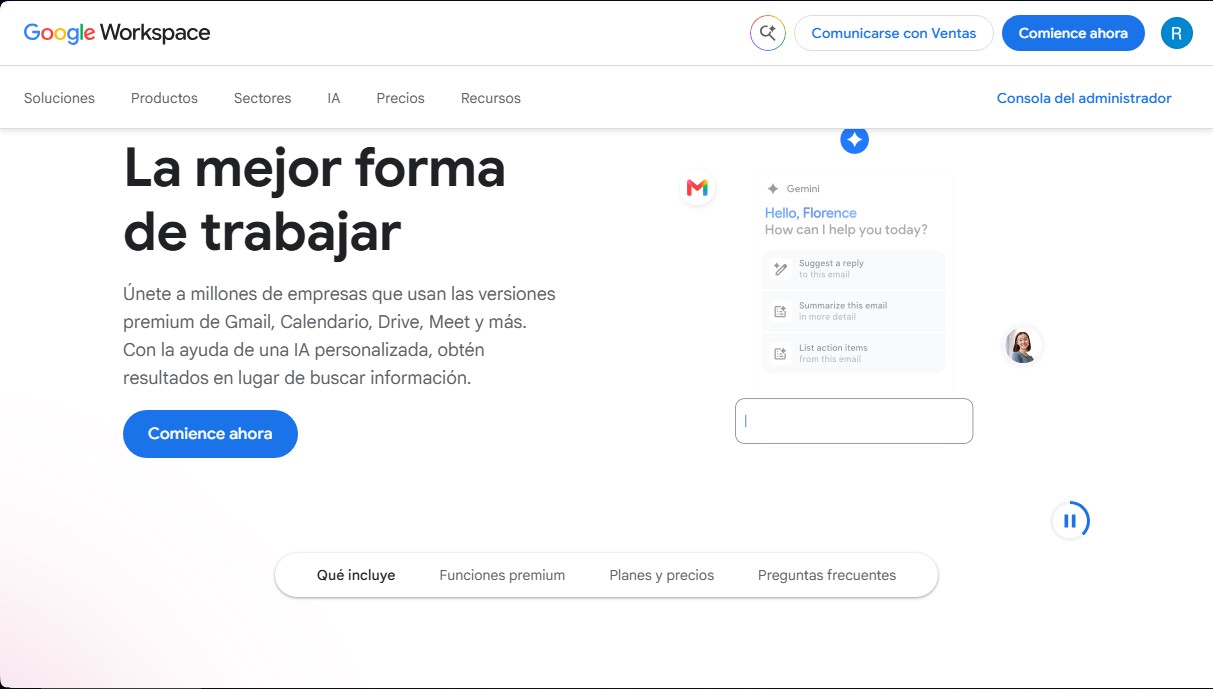
The personalized AI technology in Google Workspace acts as an intelligent collaborator that contextualizes user information to optimize daily performance. In Gmail, the Gemini assistant can summarize email threads, suggest professional replies, and automatically extract to-do lists. Meanwhile, in Google Meet, artificial intelligence improves video conference quality through noise cancellation and automatic transcription features, even allowing the AI to take meeting notes in real-time so participants can focus on the conversation.
For document and data management, the tool offers advanced creation and analysis capabilities. Gemini in Docs helps draft copy, outlines, and proposals from scratch, while in Sheets, it facilitates the organization and analysis of complex data. One of the standout features is Gemini Notebook, an AI-powered research assistant designed to process large volumes of information and generate relevant insights. Additionally, the platform includes AppSheet, which allows users to create custom applications without needing to know how to code, leveraging the organization's data ecosystem.
Security is a fundamental pillar where Google AI plays a proactive role. The system uses machine learning algorithms for threat detection and the automatic classification of sensitive data in Google Drive, helping to prevent data loss (DLP) and meet regulatory compliance requirements. Administrators have a centralized console to manage identities, devices, and enterprise-level security controls.
Google Workspace is especially useful for:
- Businesses and freelancers who require a professional email with a custom domain and brand design tools.
- Teams that need real-time collaboration on shared documents and secure cloud storage of up to 5 TB or more per user.
- Organizations looking to optimize contract management through integrated e-signatures in documents and PDFs.
- Professionals who want to automate repetitive writing, research, and schedule organization tasks using productive AI tools.
Features and Use Cases of Google Workspace
How Google Workspace Works
Frequently Asked Questions about Google Workspace
What are the main applications included with Google Workspace?
The subscription provides access to premium versions of Gmail, Drive, Meet, Calendar, Chat, Docs, Sheets, and Slides.
Can I use a custom email address with Google Workspace?
Yes, you can set up professional email addresses using your company’s domain to enhance your corporate image and build customer trust.
What benefits does Gemini AI offer in Google Workspace?
Gemini helps summarize email threads, write drafts, organize data in spreadsheets, and improve the quality of video calls.
Does Google Workspace offer a free trial?
New users can take advantage of a 14-day free trial to explore the tools before committing to a paid plan.
How does Google Workspace ensure the security of files in the cloud?
It uses enterprise-grade security controls and advanced encryption, along with AI tools that automatically detect sensitive data.
How much storage is included in the Google Workspace Business Standard plan?
This plan provides 2 TB of cloud storage per user, shared across Drive, Gmail, and Photos.
Can I migrate emails and contacts from other platforms to Google Workspace?
Yes, the platform includes migration assistants to securely transfer emails, calendars, and documents from other providers.
How many participants can join a Google Meet meeting?
Depending on your plan, video conferences can host anywhere from 100 participants in the Starter version to 500 in the Plus version.
Are there user limits for Google Workspace plans?
Business plans support up to 300 users, while Enterprise versions have no minimum or maximum user requirements.
How can I contact the Google Workspace sales team?
You can reach out to them directly through the contact option on the website for consultation on customized business plans.
Google Workspace Pricing
Free Trial
14-day free trial available for all plans.
Starter
$7 per user per month
30 GB of pooled storage per user.
Custom professional email.
Gemini AI assistant in Gmail and access to the Gemini app (AI chat).
Video meetings with up to 100 participants.
Standard security and management controls.
300-user limit.
Standard
$14 per user per month
2 TB of pooled storage per user.
Custom email with branded layouts and mail merge features.
Gemini AI integrated into Gmail, Docs, Meet, and other apps.
Access to Gemini Notebook as an AI-powered research assistant.
Video meetings with up to 150 participants, including recording and noise cancellation features.
Appointment booking pages and e-signature features.
Data migration tool included.
300-user limit.
Plus
$22 per user per month
5 TB of pooled storage per user.
Business email with eDiscovery and data retention.
Video meetings with up to 500 participants and attendance tracking.
Google Vault for archiving and searching organization data.
Advanced endpoint management and enhanced security controls.
Secure LDAP.
300-user limit.
Enterprise
Contact Sales for pricing
5 TB of storage per user with the option to request more.
Email with S/MIME encryption.
Video meetings with up to 1,000 participants and in-domain live streaming.
Data Loss Prevention (DLP) and Context-Aware Access (CAA).
AI-powered file classification in Drive.
Enhanced support with fast response times for critical issues.
No user limit.
Google Workspace Screenshots