Katalist
Share
Katalist
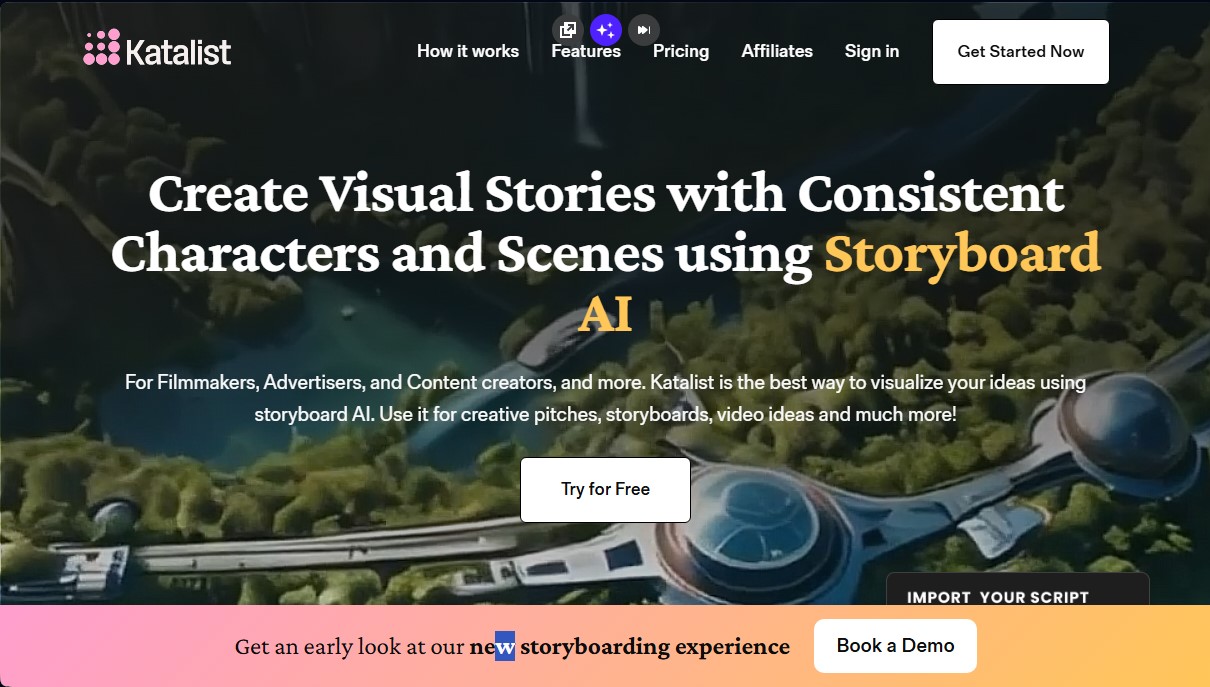
Automatically transform scripts into storyboards with consistent characters. Create scenes and videos with voice and music for filmmakers, advertisers, and creators.
General Information about Katalist
Katalist is an advanced AI storyboard platform designed to automatically transform scripts into visual narratives. This tool is geared toward filmmakers, advertising creatives, and content creators who need to visualize ideas, prepare pitches, or plan audiovisual productions efficiently. Its primary function is to act as a bridge between text and image, eliminating the need for technical drawing skills or prior experience with complex generative AI tools.
The way Katalist works stands out for its ability to process scripts in a single click. The system analyzes files in formats such as Word, CSV, or PowerPoint to automatically identify characters, scenes, and activities. Based on this analysis, the tool breaks down the content into individual shots and generates a coherent visual sequence. This approach allows pre-production times to be reduced from weeks to just a few days, optimizing the workflow on your computer.
One of the application's most relevant technical features is character consistency. By using AI actors, the platform ensures that characters maintain the same physical appearance across all storyboard frames. Users can assign specific names to models and, if they decide to change the protagonist, they can update it globally across the entire story with a single adjustment.
Functional customization capabilities include:
- Dynamic scene control: Allows for modifying a shot's environment while maintaining the composition, facilitating quick changes between different locations or time periods.
- Character posing tool: Offers precise control over model posture (e.g., jumping or raising arms) to tailor the action to the script's needs.
- Camera adjustments: Ability to define framing, angle, composition, and the use of accessories or props in every shot.
- Video conversion: The AI Video Studio module transforms storyboards into videos with automatic voiceovers, background music, and sound effects.
To facilitate professional integration, Katalist allows projects to be exported in multiple formats, including PowerPoint presentations, ZIP files, or videos. Additionally, it offers integration with Adobe Premiere Pro for users who need to continue editing in specialized software. This tool is especially useful for improving communication within film crews, allowing all departments to visualize the tone, style, and camera planning before starting physical production. The system also features an AI script assistant that helps refine the narrative before generating the final images.
Features and Use Cases of Katalist
How Katalist Works
Frequently Asked Questions about Katalist
What is Katalist, and which professional profiles is it designed for?
Katalist is an AI platform that quickly transforms scripts into visual storyboards, specifically designed for filmmakers, advertisers, and content creators.
How does Katalist maintain character consistency across different scenes?
The tool utilizes advanced AI storyboarding technology to ensure virtual actors maintain a consistent look across all frames, even allowing you to swap them throughout the entire project with a single click.
Do I need technical AI knowledge to use Katalist?
No prior AI experience is required, as the platform acts as an intuitive bridge between your creative ideas and generative technology.
Which file formats does Katalist support for importing scripts?
You can upload scripts directly in Word, PowerPoint, or CSV formats, and the tool will analyze them to generate images automatically.
Does Katalist offer an option to convert storyboards into video?
Yes, the platform features a video studio that lets you turn your storyboards into full productions complete with voiceovers, music, and sound effects.
Is there a free trial available to test Katalist’s features?
Katalist offers a seven-day free trial, allowing users to explore all its features and see how it enhances their visual storytelling process.
What customization options are available for scenes generated in Katalist?
The tool allows for in-depth adjustments of every shot, giving you control over framing, camera angles, composition, objects, and specific character poses.
How can I export and share projects created with Katalist?
You can share your work via a public link or export it locally in formats such as ZIP files, PowerPoint presentations, or video slides.
Katalist Pricing
Free Trial
- 7-day trial period available to explore the platform's features before subscribing to a paid plan.
Essential - $19.00/month
- 200 image credits per month.
- 700 video credits per month.
- 5-project limit.
- 1 custom style and 1 custom character.
- Access to AI models (Runway Gen-4, Google Veo 3.2, Kling Pro, etc.).
- Lip-sync features and AI script assistant.
- Consistent characters and AI voiceovers.
Pro - $39.00/month
- 700 image credits per month.
- 1,500 video credits per month.
- 20-project limit.
- 2 custom styles and 10 custom characters.
- Includes all Essential plan features.
- AI image editor.
- Adobe Premiere Pro integration.
Unlimited - $99.00/month
- Unlimited image generation.
- 3,000 video credits per month.
- Unlimited projects, styles, and custom characters.
- Includes 2 seats (users).
- More than 200 frames per project.
- Real-time team collaboration.
- Export in ZIP and PowerPoint (.ppt) formats.
- Includes all Pro plan features.
Enterprise - Contact for pricing
- Unlimited video credits, users, and projects.
- Scalable for large organizations.
- Export for Premiere Pro and Final Cut Pro (FCP).
- Enterprise integrations and API access.
- Dedicated 24/7 support.
- Full export in ZIP, PPT, and video formats.
Katalist Screenshots