
Share
What is Legasite?
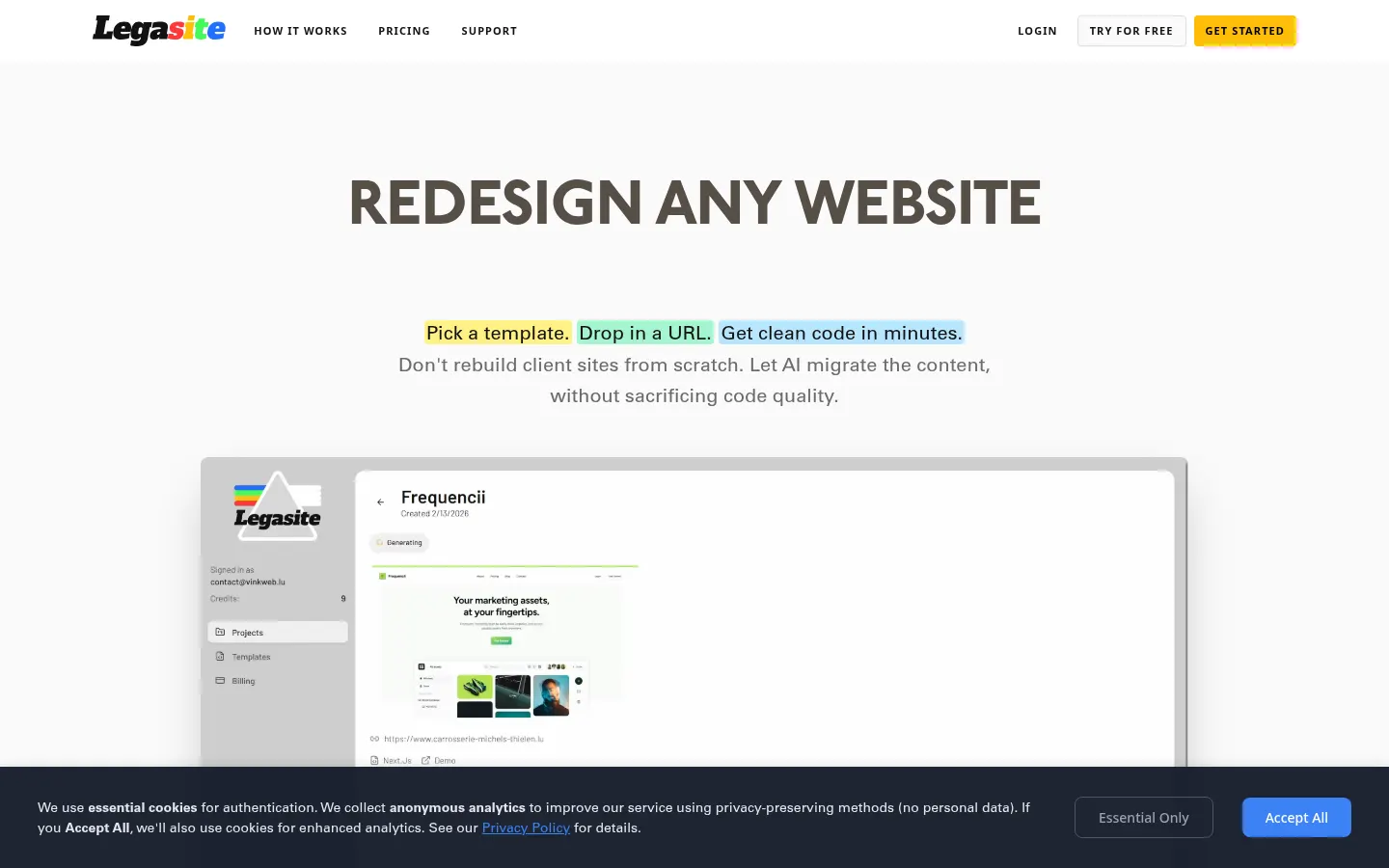
Legasite is an AI tool (built in Luxembourg) that modernizes legacy websites: it pulls content from an existing site via its URL, drops it into a professional React and Next.js template and hands you source code ready to download. It is built for web agencies, freelance developers and dev teams rebuilding client sites.
What is Legasite used for?
It removes the most tedious part of a redesign: copying text, images and structure from an old site into a new one. Instead of rebuilding from scratch, you pick a human-written template, enter the site URL and the AI handles content and image migration page by page. The site says it takes 10 to 20 minutes, plus your customization time.
How does Legasite work?
There are three steps: choose one of its templates, enter your current website URL and, after 10–20 minutes, download the code. From there you customize it and deploy anywhere, with no ongoing platform fees or lock-in to a proprietary builder. Demo runs produce a single-page preview; full projects support multi-page sites and code download. Failed builds do not use up your balance.
Who is Legasite for?
- Web agencies redesigning many client sites.
- Freelance developers who would rather spend hours on design than on copying content.
- In-house teams moving a legacy UI to React without pausing product work.
Legasite pros and cons
Compared with builders such as Framer or Wix, it delivers code you own that deploys on any host and can be edited freely. On the downside, it works from its own templates, output targets React and Next.js, usage scales with page count, and the basic account only produces single-page demos that cannot be downloaded. The site is English-only.
Legasite features and use cases
How to use Legasite
Legasite FAQ
What is Legasite?
Legasite is an AI tool that migrates content from legacy websites into modern React and Next.js templates and delivers the source code.
Is Legasite free?
You can test it with single-page demo credits; full projects and code download require a paid plan. See the pricing section.
How long does Legasite take to generate a site?
According to the official site, generation takes 10 to 20 minutes, plus your customization time.
Which tech stack does it output?
It produces sites based on React and Next.js templates, ready to customize and deploy.
Do I own the code?
You download the source code and can deploy it on any host with no platform fees, including for client projects.
How is it different from Wix or Framer?
Wix and Framer lock you into their platform; Legasite hands you your own code to edit and host wherever you like.
Does Legasite have an API?
The official site does not mention a public API; it runs from its web dashboard.
Does Legasite work in Spanish?
The interface is in English, but it migrates the original site's content as is, so a Spanish site keeps its Spanish copy.
What are the alternatives to Legasite?
On GptZone you can compare it with v0, Lovable or Framer, also used to build or rebuild websites with AI.
Legasite pricing and plans
Reference price: 20 USD / month. Source · Verified: November 15, 2026
Prices in US dollars (USD) as listed on the official pricing page. Checked on: 15/11/2026.
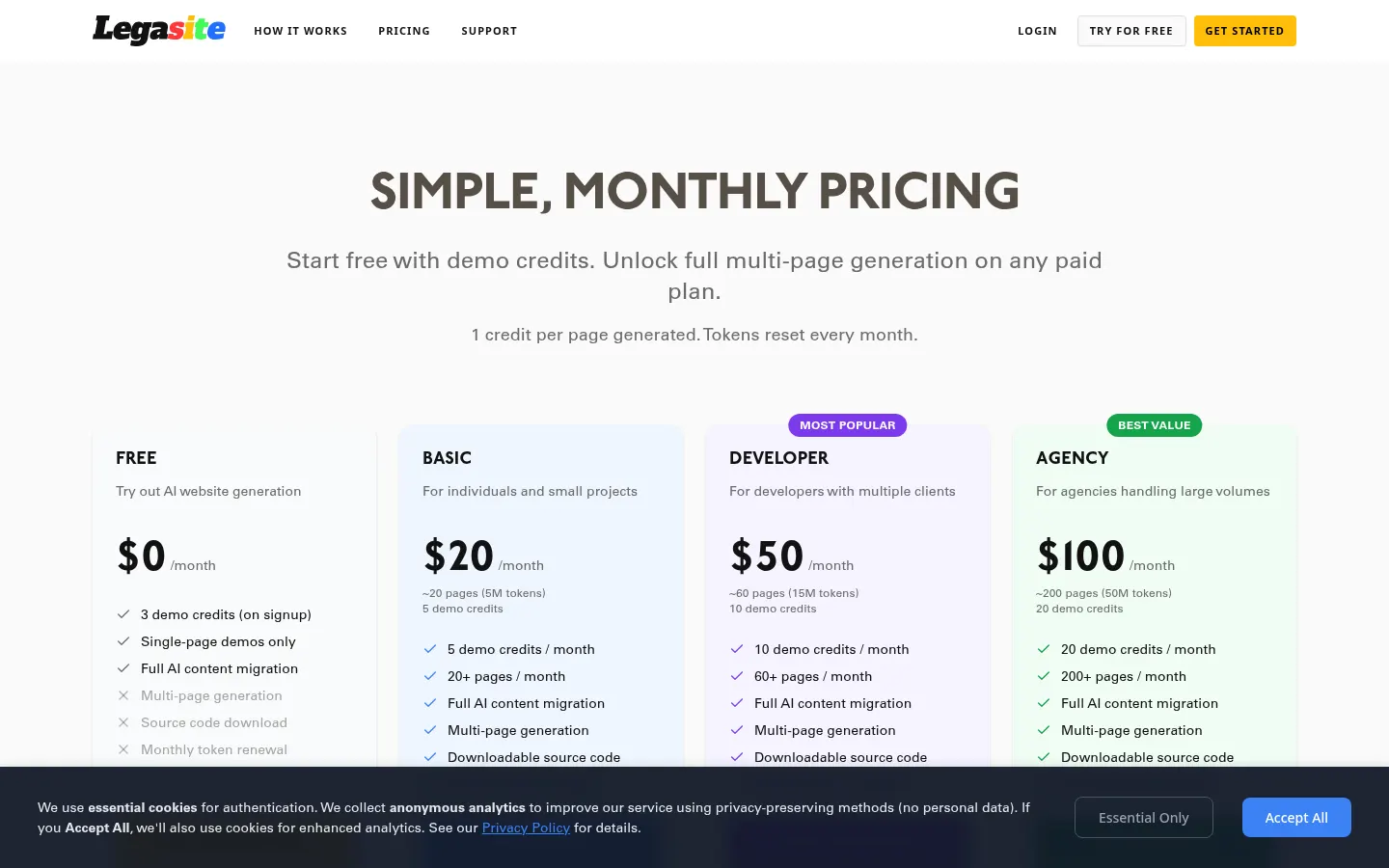
Free: $0. 3 demo credits on sign-up, single-page previews only, no code download.
Basic: $20/month. About 20 pages a month (5M tokens), 5 demo credits a month, multi-page migration and code download.
Developer: $50/month. About 60 pages a month (15M tokens) and 10 demo credits a month.
Agency: $100/month. About 200 pages a month (50M tokens) and 20 demo credits a month.
- Each page uses roughly 500K tokens; tokens reset monthly and are only deducted after a successful generation.
- The homepage also lists per-project pricing ($49 per project of up to 40 pages and a 4+1 bundle for $196).
Legasite Screenshots
Legasite user reviews
Write a review
Checking your session...
Legasite Reviews
Loading reviews...