Linkly AI
Share
Linkly AI
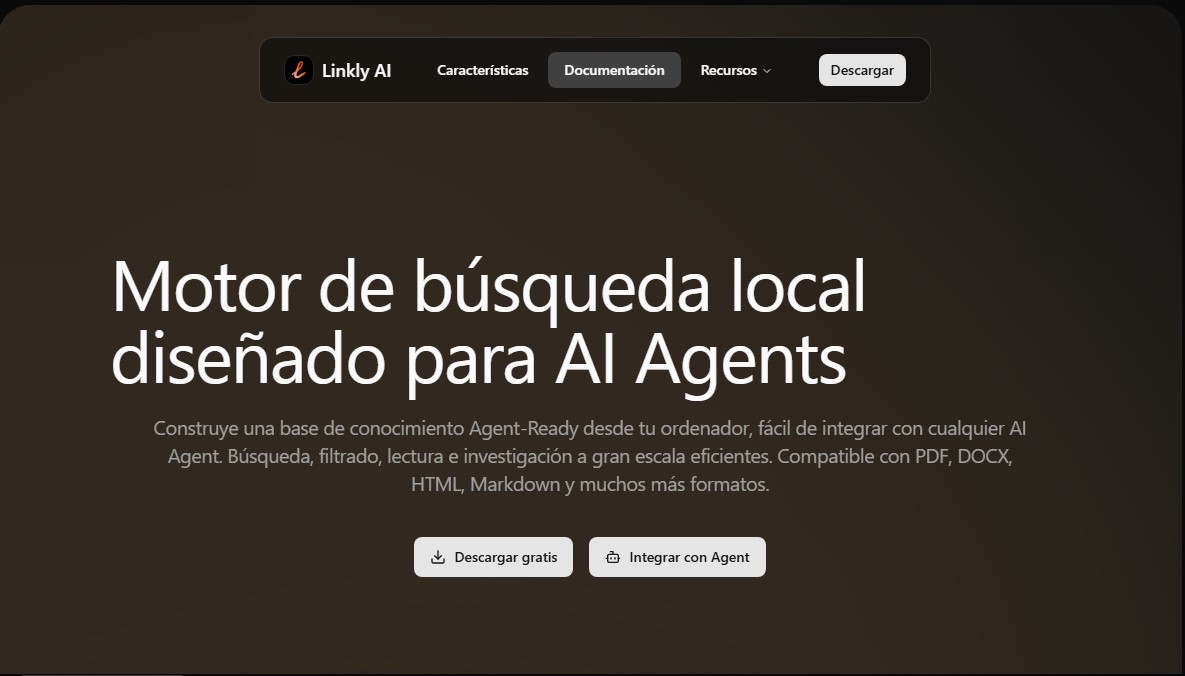
Local search engine for AI agents that builds knowledge bases on your computer. Index and query PDF, DOCX, or Markdown files with total privacy and speed.
General Information about Linkly AI
Linkly AI is a local search engine designed specifically for AI Agents and artificial intelligence assistants. Its primary function is to transform a computer's file storage into a structured knowledge base ready to be queried by language models. Unlike traditional file managers, this tool allows users and their AI agents to locate, filter, and research information at scale efficiently, without the need to manually organize folders or tags.
Linkly AI's technology is based on a semantic search engine powered by a local multilingual model. This enables natural language queries and allows users to find documents through fuzzy search in over 100 languages. The system stands out for its speed, achieving full indexing in just five minutes and delivering results in less than 0.5 seconds. By running entirely locally, it guarantees total data privacy, as files are never uploaded to the cloud or accessible to third parties.
To maximize the utility of AI assistants, the application offers advanced integration methods such as MCP (Model Context Protocol) and CLI. These tools allow document content to be progressively exposed to the AI's reasoning. One of its most innovative capabilities is the outline index, which generates a logical structure for each file so the AI agent can read relevant sections purposefully, optimizing context usage even in lengthy documents.
Key functional features include:
- Compatibility with multiple formats such as PDF, DOCX, HTML, Markdown, and TXT.
- Lightweight installer (approx. 20 MB) with minimal background resource consumption.
- Minimalist interface with full keyboard support and a global shortcut for instant searches.
- Official skills to guide AI agents through installation and daily use.
This solution is ideal for knowledge workers, researchers, and students who handle large volumes of fragmented information. Linkly AI solves common problems such as the difficulty of locating specific data within the body of a file or the inability to connect local knowledge with modern artificial intelligence workflows. It is important to highlight that it is not a chat application or conventional note-taking software, but rather a context layer that allows users to continue using their usual tools while connecting their computer's knowledge with any AI Agent securely and efficiently.
Features and Use Cases of Linkly AI
How Linkly AI Works
Frequently Asked Questions about Linkly AI
What exactly is Linkly AI, and what is it used for?
It is a local search engine designed to allow AI agents to efficiently access and analyze your personal documents.
Is my data secure when using Linkly AI?
Yes, the tool runs entirely locally, so your files are never uploaded to the cloud and are not accessible to third parties.
What file formats can Linkly AI process?
The system is compatible with a wide variety of formats, including PDF, DOCX, TXT, Markdown, and HTML, among others.
How can I integrate Linkly AI with my primary AI assistant?
You can easily integrate it using the MCP protocol or through the Command Line Interface (CLI).
How long does it take Linkly AI to index all my documents?
Full indexing is completed in just five minutes and provides semantic search results in less than half a second.
Can I perform searches in Spanish with this tool?
Yes, it features a local multilingual model that allows for semantic searching and matching in over a hundred different languages.
Will Linkly AI use a lot of my computer's resources?
No, the installer is only twenty megabytes, and resource usage is dynamically optimized to run discreetly in the background.
What is the schema index generated by Linkly AI?
It is a feature that creates a structured summary of each document so the AI can read relevant sections with a clear purpose.
Linkly AI Pricing
Free Plan - 0 €
- Fully local download and execution with no file uploads to the cloud.
- Full document indexing in approximately 5 minutes.
- Semantic queries and searches in under 0.5 seconds.
- Multilingual support for searches in over 100 languages.
- Integration with AI Agents via CLI and MCP (Model Context Protocol) protocols.
- Supports PDF, DOCX, TXT, Markdown, and HTML formats.
- Schema index creation to facilitate AI reading of long documents.
- Lightweight installer (~20 MB) with dynamic resource optimization.
For information on other potential plans or pricing updates, please visit the official website.
Linkly AI Screenshots