Lunacy IA
Share
Lunacy IA
AI-powered UI and vector design editor for prototyping.
General Information about Lunacy IA
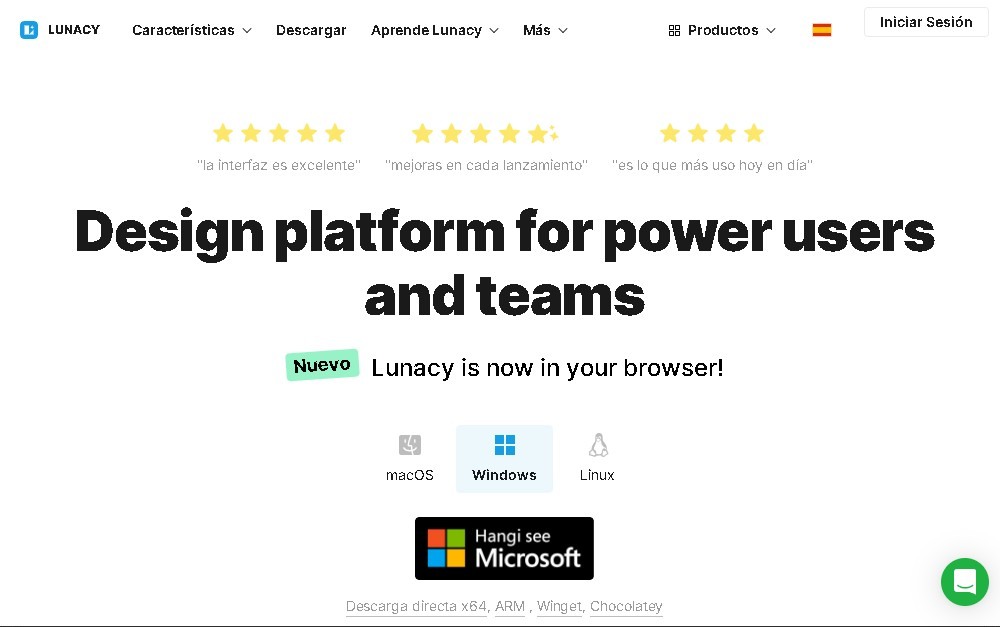
Lunacy is a professional graphic design tool specializing in UI/UX design and functional prototyping. Developed by Icons8, this software serves as a comprehensive solution for designing apps, websites, and visual assets, allowing users to work in an advanced vector editing environment. Its architecture is designed to provide a seamless experience on Windows, macOS, and Linux, standing out for its ability to function fully offline, in addition to its cloud mode.
The app’s technology integrates various artificial intelligence tools that optimize the creative workflow. By utilizing neural networks and image processing algorithms, Lunacy automates complex tasks. Key AI features include an image background remover, an avatar generator for user mockups, and an image upscaler that increases resolution without losing sharpness. Additionally, it features an automatic text generator that simplifies the creation of coherent placeholder content for interface designs.
The software is primarily aimed at UI/UX designers, web developers, and product teams seeking high interoperability. Lunacy allows users to import Figma and .sketch files, ensuring a smooth transition between different design platforms. Real-time collaboration is another key feature, enabling multiple team members to work on the same document simultaneously from their computers, with changes synced instantly.
Its most relevant technical and functional features include:
- Full vector editing for creating scalable icons, logos, and interface components.
- Prototyping and auto-layout tools that speed up screen structuring and user flows.
- Native integration with the Icons8 library, providing direct access to high-quality icons, illustrations, and photos without leaving the application.
- Cloud document management with version history to ensure project integrity.
- True cross-platform support, maintaining optimal performance regardless of the operating system.
This digital product design tool removes technical barriers by combining a powerful editor with built-in graphic resources. By automating processes through AI-driven design, professionals can focus on user experience and aesthetics, reducing time spent on repetitive manual tasks. Lunacy thus establishes itself as a versatile and efficient graphic editor for the modern web and mobile development industry.
Features and Use Cases of Lunacy IA
How Lunacy IA Works
Frequently Asked Questions about Lunacy IA
What is Lunacy and what exactly is it used for?
It is a graphic design and UI/UX software that allows you to create app and website prototypes using professional-grade tools.
Can I use Lunacy offline?
Yes. Unlike many similar tools, this software allows you to work both online and offline at any time.
Which operating systems are compatible with Lunacy?
The app can be installed and used natively on Windows, macOS, and Linux devices.
Can I open files from other design software in Lunacy?
Yes, the software allows you to import Figma files and .sketch files, so you can continue your projects seamlessly.
What AI tools are built into Lunacy?
It features automated tools for generating text, creating user avatars, removing image backgrounds, and upscaling photo resolution.
Do I have to pay to use Lunacy for professional projects?
The software offers a robust free version, though a Pro plan is available for those who need high-resolution assets and unlimited storage.
Does Lunacy allow for team collaboration on the same design?
Yes, the tool includes real-time collaboration features that make it easy for multiple designers to work together on the same document.
Lunacy IA Pricing
Free Plan – $0
- Full editor with vector design, prototyping, and AI tools.
- Access to low-resolution icons and graphics.
- 10-document cloud storage limit.
- 30-day version history.
- Attribution to Icons8 required when using graphic assets.
Pro Plan – approx. $11.99 / mo (per user, billed annually)
- Access to fully editable vector icons and illustrations.
- Professional-grade stock photo library.
- AI-powered tools: background remover and image upscaler.
- No attribution required for assets used.
- Unlimited cloud storage and full version history.
Enterprise Plan – Custom Pricing
- Advanced management for large teams and organizations.
- Granular user access control.
- Priority support and exclusive enterprise features.
Other Modular Options
- Personal Cloud: $4.99 / mo to expand storage capacity.
- Professional Team Licenses: Pricing varies based on specific limits and features required.
Lunacy IA Screenshots