Share
What is Motion?
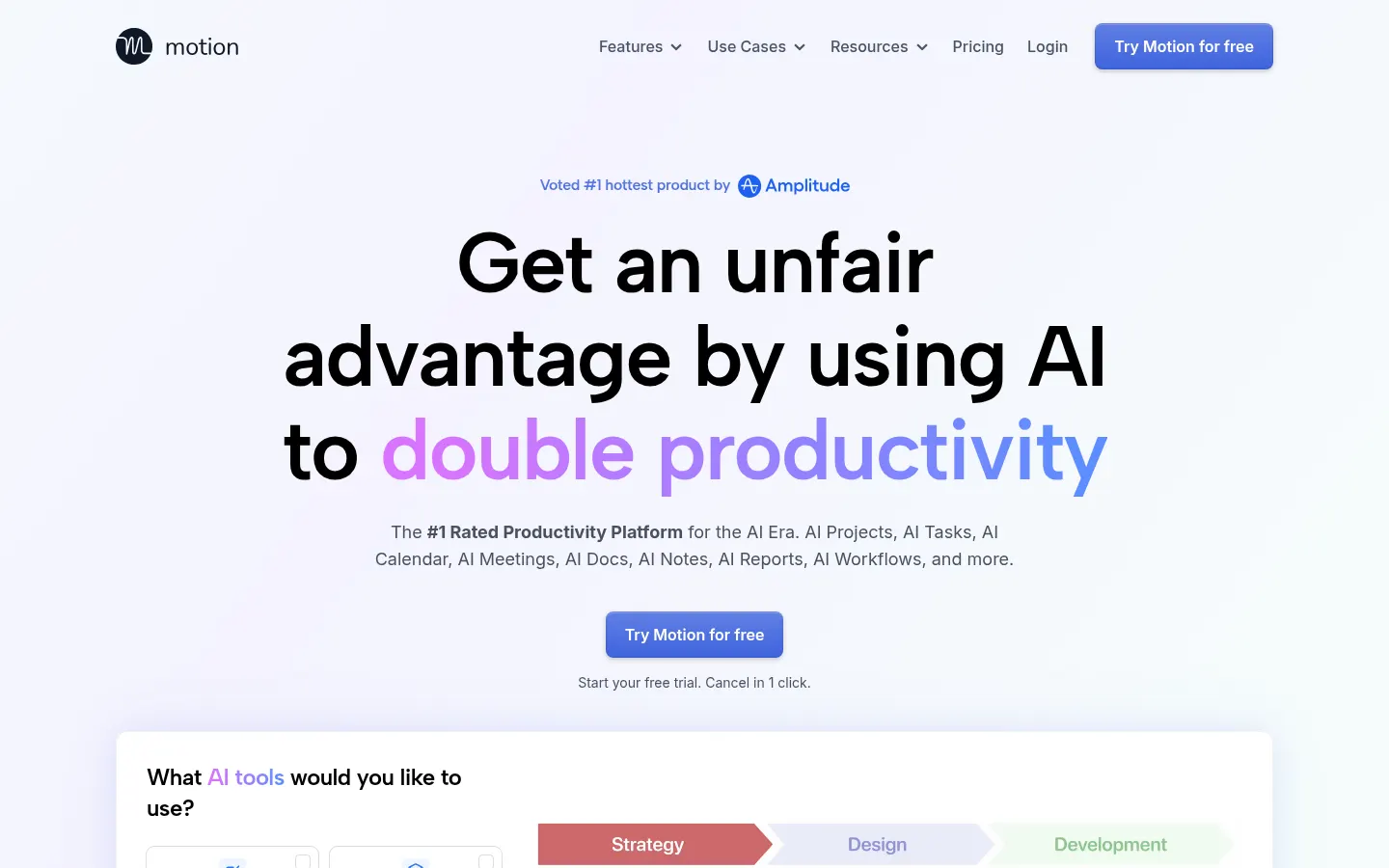
Motion is an AI productivity tool that combines an intelligent calendar, task manager, project management, docs and meeting notes in one app, built for solo professionals and teams of any size.
How does Motion schedule your day?
It weighs priorities, dependencies, deadlines and durations for each task and time-blocks them onto your calendar. When a meeting appears or a priority shifts, it reschedules automatically and warns you days ahead if a task is at risk of slipping. It merges Google, Outlook and iCloud calendars and creates booking pages so others can schedule time with you.
What else does it do with AI?
- AI projects: describe a project, attach docs and it generates tasks, stages, assignees and deadlines.
- Notetaker: records, transcribes and summarizes Zoom, Meet or Teams calls and turns action items into tasks.
- Docs and wikis with a writing assistant and search across all your work.
- SOP-based workflows: turns a process document into a reusable project template.
You can create tasks by forwarding Gmail or Outlook emails, from Slack messages or by voice with Siri, and there are apps for iOS, Android and desktop.
Motion pros and cons
Pros: it removes daily manual scheduling, puts in one place what is usually spread across several apps, and gives visibility into project progress without chasing the team. Cons: you have to trust the algorithm to decide the order of your work, adoption takes effort for teams used to other tools, and it is overkill for people who only need a simple to-do list.
Motion features and use cases
How to use Motion
Motion FAQ
What is Motion?
Motion is an AI productivity platform that combines calendar, tasks, projects, docs and meeting notes and plans your workday for you.
Is Motion free?
There is no permanent free version, but it offers a free trial. See the pricing section.
How does it decide what to work on first?
It weighs priority, deadline, duration and dependencies, and re-optimizes the plan many times a day.
Does it work with Google Calendar and Outlook?
Yes, it merges Google, Outlook and iCloud calendars into one view and prevents double bookings.
Does it take meeting notes?
Yes, its Notetaker records, transcribes and summarizes meetings and turns action items into assigned tasks.
Is it suitable for teams?
Yes, it distributes work based on each person's load and provides project progress reports.
Can I write tasks in other languages?
Yes, the interface is in English but you can write tasks and docs in any language you prefer.
Is there a mobile app?
Yes, there are iOS and Android apps in addition to the desktop and web versions.
Is it the same as motion.so or Motion Transfer?
No, Motion is the app at usemotion.com, and other tools with similar names are separate products.
What are the best Motion alternatives?
On GptZone you can compare Reclaim AI, Clockwise and Notion AI for planning and work management.
Motion pricing and plans
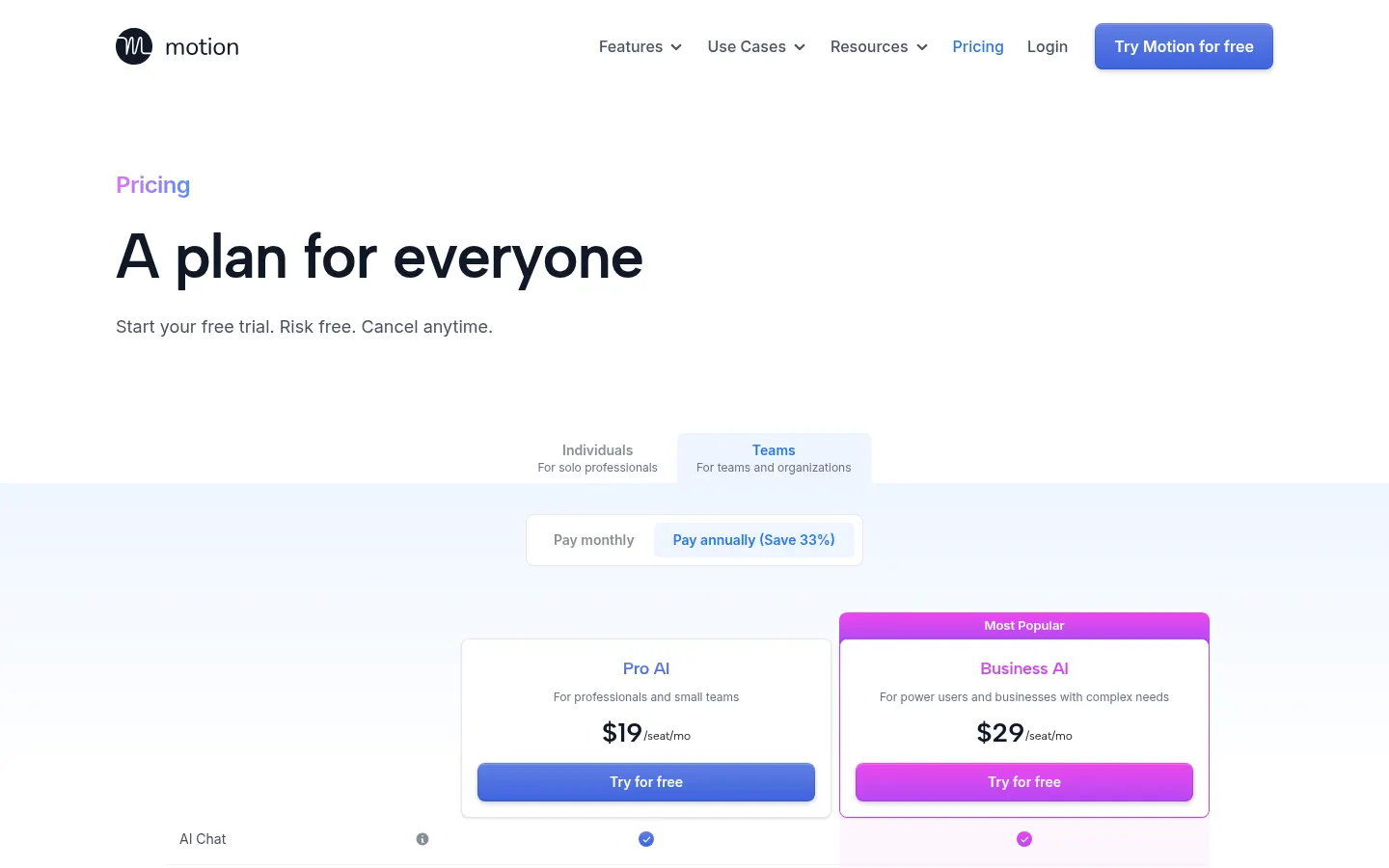
Reference price: 19 USD / month. Source · Verified: November 4, 2026
Information from the official site (Checked on: 04/11/2026). Reference currency: USD. Free trial available (0 USD) with one-click cancellation; annual billing saves up to 33%.
- Pro AI: from 19 USD per seat per month; AI chat, calendar and meetings, AI writer, unlimited storage and 7,500 AI credits (extra credits 0.25 USD per 100).
- Business AI: from 29 USD per seat per month; capacity planning, advanced reports, Gantt, time tracking, permissions, priority support and 15,000 AI credits per seat (extra 0.19 USD per 100).
- Large teams: white-glove onboarding through sales.
Motion Screenshots
Motion user reviews
Write a review
Checking your session...
Motion Reviews
Loading reviews...