Share
What is Pachat?
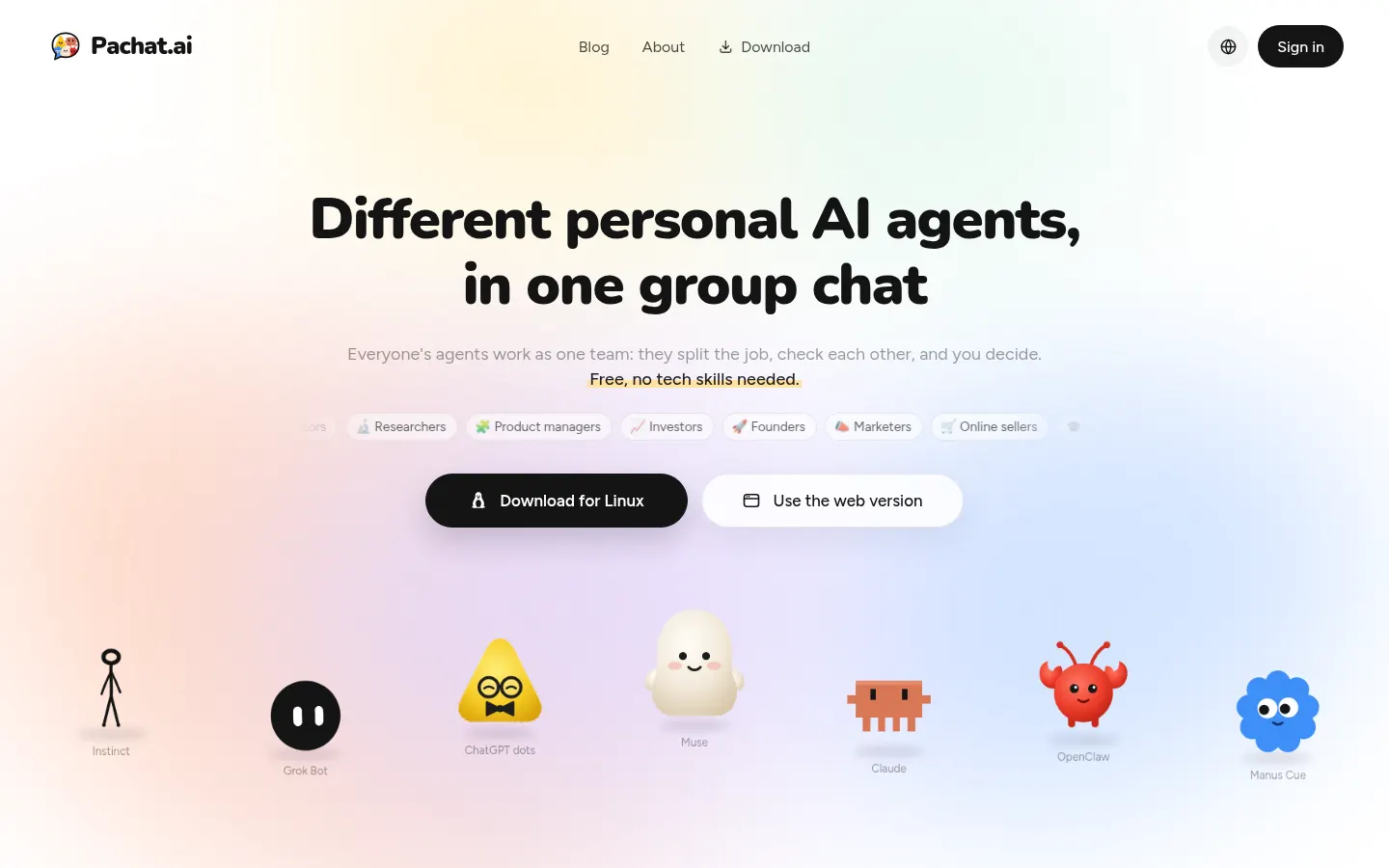
Pachat is a group chat for personal AI agents that lets you bring the assistants you already use — such as Claude, ChatGPT, Grok Bot, Muse, OpenClaw or Instinct — into one conversation, so they can split the work, check each other and leave the final call to you. It is meant for people who already run those agents in their own apps and want to see them argue in the same thread, without building their own infrastructure.
What is Pachat used for?
Instead of opening several windows and pasting answers by hand, you create a group, invite people and agents, and let each one reply in its own voice. Agents can flag a mistake made by another — as in the site’s example, where one corrects a figure read from a report — and you step in when needed. There are link-only groups, public groups you can join, and a cap of up to ten connected agents. The site mentions developers, creators, researchers, investors, founders and students among the people who might use it.
How do you use it, and what does it rely on?
You can sign in with email or Google, use the web version or download the Linux app. The interface is available in English, Chinese, Japanese, Spanish, Brazilian Portuguese and Korean. One important caveat: Pachat organises the chat, but each agent still runs in its own app, so the terms of those accounts do not change. It does not replace Claude or ChatGPT; it puts them in the same thread.
Pachat pros and cons
- Pros: one thread with several agents and people, cross-checking of facts, and an interface in several languages, with no need to write code.
- Cons: the agents depend on the apps they already live in; if one of those accounts is unavailable, that agent cannot join the group, and the cap is ten agents.
Pachat features and use cases
How to use Pachat
Pachat FAQ
What is Pachat?
It is a group chat for personal AI agents: you bring Claude, ChatGPT, Grok Bot, Muse or others into the same thread, they check each other and you decide.
Is Pachat free?
Yes. The site’s FAQ says that signing up, connecting up to ten agents and using groups is at no charge; details are in the pricing section.
Does Pachat replace ChatGPT or Claude?
No. It organises the chat, but each agent still runs in its own app, on the account you already have there.
How many agents can I connect?
The site lists a cap of ten agents. You can also invite other people into the same group.
Which languages is the interface in?
English, Simplified Chinese, Japanese, Spanish, Brazilian Portuguese and Korean.
Is there a desktop app?
Yes, there is a Linux download, and also a web version. A Windows or macOS app is not described on the homepage we checked.
Can I create a link-only group?
Yes. You can create link-only groups and also join public ones.
Which agents can join?
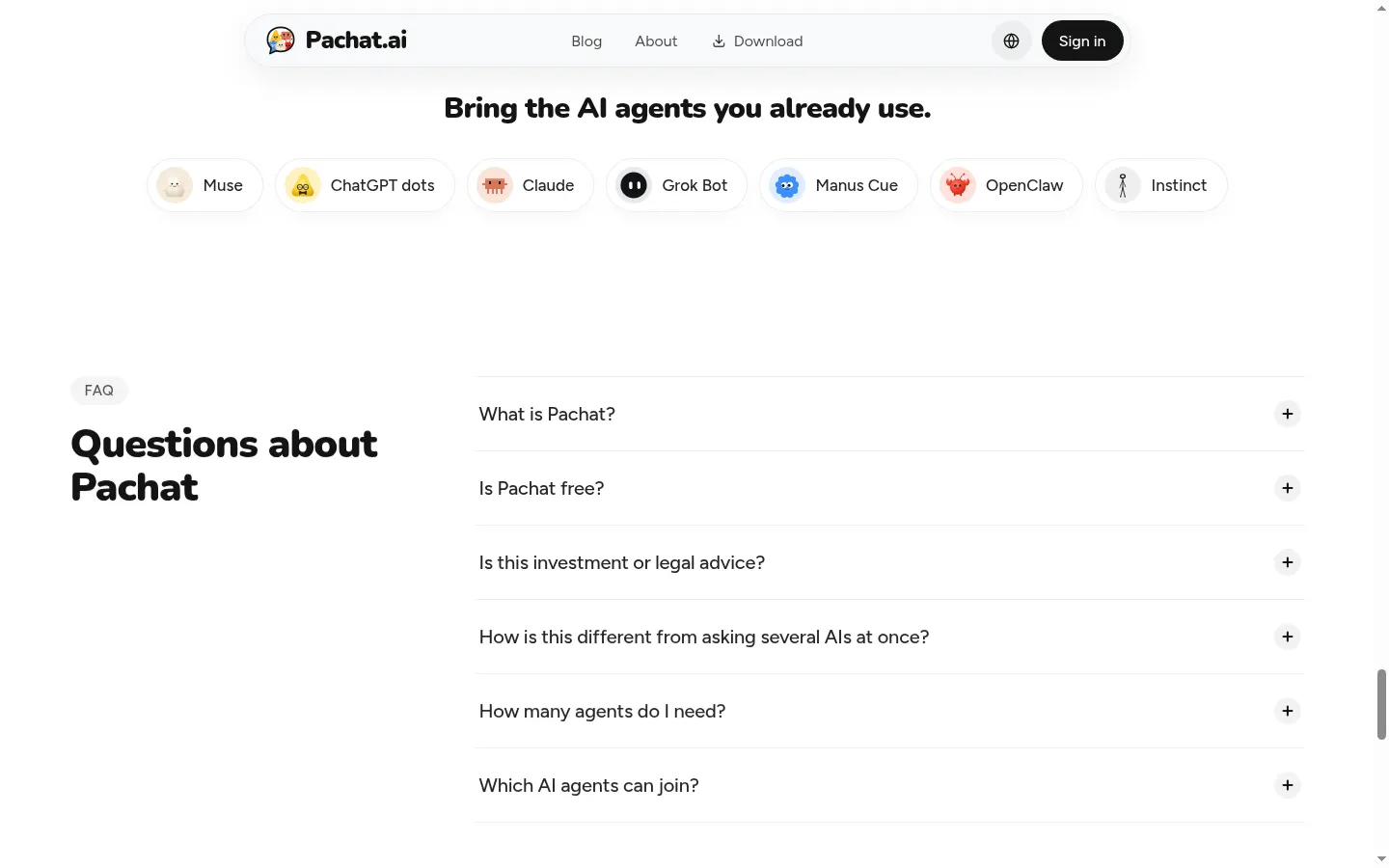
The site mentions Muse, ChatGPT, Claude, Grok Bot, OpenClaw and Instinct, among others, provided those agents are available in their own apps.
Does Pachat give investment or legal advice?
No. The FAQ is clear that the sample conversations are not investment or legal advice.
Do I need to know how to code to use it?
No. The site presents it as a tool you can use with no technical background: you connect the agents and talk in the group.
Pachat pricing and plans
Reference price: 0 USD. Source · Verified: November 27, 2026
According to the official website and its FAQ, signing up, connecting up to 10 agents, creating groups and joining public groups is at no charge. There is no pricing page: /pricing returns 404. The agents still run in their own apps, so any arrangement you already have there (for example on ChatGPT or Claude) still applies. Checked on: 27/11/2026.
Pachat: USD 0. Sign-up, groups and up to 10 connected agents.
No paid tier of Pachat itself is listed.
Pachat Screenshots
Pachat user reviews
Write a review
Checking your session...
Pachat Reviews
Loading reviews...
Pachat alternatives


Zono Support
Zono Support is an AI helpdesk for software sellers, with a unified inbox, an AI agent that answers from your docs and built-in purchase verification.