PhotoRefix
Share
PhotoRefix
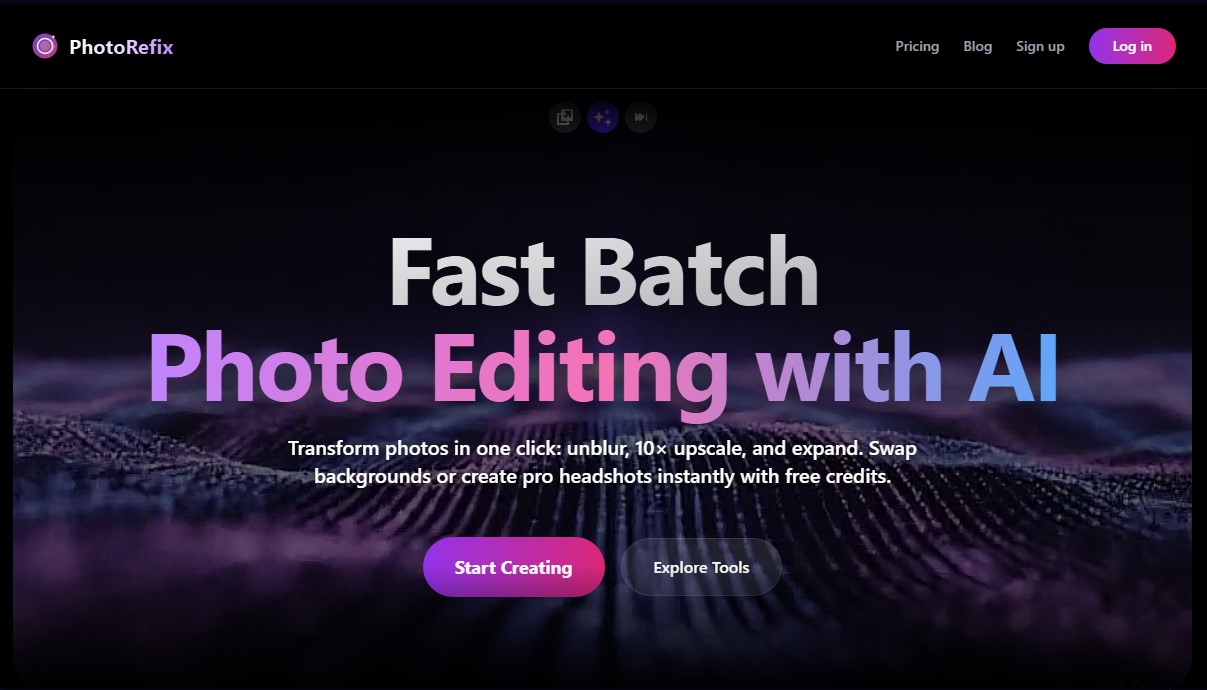
Batch edit photos with AI to sharpen, upscale, remove backgrounds, and expand images. Create professional portraits and instantly enhance clarity.
General Information about PhotoRefix
PhotoRefix is an all-in-one AI photo editing solution designed to optimize and transform images efficiently and at scale. This tool specializes in batch processing, allowing photographers, designers, and individual users to apply advanced enhancements with a single click. Its technical architecture utilizes deep learning algorithms to perform restoration, upscaling, and visual content generation tasks with professional, high-quality results.
The platform's functionality is divided into several key capabilities that address common digital photography issues:
- Unblur & Sharpener: This feature corrects motion blur and camera focus issues. The AI reconstructs lost details and reduces noise, achieving crisp, sharp images.
- 10X Upscaler: Allows for image upscaling up to ten times its original size without any loss in quality. It is an essential tool for converting low-resolution files into formats suitable for printing or viewing on high-density displays.
- Magic Expand: Using generative fill, this option allows users to extend the borders of a photograph to adapt the image to different aspect ratios, creating a seamless and natural environment.
- Pro Headshots: Transforms standard selfies into studio-quality professional portraits, adjusting lighting, attire, and backgrounds for LinkedIn profiles or corporate environments.
- Remove Background: Offers precise subject extraction, even in complex areas like hair, facilitating the creation of images with transparent backgrounds for e-commerce.
PhotoRefix technology stands out for its ability to interpret context, applying realistic shadows and a consistent perspective when using the background replacement feature. Furthermore, the workflow is highly streamlined: the user uploads their files and the AI processes the requests automatically, allowing for individual downloads or compressed files for batch work.
In terms of accessibility and security, the application is fully optimized for use on both mobile and desktop, ensuring a smooth experience from any device. Privacy is a core pillar of the service, as the system automatically deletes images from its servers once the user has completed the download of their edited files. This tool is especially useful for those looking to enhance their social media aesthetic, create marketing materials, or restore old photographs with professional precision.
Features and Use Cases of PhotoRefix
How PhotoRefix Works
Frequently Asked Questions about PhotoRefix
Can I try PhotoRefix for free?
Yes, you can use free credits to try any tool without needing to enter your credit card information.
What happens to the images I upload to PhotoRefix?
Your privacy is our priority, which is why we automatically delete photos once you have successfully downloaded them.
How does the credit system work?
Each process consumes credits based on the complexity of the task performed by the AI on each image.
Can I use the tool on a mobile phone?
PhotoRefix is fully optimized for mobile devices so you can edit your photos anytime, anywhere.
Do unused credits roll over to the next month?
No, credits reset at the beginning of each billing cycle and do not carry over to the following month.
What happens if I decide to cancel my paid plan?
You will continue to have access to your credits until the end of the current billing period, after which your account will revert to the free plan.
What does the PhotoRefix Magic Expand feature do?
This option allows you to intelligently expand the edges of an image to fit different formats or social media platforms without losing quality.
Can I improve the resolution of old photos with PhotoRefix?
Yes, the upscaler allows you to increase the resolution of your images up to ten times their original size while preserving all details and textures.
PhotoRefix Pricing
Free Plan
$0 per month
- 5 monthly credits to process up to 5 images per month.
- 1 image per batch.
- Slow processing queue.
- Individual photo downloads.
- No watermarks.
- Email notifications.
Lite Plan
$9.90 per month ($8.30/mo with annual billing)
- 200 monthly credits to process up to 200 images per month.
- Up to 10 images per batch.
- Standard processing queue.
- Standard ZIP file downloads.
- No watermarks.
- Email notifications.
Pro Plan
$19 per month ($9.50/mo with annual billing)
- 400 monthly credits to process up to 400 images per month.
- Up to 25 images per batch.
- Priority processing queue.
- Instant ZIP batch downloads.
- Link recovery from history.
- No watermarks.
- Email notifications.
PhotoRefix Screenshots