Text Blaze
Share
Text Blaze
Optimize your writing with keyboard shortcuts and dynamic templates. Automate repetitive text and create custom snippets to save time on any website.
General Information about Text Blaze
Text Blaze is a productivity tool designed as a Google Chrome extension, primarily aimed at eliminating repetitive typing through smart templates and automation. This application allows users to create text fragments, known as snippets, which are instantly activated by typing a custom keyboard shortcut in any text field. It is an ideal solution for both individual professionals and teams looking to optimize their computer workflow, ensuring speed and precision in digital communication.
The functionality of this text expander is based on an auto-replacement system. The user defines a short command and, when typed into platforms such as Gmail, Google Docs, LinkedIn, or Salesforce, the tool replaces it with the full content of the template. This technology is not limited to static text; it uses a dynamic templates approach that allows for advanced customization. Through forms with variable fields, users can input specific data at the moment of insertion, streamlining the drafting of personalized messages without losing manual control.
Among its most notable technical capabilities are:
- Workflow automation: Simulates clicks or keystrokes to automate actions within web pages.
- Dynamic formulas: Performs automatic calculations, such as taxes or due dates, directly within the text snippet.
- Conditional logic: Uses "if/then" rules to adapt snippet content based on the context or input provided.
- Business collaboration: Creation of shared folders that act as a centralized message database, ensuring the entire team uses consistent and up-to-date communication.
Text Blaze stands out for its versatility, being compatible with any website visited via Chrome. Its implementation helps drastically reduce manual errors and improves operational efficiency, allowing users to save an average of 28 hours per month on repetitive writing tasks. Additionally, the tool facilitates the creation of repeatable processes by integrating external data, making it an advanced writing assistant for support, sales, or administrative management departments.
By using this extension for macros and canned responses, teams achieve total consistency in their messaging, as any update to a shared template automatically syncs for all members. This eliminates the need to search for and copy text from other documents, establishing Text Blaze as an efficient and scalable communication infrastructure for any professional environment.
Features and Use Cases of Text Blaze
How Text Blaze Works
Frequently Asked Questions about Text Blaze
What is Text Blaze, and how does it help me save time?
Text Blaze is a Google Chrome extension that lets you create smart text templates to automate your writing and eliminate repetitive mistakes.
Does Text Blaze work in apps like Gmail or Salesforce?
Yes, the extension is compatible with any website or platform you use within the Google Chrome browser.
How do I trigger the templates I’ve saved?
You assign a short shortcut to each snippet; when you type it, the full text automatically appears on your screen.
Can I use Text Blaze for free?
Yes, there is a "free forever" plan available that allows you to create snippets and try out the tool's basic features.
Can I collaborate with other users to create messages?
The tool allows you to create shared folders so multiple team members can use and update the same templates in real time.
What are forms within Text Blaze templates?
They are editable fields you can fill out whenever you insert a snippet to quickly personalize names or specific details.
Is it safe to use this tool for my daily work?
Text Blaze is a reliable tool used by over 700,000 people and has excellent ratings on the Chrome Web Store.
What are the benefits of the Business plan for companies?
This plan includes centralized user management, team-wide usage statistics, and advanced collaboration tools.
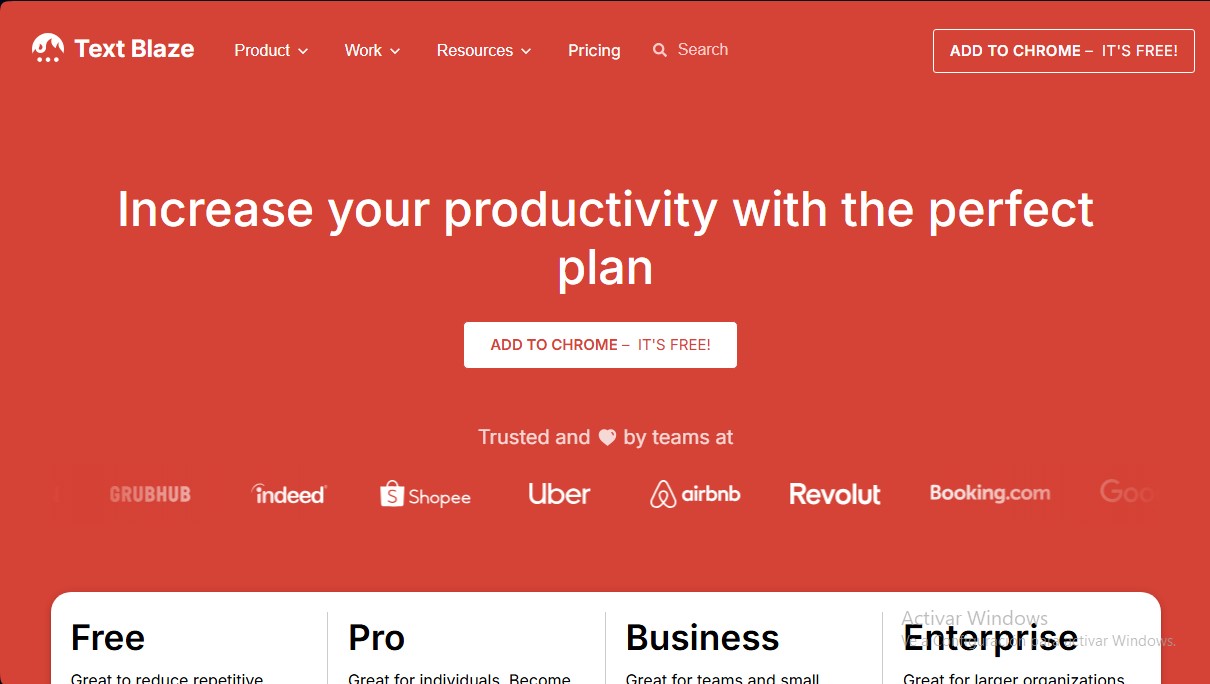
Text Blaze Pricing
Free
0 $ per month forever. Ideal for reducing repetitive typing and trying out the tool.
- Limited snippets (text fragments).
- Limited snippet sharing.
- Form field trial.
- Autopilot (automated on-page actions).
- Access to Data Blaze.
Pro
2,99 $ per month (billed annually) or 3,49 $ (billed monthly). Tailored for individual users looking to maximize their productivity.
- Includes everything in the Free plan.
- Double the snippet sharing capacity.
- Full access to form fields.
- Insert images and tables into snippets.
- Dynamic rules (if/then conditionals) in snippets.
- Use and update Data Blaze data within snippets.
Business
6,99 $ per user per month (billed annually) or 8,39 $ (billed monthly). Designed for teams and small businesses.
- Includes everything in the Pro plan.
- Unlimited snippet sharing.
- Centralized user and role management.
- Advanced collaboration features.
- Team folders and default folders.
- Custom user properties.
- Org-level usage reporting and analytics.
Enterprise
Custom pricing upon request from the sales team. Geared toward large organizations.
- Includes everything in the Business plan.
- High-touch priority support.
- User training.
- Implementation consulting.
- Custom feature development.
- Additional billing options.
- SAML SSO and SCIM provisioning.
- Additional user management tools.
- Event audit logs.
- Custom usage reports.
Text Blaze Screenshots