TrackSensei
Share
TrackSensei
Analyze Ableton projects and audio files with AI for mixing, arrangement, and frequency balance tips tailored to various electronic genres.
General Information about TrackSensei
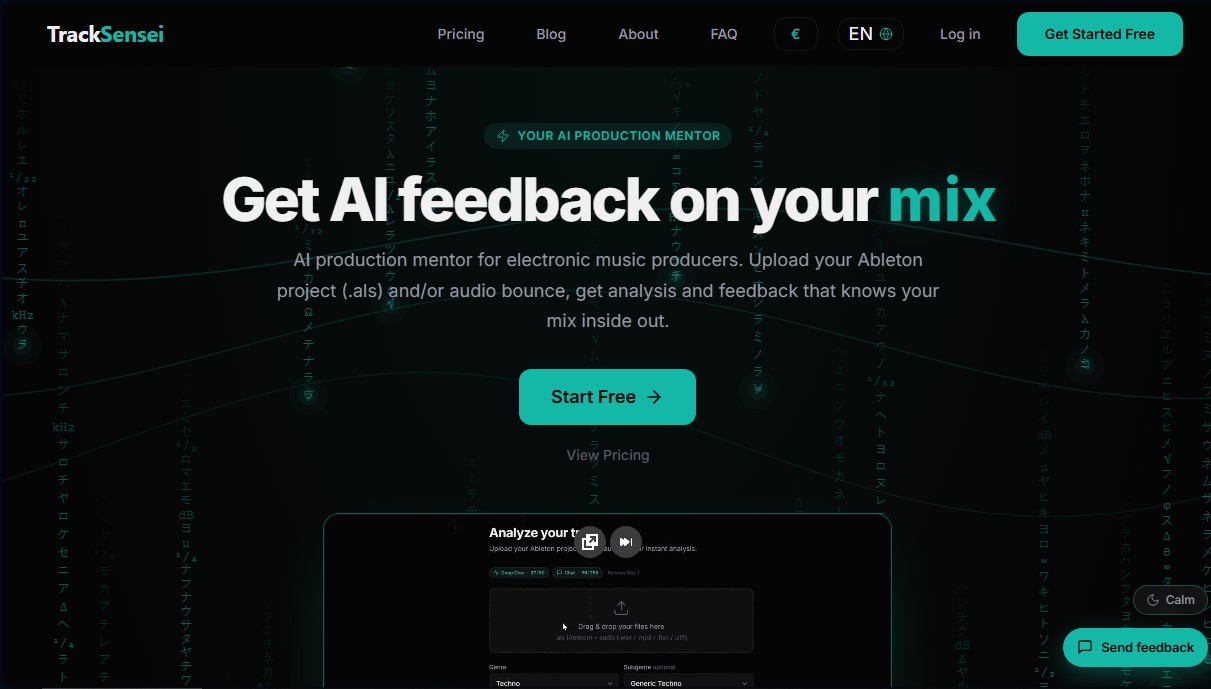
TrackSensei is an AI music production mentor designed specifically for electronic music producers looking to perfect their tracks. This tool acts as an advanced technical assistant that analyzes both finished audio files and Ableton Live (.als) projects to provide an in-depth evaluation of mix quality, structure, and sound design. Its primary function is to provide an objective, technical diagnosis when a producer is experiencing ear fatigue or needs a precise second opinion on their work at the computer.
The functionality of TrackSensei is based on a dual-analysis technology unique to the market. Unlike other generic AI tools, this platform doesn't just process final audio in formats like WAV or MP3; it is also capable of interpreting the internal architecture of Ableton files. This includes analyzing effect chains, signal routing, sidechain configurations, MIDI patterns, and automation. By cross-referencing this data, the AI offers extremely specific mix feedback, allowing the user to know exactly which instrument or channel is causing a conflict in a specific bar.
The tool's core capabilities are organized into several functional pillars:
- Mix and Balance Analysis: A detailed evaluation of the relationship between critical elements like the kick and bass, detection of frequency masking, and monitoring of multiband stereo correlation.
- Production Scores: The system rates the project from 0 to 100 in key categories such as Mix Balance, Arrangement, Dynamics, and Groove.
- Subgenre Diagnosis: It features over 69 specific profiles (Techno, House, Drum & Bass, etc.). The AI adjusts LUFS targets, spectral balance, and composition rules according to the standards of the selected musical style.
- Interactive AI Chat: A virtual mentor that knows every detail of the project and answers questions on how to improve harmonic progression or transient punch.
For users seeking professional results, TrackSensei streamlines decision-making by identifying issues based on severity levels. It allows producers to correct common flaws, such as energy buildup at 400 Hz or poorly adjusted compression attacks. Additionally, the stem analysis feature enables the diagnosis of consistency between specific groups of tracks.
Regarding technology and privacy, the system uses advanced models for data processing without training its algorithms on users' music, guaranteeing the confidentiality of their work. It is an essential AI audio analysis solution for producers who want to elevate the standard of their productions before sending them to mastering or to record labels.
Features and Use Cases of TrackSensei
How TrackSensei Works
Frequently Asked Questions about TrackSensei
What is TrackSensei and how can it help me with my electronic music productions?
It is an AI-powered production mentor that analyzes your audio files and Ableton projects to provide specific advice on mixing, arrangement, and structure.
What file types can I upload to TrackSensei for analysis?
You can upload Ableton Live project files (.als) and audio files in WAV, MP3, FLAC, AIFF, or OGG formats to receive a detailed diagnosis.
Do I need to use Ableton Live to benefit from TrackSensei's features?
It’s not mandatory, but it is recommended. While the most in-depth analysis is achieved by combining an .als file with audio, you can still receive valuable feedback by uploading only your audio file.
How does TrackSensei guarantee the privacy of my music and data?
Your files and conversations are protected because we use the Anthropic API, which does not train its models on user data. This ensures that you always maintain full ownership of your music.
Does TrackSensei tailor its feedback to my specific musical genre?
Yes. The tool features profiles for 12 main genres and 69 subgenres, adjusting loudness targets, spectral balance, and stereo rules based on your selected style.
Can I try TrackSensei for free before signing up for a paid plan?
Yes. We offer a free version that includes approximately two full "track journeys" per month, allowing you to experience the power of the analysis with no commitment or credit card required.
What detailed technical information does TrackSensei provide about my mix?
You will receive production scores across four key pillars—mix quality, loudness, frequency balance, and arrangement—along with actionable suggestions to improve each section.
What is a "track journey" in TrackSensei’s plans?
A track journey consists of one in-depth file analysis combined with approximately six AI chat queries to resolve specific questions about that project.
Does TrackSensei support the analysis of individual tracks or stems?
Yes. The Ultimate plan allows you to upload two to four stems to get a precise diagnosis of kick-bass conflicts, sidechain consistency, and frequency masking.
TrackSensei Pricing
Free
0 € forever
25,000 feedback tokens per month (approx. 2 full "track journeys" or up to 7 quick analyses).
Production scores and genre-specific feedback.
Limit of 1 project per month with up to 3 track versions.
Pro
12 € per month
150,000 feedback tokens per month (approx. 12 full "track journeys" or over 40 quick analyses).
Advanced AI feedback.
Priority processing.
Ultimate
29 € per month
400,000 feedback tokens per month (approx. 32 full "track journeys" or over 110 quick analyses).
Expert AI feedback.
Includes stem analysis (individual tracks).
"Boosters" available to purchase extra tokens.
Early access to new features.
TrackSensei Screenshots