Twitter Bookmarks
Share
Twitter Bookmarks
Manage X bookmarks with AI to organize by category, search quickly, and export to CSV or JSON. Optimize your saved content management.
General Information about Twitter Bookmarks
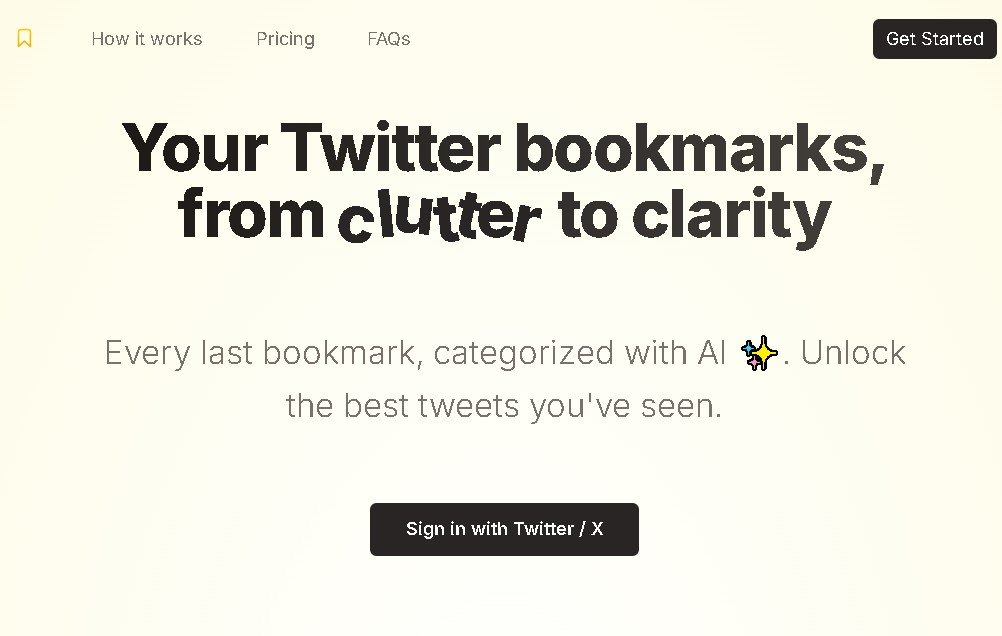
Twitter Bookmarks is an independent online platform designed to transform bookmark management on the X (Twitter) social network. Its primary function is to offer an advanced organizational system that overcomes the limitations of the native interface, allowing users to import and centralize all their saved tweets in a structured and efficient environment. This tool is essential for professionals who use the social network as a source of technical or professional documentation, such as researchers, content creators, or journalists who need quick access to their saved references from their computer.
The functionality of Twitter Bookmarks is powered by natural language processing technologies, integrating models like GPT-4 for intelligent content classification. This AI for managing Twitter bookmarks automatically analyzes the text of imported tweets to group them by topic or logical category. Thanks to this system, users can skip manual tagging, as the application autonomously structures the content library to facilitate the extraction of insights and informational value.
Key technical and functional features include:
- Bulk import of bookmarks directly from the user's account with seamless synchronization.
- Automatic AI organization, which classifies tweets by topics of interest and relevance.
- An advanced search engine to quickly locate specific information within the history of saved items.
- Data export in standard formats like CSV and JSON, allowing for the integration of bookmarks into other productivity apps such as Notion, spreadsheets, or external databases.
- An optimized viewing interface that improves readability and visual scanning compared to the original mobile or web app.
The practical utility of Twitter Bookmarks lies in its ability to convert a cluttered list of posts into a structured knowledge archive. By enabling the backup and export of Twitter bookmarks, it ensures that valuable information remains accessible and organized outside the social network itself. It is an AI-powered productivity solution ideal for those looking to optimize their workflow, prevent the loss of relevant data, and maintain a perfectly categorized digital repository for future use in research or creative projects.
Features and Use Cases of Twitter Bookmarks
How Twitter Bookmarks Works
Frequently Asked Questions about Twitter Bookmarks
What exactly is Twitter Bookmarks and what is it for?
It is a third-party tool that allows you to organize, search, and manage your Twitter bookmarks with much more advanced features than the social network itself provides.
How much does Twitter Bookmarks cost?
The service requires a one-time payment of approximately $29, which grants lifetime access with no monthly fees.
Can I export my saved bookmarks to other formats?
Yes, the platform allows you to export all your data as CSV or JSON files so you can use them in applications like Notion or in spreadsheets.
How does Twitter Bookmarks use artificial intelligence?
The tool utilizes AI models to automatically classify and categorize your saved tweets by topic, making it much easier to retrieve them later.
Is there a free version available to try out the tool?
Currently, there is no full free plan offered, so you must purchase a license to enjoy all of its management features.
Is Twitter Bookmarks an official X app?
No, it is an independent platform specifically designed to improve the user experience when managing saved content on the social network.
Is there a limit to the number of bookmarks I can import?
No, the lifetime license allows for the unlimited import of every tweet you have saved in your user account.
Who is this tool primarily designed for?
It is intended for researchers, journalists, and content creators who save large volumes of information and need to organize it efficiently.
Twitter Bookmarks Pricing
Lifetime Access
Price: ≈ 29 USD (one-time payment)
- Unlimited bookmark imports from Twitter/X.
- AI-powered (GPT-4) automatic bookmark classification and organization.
- Content management via categories or topics for easy searching.
- Data export in CSV and JSON formats (compatible with Notion and spreadsheets).
- Permanent access to all features with no recurring subscription fees.
Twitter Bookmarks Screenshots