Wizardshot
Share
Wizardshot
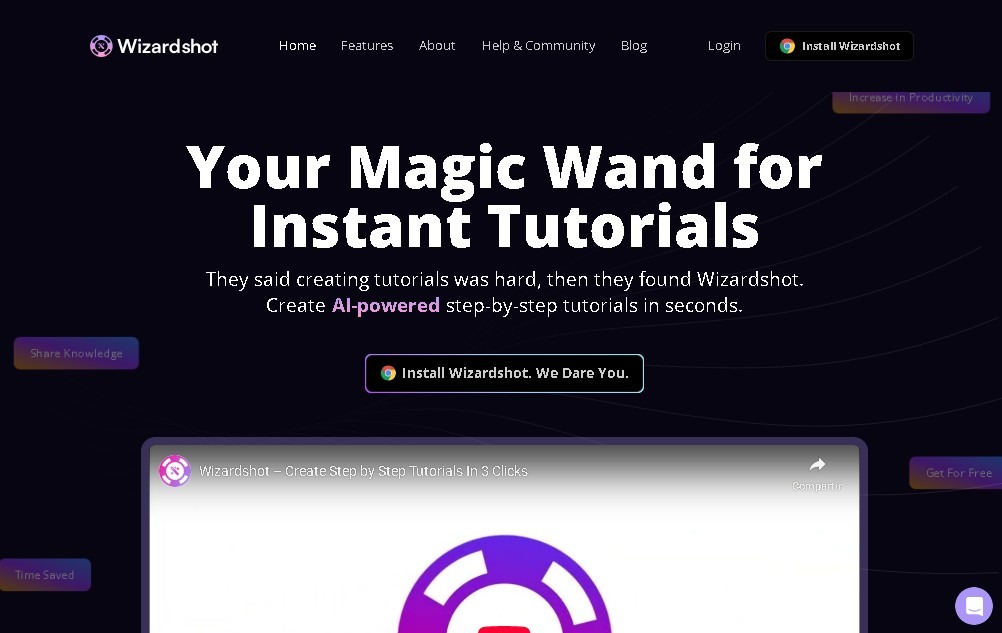
Automatically generate step-by-step tutorials by capturing your screen actions. Create guides with images and text without writing a word—all for free.
General Information about Wizardshot
Wizardshot is an advanced artificial intelligence tool specialized in the automatic generation of step-by-step tutorials and user guides. Its core purpose is to simplify technical documentation by transforming actions performed on a computer into structured, visual manuals. This solution eliminates the manual writing workload, allowing any professional to document complex processes simply by executing them in their browser.
The technological core of Wizardshot lies in its ability to interpret user behavior through a browser extension for Chrome or Edge. When a capture is initiated, the AI records every interaction, generates precise screenshots, and autonomously writes descriptive instructions. This streamlined workflow is essential for creating Standard Operating Procedures (SOPs), internal training manuals, and customer support guides, ensuring clear and professional communication at all times.
Key features of this process automation tool include:
- Automatic Content Generation: Creates logical sequences of steps with text and images without the need for manual intervention during the writing process.
- Smart Blur: A security feature that automatically blurs sensitive information or private data within screenshots to protect privacy.
- Guide Editor: Provides an intuitive environment to customize text, adjust images, and refine the tutorial flow before final export.
- Multi-format Export: Allows tutorials to be downloaded in universal formats such as PDF, DOC, and HTML, facilitating email distribution or website integration.
- Knowledge Base Sync: Enables direct integration with professional systems like Helpjuice to manage large-scale technical documentation.
Wizardshot is positioned as a high-efficiency solution for IT, HR, and customer service departments. By automating software documentation, organizations can significantly reduce the time spent on training and resolving recurring inquiries. The ability to transform routine tasks into digital knowledge assets through artificial intelligence makes this application an indispensable resource for optimizing any workflow that requires precision and speed in delivering technical instructions. It is a tool designed to scale knowledge within a team, ensuring that every step-by-step guide is easy to follow and always available in compatible formats.
Features and Use Cases of Wizardshot
How Wizardshot Works
Frequently Asked Questions about Wizardshot
What is Wizardshot and what exactly does it do?
Wizardshot is a free, AI-powered tool that automatically turns your on-screen actions into step-by-step tutorials.
How does the guide creation process work in Wizardshot?
Just activate the browser extension and perform your task; the tool captures your steps and generates the text and images for you.
How much does it cost to use Wizardshot for my team?
The tool is completely free and allows you to create unlimited tutorials with no monthly fees or hidden costs.
Which browsers support the Wizardshot extension?
You can currently install and use the official extension on Google Chrome and Microsoft Edge.
Does Wizardshot allow me to protect sensitive data on my screen?
Yes, the tool includes a feature called Smart Blur that lets you automatically blur private or confidential information in your screenshots.
Can I edit tutorials after they have been generated?
Absolutely. You can edit the text, steps, and images in your guides before exporting them to ensure the final result is perfect.
What formats can I export my Wizardshot documents to?
You can export your guides and manuals as PDF, HTML, or DOC files for easy sharing or integration with other platforms.
Can Wizardshot be integrated with other knowledge management systems?
Yes, the tool offers direct integration with Helpjuice for users who need a professional, structured knowledge base.
Wizardshot Pricing
Free Plan (0 €)
- Unlimited automatic generation of step-by-step tutorials.
- Chrome and Edge browser extension to capture on-screen actions.
- Smart Blur feature to automatically redact sensitive information.
- Guide editor to customize text, steps, and screenshots.
- Export documents in PDF, HTML, and DOC formats.
- Integration with knowledge base platforms like Helpjuice.
- No monthly fees or hidden costs.
Wizardshot Screenshots