
Share
What is Agent UI?
Agent UI is a platform for building work apps with agents and approvals. You build screens, logic and workflows; when the work reaches a point that needs a sign-off, the approval can happen in the app itself or, according to a recent note on the site, in WhatsApp as well. Credits are spent only when you build or edit (about four credits per edit, according to the site), not when someone is already using the live app. It is for people who want to leave a process running —requests, reviews, an internal flow— without day-to-day use eating the allowance.
What is Agent UI and what are credits spent on?
You pick a tier, try the product for a few days and start building the app. About twenty edits fit in Solo’s entry allowance, and about fifty in Builder’s, and you can buy extra credits at a rate that falls as you move up a tier. Live apps, connected tools and the number of people on the team change by tier. There is a credit calculator on the site to estimate how many you need for the edits you expect.
How is it charged, and which tiers are there?
The figures on the site are shown month by month, but they are collected by the year, according to the official wording on that page. There is a monthly and a yearly toggle; the figures that are clearest on 27/11/2026 are the yearly ones. The entry tier, Keep it running, includes no AI credits: you add them separately if you need them. Solo, Builder and the team tiers (10 or 25 people) do include a monthly allowance. Until 30/11/2026 the site announces a temporary markdown on the yearly charge; the structured amount in this listing is the usual charge, not that markdown.
Agent UI pros and cons
- Pros: live use does not consume credits; approvals can leave the screen, as far as WhatsApp; and there is a tight tier just for keeping what you have already built running.
- Cons: the charge is collected by the year even though it is shown month by month; Keep it running comes with no credits; and you have to size your edits so you do not run short mid-cycle.
Agent UI features and use cases
How to use Agent UI
Agent UI FAQ
What is Agent UI?
It is a platform for building work apps with agents and approvals. Credits are spent when you build or edit, not once the app is live.
Can approvals be done in WhatsApp?
Yes. The site presents approvals in WhatsApp as a recent addition.
When are credits spent?
When you build or change screens, logic and workflows. About four credits per edit, according to the site. Use of an already published app does not consume credits.
How much is the entry tier?
Keep it running is US$9 a month, collected yearly (US$108 a year), with no AI credits included. That is the structured amount in this listing.
Do I have to pay for the whole year?
Figures are shown per month and, according to the site, collected by the year. There is a monthly toggle, but the clearest figures on 27/11/2026 are the yearly ones.
Is there a temporary markdown?
Yes, the site announces 20% off the yearly charge until 30/11/2026. This listing records the usual charge, not that markdown.
Can I try it first?
Yes. There are 7 days to try it, with cancellation at any time, according to the site.
How many credits do Solo and Builder include?
Solo, 90 a month (about 20 edits). Builder, 200 a month (about 50). Extra credits can be bought.
Where can I check the amounts?
On the tiers page at agentui.ai.
Does live use consume credits?
No. The site is clear: once the app is live, using it does not spend credits.
Agent UI pricing and plans
Reference price: 108 USD / year. Source · Verified: November 27, 2026
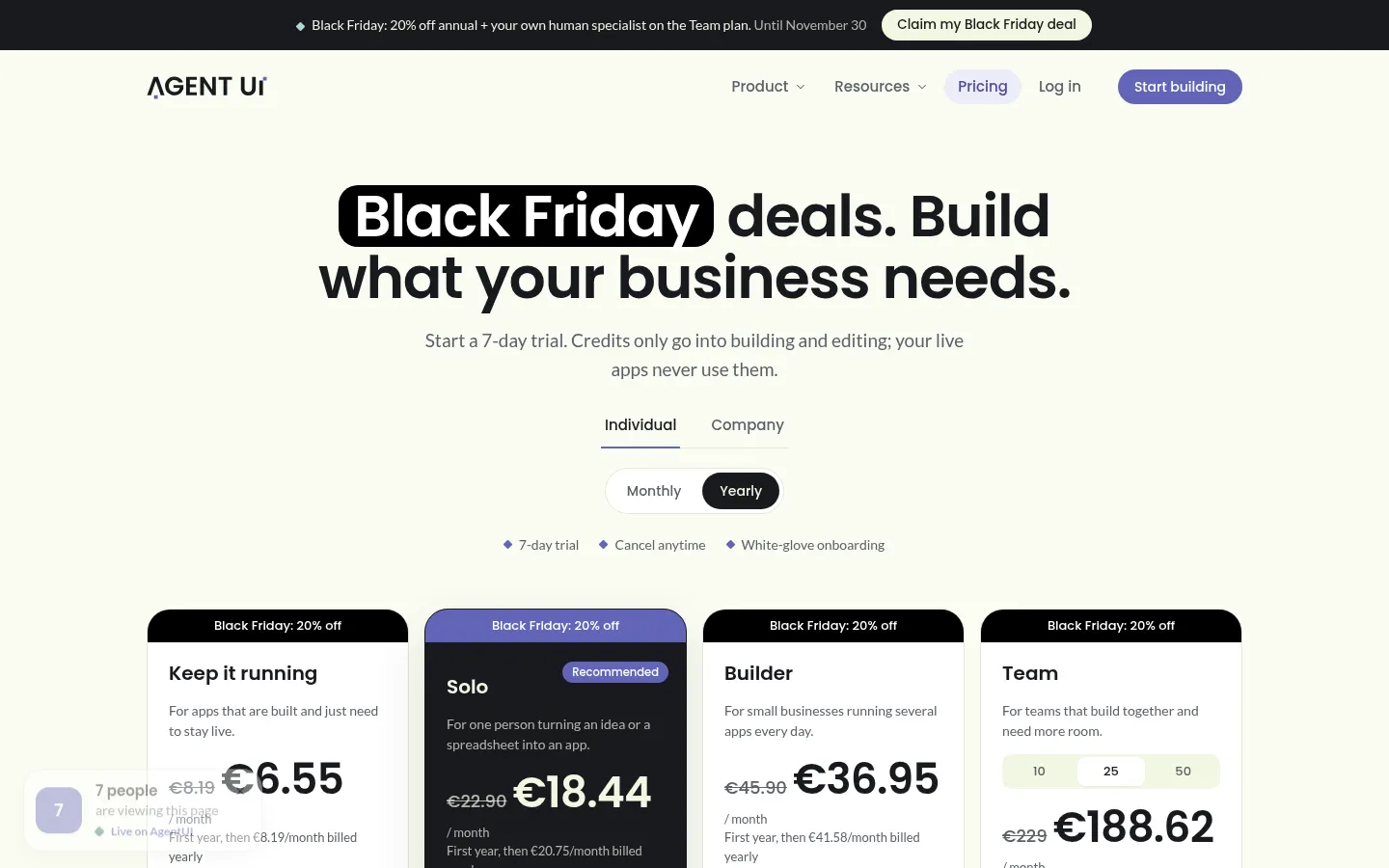
Prices from the official website. Figures are shown per month and collected by the year, according to the wording «Prices are per month, billed yearly». Until 30/11/2026 the site announces a 20% markdown on the yearly charge; the structured amount in this listing is the usual charge (Keep it running, US$108 a year), not that temporary markdown. There are 7 days to try it, with cancellation at any time. Checked on: 27/11/2026.
Keep it running: US$9 a month, collected yearly (US$108 a year). No AI credits; they can be bought at US$0.40 each.
Solo: US$22.50 a month, collected yearly (US$270 a year; the site presents this as 10% less than the monthly charge). 90 credits a month, about 20 edits; extras at US$0.28.
Builder: US$45 a month, collected yearly (US$540 a year; also 10% less, according to the site). 200 credits a month, about 50 edits; extras at US$0.25. Uncapped connected tools.
Team 10: US$88 a month, collected yearly, 10 people. Team 25: US$220 a month, collected yearly (the site presents this as 12% less), 25 people, 1,000 credits a month, about 250 edits, extras at US$0.25, uncapped apps and tools. Above that there is a private deployment, custom audit-log retention and custom allowances.
The site also shows reference monthly charges (for example, Builder at US$49.99 a month if the year is not collected); the clearest figures on the day of the check are the yearly ones.
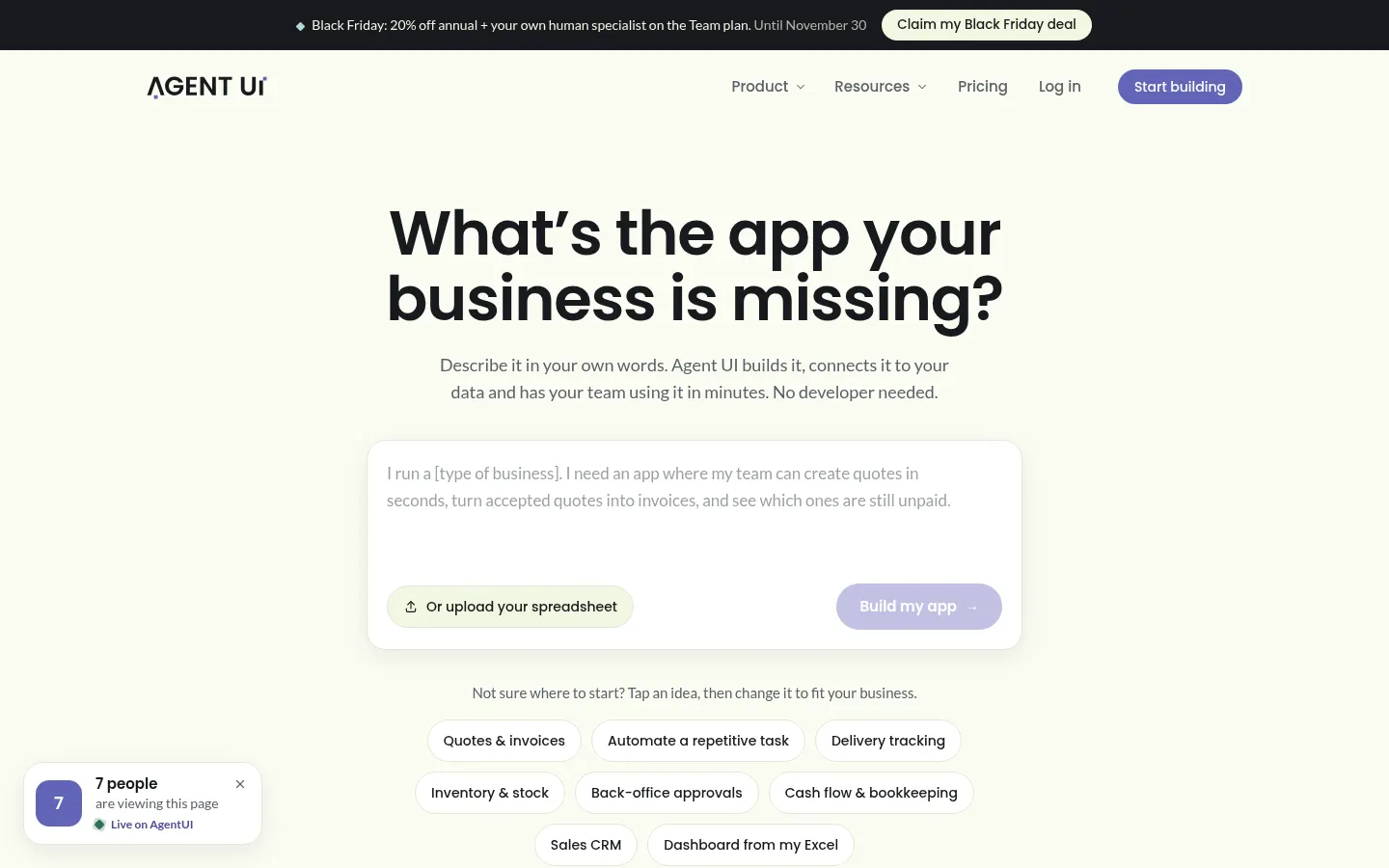
Agent UI Screenshots
Agent UI user reviews
Write a review
Checking your session...
Agent UI Reviews
Loading reviews...
Agent UI alternatives

OpenDesign
OpenDesign is an open-source design workspace where your AI coding agent builds prototypes, sites, dashboards and slides using your design system.