

Share
What is AI Engine?
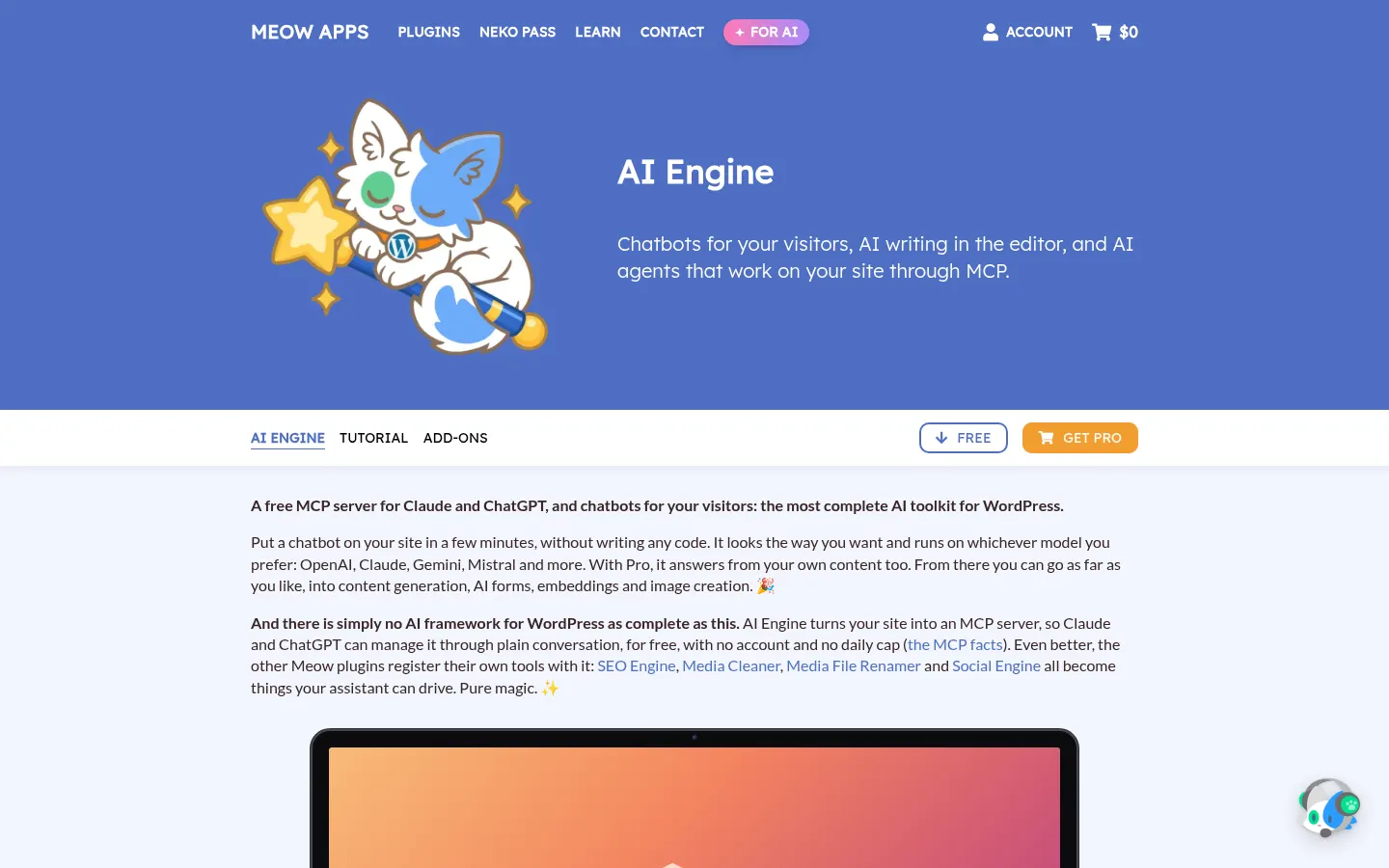
AI Engine is an artificial intelligence plugin for WordPress by Meow Apps that adds chatbots for visitors, AI writing inside the editor and an MCP server so assistants like Claude or ChatGPT can manage the site through conversation. It has more than 90,000 active installs on WordPress.org.
What is AI Engine used for?
It brings AI to a WordPress site without coding. You can add a popup, inline or full-screen chatbot with voice, files and memory, and customize its look. In the editor, pressing the space bar lets the copilot write, rewrite, translate or generate images. Workspace provides a full chat app inside wp-admin, with iPhone and Android apps, and Insights shows token usage per user with limits.
How does the AI Engine MCP server work?
AI Engine turns your site into an MCP server so Claude, ChatGPT or other agents can read, edit and manage it in plain language, with no extra account. It works with OpenAI, Anthropic, Google, Mistral, Perplexity and OpenRouter using your own keys, with no markup on tokens. The Pro version adds AI forms, function calling for WordPress and WooCommerce, and embedding-based knowledge bases so the chatbot answers from your content. It includes a REST API for n8n or Make.
Who is AI Engine for?
- WordPress site owners who want their own chatbot.
- Agencies building assistants for clients.
- Content editors writing inside WordPress.
- Developers automating their site with AI agents.
AI Engine pros and cons
Pros: very complete, no lock-in to one AI provider and a version on WordPress.org. Cons: it needs WordPress 6.0+, PHP 8.1+ and an API key whose usage you pay to the provider, and giving agents write access calls for caution and backups.
AI Engine features and use cases
How to use AI Engine
AI Engine FAQ
What is AI Engine?
AI Engine is a WordPress plugin adding chatbots, a writing copilot, AI forms and an MCP server to manage your site with agents.
Is AI Engine free?
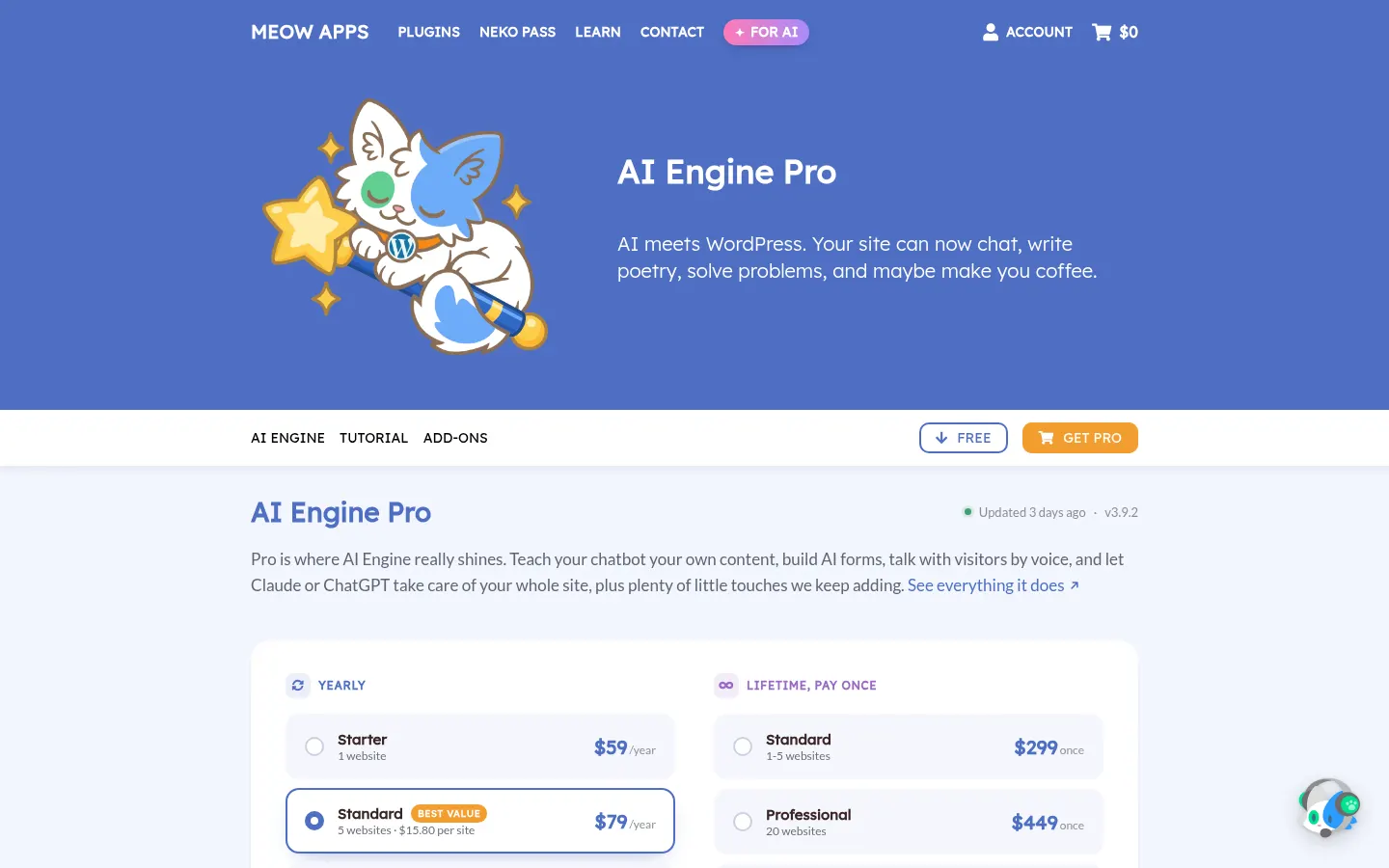
Yes, the core version is free on WordPress.org; Pro has yearly or lifetime licences and AI usage is paid to the provider.
Does AI Engine work in Spanish?
Yes, the chatbot and copilot respond in Spanish if the chosen model supports it, and the plugin has Spanish translations.
Which AI models does it support?
OpenAI, Anthropic Claude, Google Gemini, Mistral, Perplexity, OpenRouter and local models, switchable anytime.
What is the AI Engine MCP server?
A feature that lets Claude, ChatGPT or other compatible agents read and manage your WordPress through conversation.
Is it safe to give MCP access to my site?
Limit permissions, test on a staging site and keep backups, as the developer itself recommends.
Does AI Engine have an API?
Yes, it offers REST and internal APIs to connect with n8n, Make or your own scripts.
What are the requirements?
WordPress 6.0 or later, PHP 8.1 or later and an API key from your AI provider or a local model.
What are the best AI Engine alternatives?
Our directory lists Chatbase and CustomGPT for chatbots trained on your content.
AI Engine pricing and plans
Reference price: 59 USD / year. Source · Verified: November 9, 2026
Prices in US dollars (USD) from the official Meow Apps site (Checked on: 09/11/2026). The core plugin is free on WordPress.org; model usage is paid separately to your AI provider.
Yearly Pro licence: Starter, $59/year for 1 site; Standard, $79/year for 5 sites; Professional, $149/year for 20 sites. Includes a year of updates and developer support.
Lifetime licence (pay once): $299 for 1–5 sites, $449 for 20 sites, $599 (Developer, 500 sites) and $799 (Agency, 2,500 sites).
Neko Pass: all 12 Meow Apps Pro plugins for $199/year. Refunds if requested within 14 days.
AI Engine Screenshots
AI Engine user reviews
Write a review
Checking your session...
AI Engine Reviews
Loading reviews...
AI Engine alternatives


Unicorn Platform
Unicorn Platform is a no-code AI website builder for founders: SaaS and app landing pages, blogs and directories you can edit with text prompts.




Capacity.so
Build web apps, stores, and membership sites without code. Describe your idea and AI generates the design, database, and hosting to launch your project today.