Aqua Voice
Share
Aqua Voice
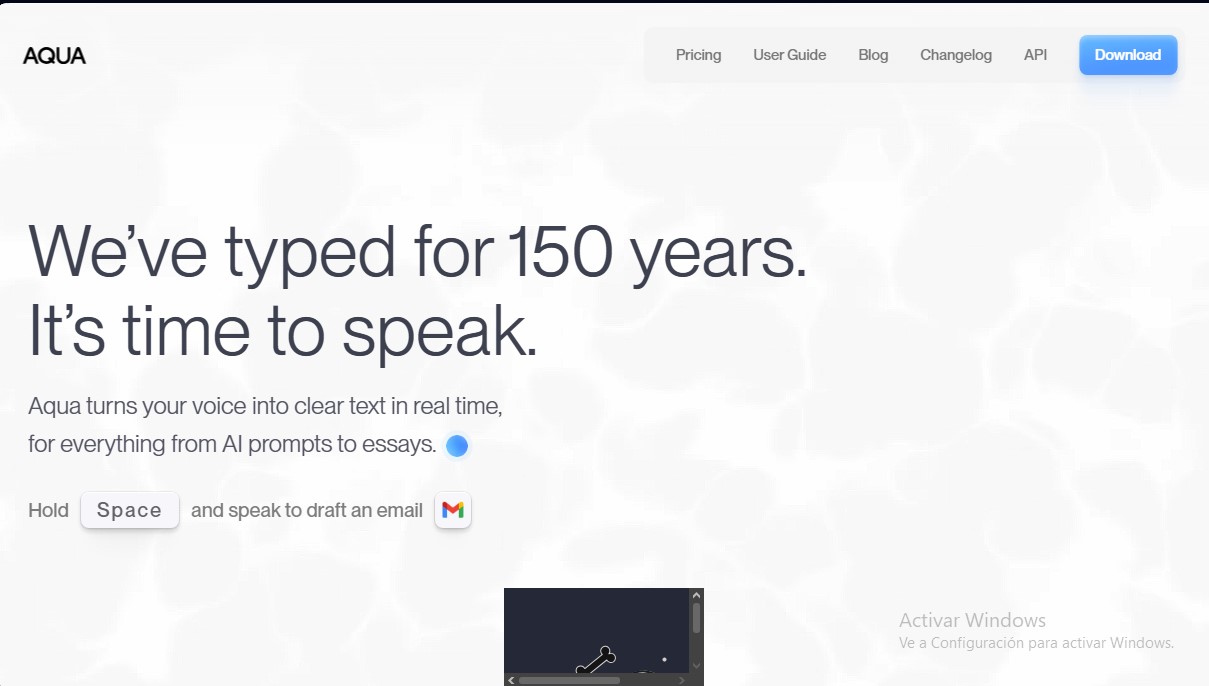
Convert voice to accurate text in real-time to write emails, code, or create documents. Works in any app and is five times faster than typing.
General Information about Aqua Voice
Aqua Voice is an advanced smart dictation solution that seamlessly and accurately converts voice to text in real time. This application is positioned as an efficient alternative to the conventional keyboard, allowing users to draft emails, documents, and code up to five times faster, reaching speeds of up to 230 words per minute. Its primary goal is to eliminate the friction between thought and writing, facilitating a more natural and productive workflow on any computer.
The tool is powered by the Avalon artificial intelligence model, designed to provide superior accuracy when capturing technical and professional language. Unlike basic dictation systems, Aqua Voice doesn’t just transcribe; it refines words as you speak, correcting grammar and adjusting style based on context. Its engine is capable of recognizing 49 languages and features an automatic detection function to switch between languages seamlessly.
Key capabilities include:
- Universal Compatibility: It integrates natively with all system applications, from text editors and spreadsheets to communication platforms like Slack or email clients.
- Custom Dictionary: Users can train the AI with specific terms, proper names, brands, or technical jargon to maximize system accuracy.
- Style and Tone Control: It allows for custom instructions so the resulting text adapts to different needs, whether it’s a casual message to friends or a formal technical report.
- Programming and Prompt Assistant: It can understand code syntax, libraries, and frameworks, facilitating the creation of complex AI prompts and software development through voice commands.
For professionals handling large volumes of information, Aqua Voice offers a real-time editing mode that automatically formats content, eliminating much of the manual post-editing. Additionally, the tool prioritizes security and privacy through a private transcription history; information is not stored on external servers, ensuring that data always belongs to the user.
This artificial intelligence application is currently available for Windows and macOS operating systems, optimizing the performance of developers, writers, and project managers looking for a reliable real-time transcription tool. It is activated via customizable keyboard shortcuts, allowing the voice to immediately become the primary data entry tool without complex configurations.
Features and Use Cases of Aqua Voice
How Aqua Voice Works
Frequently Asked Questions about Aqua Voice
What is Aqua Voice and how does it speed up my workflow?
Aqua Voice is a voice-to-text tool that allows you to write five times faster than typing while maintaining perfect accuracy in your documents.
Does Aqua work with any application installed on my computer?
Yes, it integrates seamlessly with all your standard programs, allowing you to dictate emails, documents, or code without any special setup.
Can Aqua Voice understand complex programming terms?
Our Avalon model is trained to accurately identify code syntax and technical frameworks like React or PyTorch while you speak naturally.
What languages are currently available on the Aqua platform?
We support 49 different languages, including Spanish, Catalan, and Galician, featuring a seamless automatic language detection system.
How is the privacy of my recordings handled in Aqua Voice?
Your data belongs solely to you; we do not store information on our servers, and your transcription history is completely private and secure.
Is there a free trial for new Aqua users?
We offer a free starter plan that includes 1,000 words, so you can experience the speed and accuracy of our technology with no strings attached.
Does Aqua have a native mobile app?
At this time, the tool is only compatible with Mac and Windows computers; there isn’t an app available for iPhone or Android yet.
Can I use Aqua Voice to enter data into spreadsheets?
Yes, the system inserts text directly into whichever cell you have selected, allowing you to navigate and enter data using only your voice.
What should I do if my antivirus blocks the Aqua Voice installer?
This is a common false positive on some systems; simply add the application to your security software's allow list.
How can I contact the support team if I have questions about Aqua?
You can send an email to our official technical support address or join our Discord community for direct assistance.
Aqua Voice Pricing
Starter
Free
- 1,000 free word limit.
- Access to the Aqua Engine.
- 5 custom dictionary entries.
Pro
8 $ per month (billed annually)
- Everything in the Starter plan.
- Unlimited words.
- Access to the Aqua Engine and the Avalon model.
- 800 custom dictionary entries.
- Fine-tuning via Custom Instructions.
- Priority access to new features.
- 70% discount available for students with a .edu email address.
Team
12 $ per month (billed annually)
- Everything in the Pro plan.
- Use of the Avalon model.
- Centralized billing for the entire team.
- Global team configuration settings.
- Ability to enforce privacy mode organization-wide.
Aqua Voice Screenshots