docAnalyzer
Share
docAnalyzer
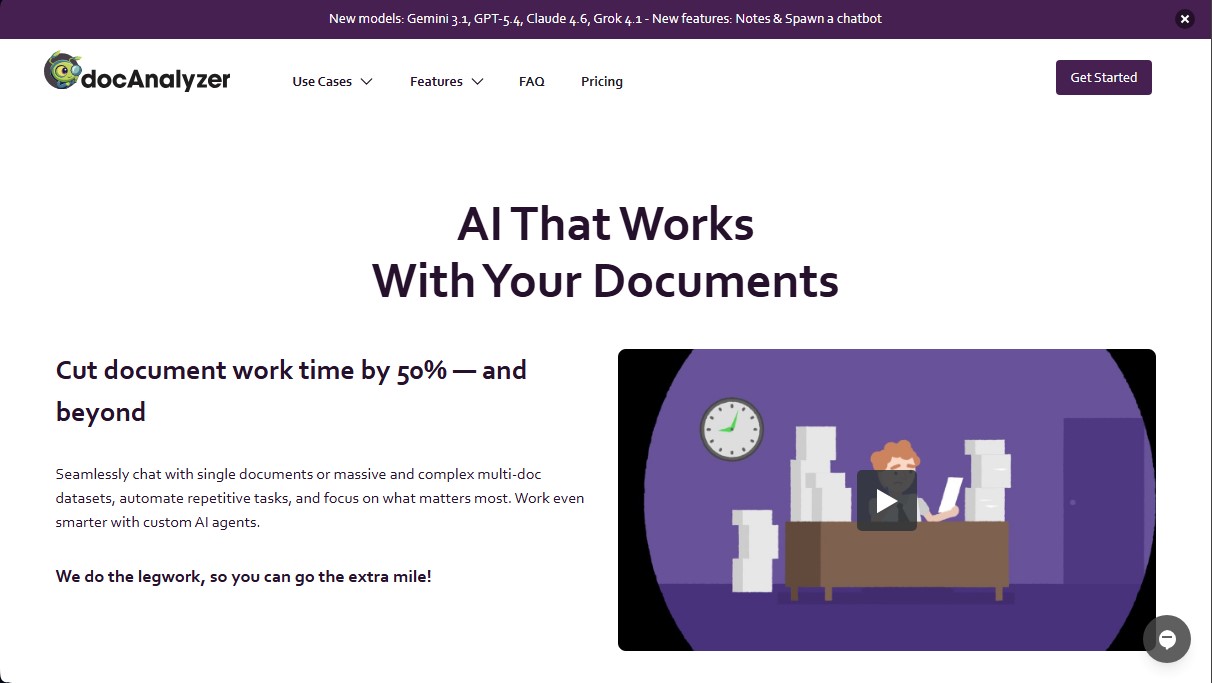
Analyze and chat with documents using AI agents. Automate tasks, extract data with OCR, and leverage multiple models to efficiently optimize your workflows.
General Information about docAnalyzer
docAnalyzer is an advanced AI document analysis platform designed to optimize workflows involving large volumes of information. This tool allows you to interact via an intelligent chat with both individual files and complex datasets, facilitating the extraction of critical information and the automation of repetitive tasks. It is a solution geared toward professionals in the legal, administrative, academic, or business sectors who need to process contracts, financial reports, and research articles with speed and precision, significantly reducing document management time.
The operation of docAnalyzer is based on an intelligent agent pipeline that utilizes a wide selection of the best Large Language Models (LLMs) on the market, including options from OpenAI, Anthropic, Google Gemini, DeepSeek, and Meta. Unlike other tools that perform superficial searches, this platform employs a semantic search and keyword approach that allows the system to understand the structural context of the files. In this way, the AI autonomously decides which parts of the document to explore to provide accurate answers backed by evidence.
Key functional capabilities and practical benefits include:
- Custom AI Agents: These allow you to configure workflows for automatic data extraction, document classification, and content organization based on specific needs.
- Multi-format Support and OCR: Compatible with PDF, DOCX, XLSX, Markdown, HTML, EPUB, and RTF files. Its Optical Character Recognition (OCR) technology enables the processing of scanned documents and images in more than 40 languages.
- Multi-document Conversations: Users can open chats that simultaneously query multiple files or tags, maintaining contextual consistency at all times.
- Embeddable Chatbots: Easily convert any set of documents into a chatbot that can be embedded into external websites for third-party queries.
- Privacy and Security: Data is protected under rigorous standards and is not used to train external models or shared with third parties.
- Model Flexibility: Users can switch between more than 25 different AI models within the same conversation without losing the thread of the analysis.
The platform is fully accessible via desktop, tablet, or mobile, ensuring a seamless user experience. Additionally, it offers an advanced API to integrate its functions into existing infrastructures, facilitating real-time collaboration through shared workspaces. Thanks to its support for global languages and right-to-left (RTL) scripts, docAnalyzer positions itself as a robust and scalable workflow automation tool for any type of organization.
Features and Use Cases of docAnalyzer
How docAnalyzer Works
Frequently Asked Questions about docAnalyzer
What exactly is docAnalyzer and how can it help me in my daily work?
docAnalyzer is an AI-powered platform that allows you to interact with your documents to extract data, summarize content, and automate complex tasks.
What file formats does docAnalyzer support?
You can upload documents in PDF, DOCX, XLSX, MD, ODT, HTML, EPUB, RTF, and TXT formats to interact with them intelligently.
Can I use docAnalyzer to analyze scanned documents?
Yes, the platform uses state-of-the-art OCR technology to recognize text in images and scanned documents in more than forty different languages.
Is it safe to upload confidential information to the docAnalyzer platform?
Your data is fully protected, as the tool complies with rigorous security standards and never shares or sells your information to third parties.
Does docAnalyzer allow for queries across multiple documents at once?
The tool facilitates simultaneous conversations with multiple files, allowing you to cross-reference information and get evidence-based answers from your entire dataset.
How do custom AI agents work in docAnalyzer?
You can configure specific agents to automate workflows based on your profession, whether it's for classifying documents, extracting specific data, or organizing content efficiently.
Is it possible to integrate docAnalyzer with other professional applications?
Yes, an advanced API and various integration options are available to connect the platform with your everyday tools and optimize your analysis processes.
Can I change the language model while chatting with my documents in docAnalyzer?
The platform allows you to switch between twenty-five different AI models within the same conversation without losing context or information from your files.
Does docAnalyzer offer a free plan for new users?
There is a free-for-life Community plan that allows you to upload up to twenty documents per month with access to multi-document chat features and note creation.
What happens if I have trouble logging in with my magic link in docAnalyzer?
If the link fails due to your email's security filters, you can use the six-digit code sent in the same message to log in directly.
docAnalyzer Pricing
Community
Price: Free
- 20 documents per month.
- Max 120 pages per document.
- Multi-document chat.
- Sharing, notes, chatbot, and OCR features.
- 2 workspaces.
Basic
Price: 6 US$ per month (billed monthly) or 5 US$ per month (billed annually).
- Basic upload and usage limits.
- Sharing, notes, chatbot, and OCR features.
- 100 free credits per month.
- Expert mode and API access.
Pro
Price: 12 US$ per month (billed monthly) or 10 US$ per month (billed annually).
- Generous upload limits.
- Unlimited usage allowance.
- Sharing, notes, chatbot, and OCR features.
- 200 free credits per month.
- Expert mode and API access.
Team
Price: 18 US$ per user per month (billed monthly) or 15 US$ per user per month (billed annually).
- Includes all Pro plan features.
- Higher usage and upload limits than the Pro plan.
- Team member management.
- Real-time collaboration.
- 600 free credits per month.
Enterprise
Price: 24 US$ per user per month (billed monthly) or 20 US$ per user per month (billed annually).
- Includes all Team plan features.
- Custom AI agents and automation.
- Dedicated support manager.
- Single Sign-On (SAML).
- 600 free credits per month.
docAnalyzer Screenshots