Feedbuck
Share
Feedbuck
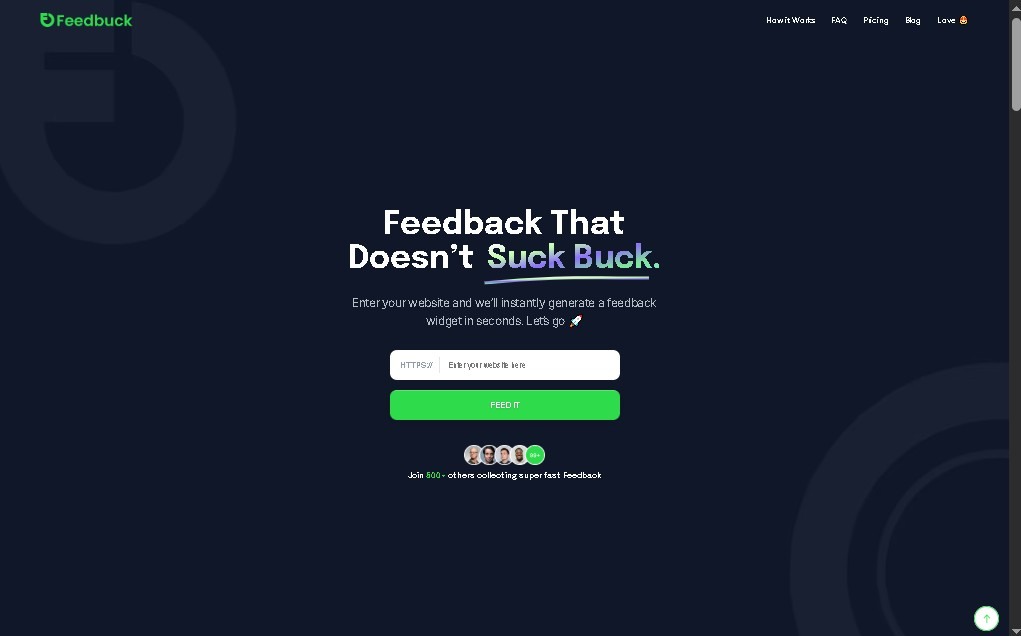
Collect visual feedback on your website via screenshots and annotations. Manage bugs and suggestions by integrating with tools like Jira, Trello, or Slack.
General Information about Feedbuck
Feedbuck is a platform specializing in visual feedback collection and management designed to optimize communication between users and development or design teams. Its primary function is to allow website or mobile app visitors to send comments, suggestions, or bug reports contextually and directly, eliminating the need for external communication tools or generic emails.
The tool works by implementing a lightweight script or widget into the website's code. Once active, users can interact with a simple interface to provide detailed feedback. Feedbuck's technology stands out for its ability to generate annotated screenshots and real-time screen recordings, which allows for precise technical identification of where a problem is located or which interface element requires improvement.
Among Feedbuck's functional capabilities are:
- Detailed visual feedback: Allows users to create graphic annotations on screenshots, making it easier to understand visual or usability errors.
- Screen recordings: Ideal for documenting intermittent bugs or complex processes that are difficult to explain with text alone.
- Automatic metadata: The tool collects relevant technical information from the user's browser and device, saving the support team time when diagnosing issues.
- Collaborative management: The system allows you to organize received comments, assign tasks to specific team members, and track the status of each incident.
- Workflow integration: It syncs natively with project management and communication tools such as Jira, Trello, Asana, Slack, and GitHub, centralizing all information on the platforms the team already uses on their computers.
This tool is especially beneficial for web developers, product managers, design agencies, and quality assurance (QA) teams looking to streamline their digital product review and improvement cycles. By automating the capture of visual and technical evidence, Feedbuck reduces ambiguity in bug reports and accelerates decision-making based on actual user experience.
Ultimately, Feedbuck acts as an efficient bridge that transforms user opinions and complaints into organized, actionable data, improving the final quality of the software and optimizing technical team resources through centralized and highly visual feedback management.
Features and Use Cases of Feedbuck
How Feedbuck Works
Frequently Asked Questions about Feedbuck
What is Feedbuck and exactly what does it do?
Feedbuck is a platform that lets you collect user feedback and suggestions directly from your website by installing a simple widget.
What kind of visual information can be sent using Feedbuck?
Users can attach annotated screenshots and video recordings to explain any bugs or suggested improvements in detail.
Does Feedbuck integrate with task management apps like Jira or Trello?
Yes, it connects with popular tools like Jira, Trello, Asana, Slack, and GitHub so you can manage all feedback within your usual workflow.
Can I try Feedbuck for free without paying upfront?
The platform offers a 14-day free trial, and no credit card is required to sign up.
Are there any limits on the number of projects in Feedbuck?
There are no limits, as all subscription plans allow you to manage unlimited projects and websites simultaneously.
How does Feedbuck help organize a team's workflow?
It allows you to organize client feedback, assign specific tasks to teammates, and collaborate internally to resolve issues more quickly.
What are the monthly pricing plans for Feedbuck?
There are three subscription plans available: the Pro plan for $39, the Business plan for $89, and the Enterprise plan for $259.
Feedbuck Pricing
Free Trial
- 14-day trial.
- No credit card required.
- Full access to evaluate features before subscribing.
Pro Plan: $39 per month
- Unlimited feedback.
- Unlimited projects and sites.
- Visual feedback capture (annotated screenshots).
- Integrations with external tools (Asana, Trello, Jira, Slack, GitHub, etc.).
- Ideal for small teams or solopreneurs.
Business Plan: $89 per month
- Unlimited feedback and projects.
- Advanced integrations.
- Custom branding options to personalize the tool.
- Additional management features.
- Ideal for mid-sized teams.
Enterprise Plan: $259 per month
- Dedicated support.
- Advanced customization.
- Enhanced management capabilities for high-volume feedback.
- Ideal for large organizations.
Feedbuck Screenshots