
Share
What is Fillout?
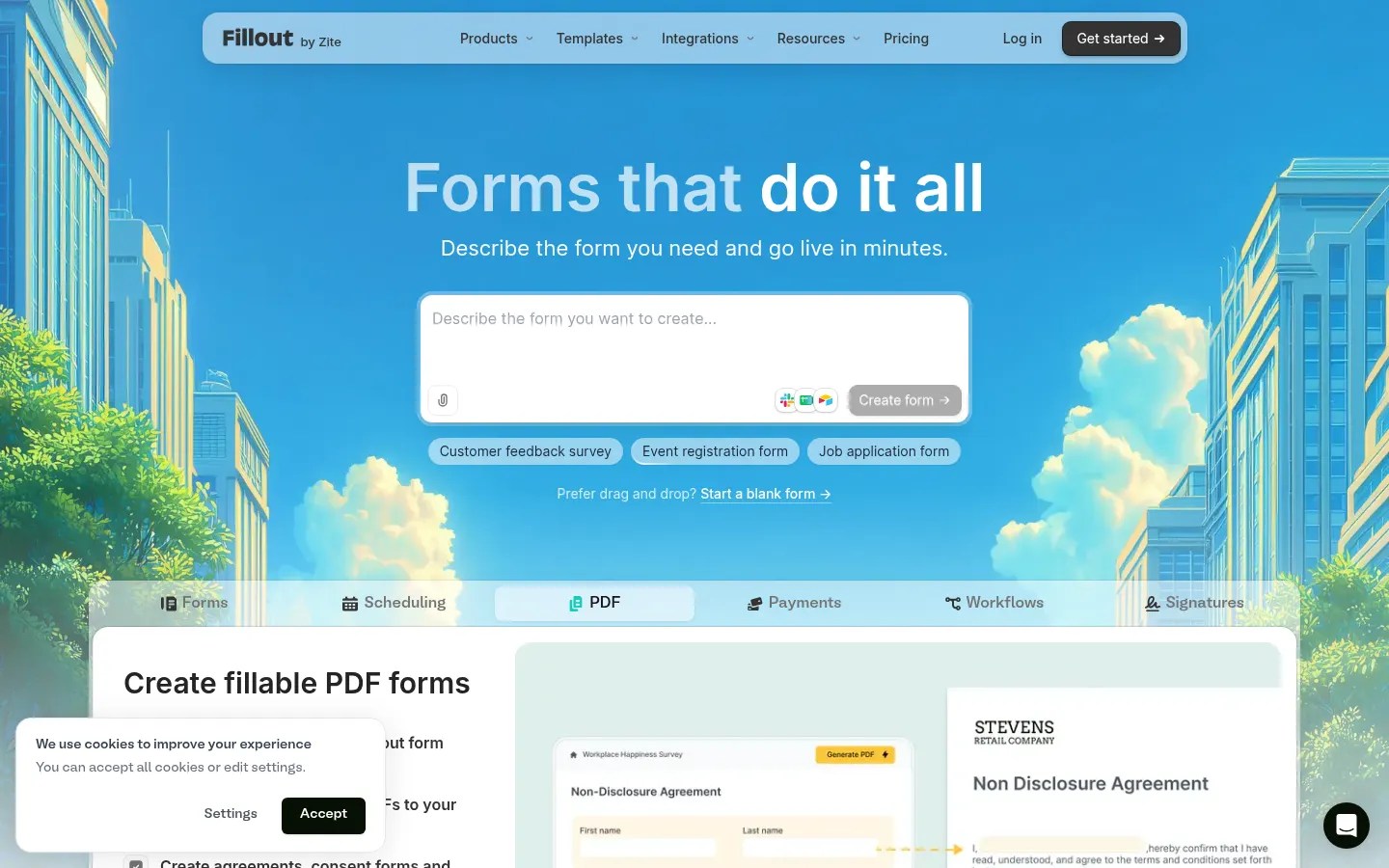
Fillout is an AI tool by Fillout.com for building forms with logic, payments and workflows aimed at product, operations and marketing teams. It stands out with unlimited seats even on the entry tier and for combining payments, signatures, PDFs and scheduling in one builder.
What is Fillout used for?
It builds multi-page forms with conditional logic, calculated fields, Stripe payments, signatures and appointment scheduling. It includes AI helpers to generate or improve questions and 50+ native integrations into CRMs and spreadsheets.
How is the product structured?
Starter, Pro and Business tiers raise monthly responses, remove branding and add a custom domain. A yearly option saves about 20%. The entry tier already allows unlimited seats and responses with a monthly quota defined on the site.
Fillout pros and cons
Pros: a generous entry tier for seats, native integrations and a mix of AI plus drag-and-drop. Cons: Starter response quotas can be tight for large campaigns, some advanced automations sit on Business and the focus is forms (not a full CRM).
Who is Fillout for?
Aimed at startups and operations teams that want forms with logic, payments and signatures without splitting tools. Unlimited seats, AI helpers and native integrations make waitlists, onboarding and internal requests easy to connect to a CRM or spreadsheet.
Product teams use it to validate demand with embedded Stripe payments. If you need a full CRM or very complex automations, Fillout stays at the capture and workflow layer; combine it with your existing stack for the rest.
- Startups launching waitlists and onboarding.
- Operations teams digitizing internal requests.
- Marketing connecting forms to HubSpot or Sheets.
- Product teams validating demand with payments.
Fillout features and use cases
How to use Fillout
Fillout FAQ
What is Fillout?
It is a form builder with AI, payments, scheduling and workflows, unlimited seats and a permanent free plan.
Is Fillout free?
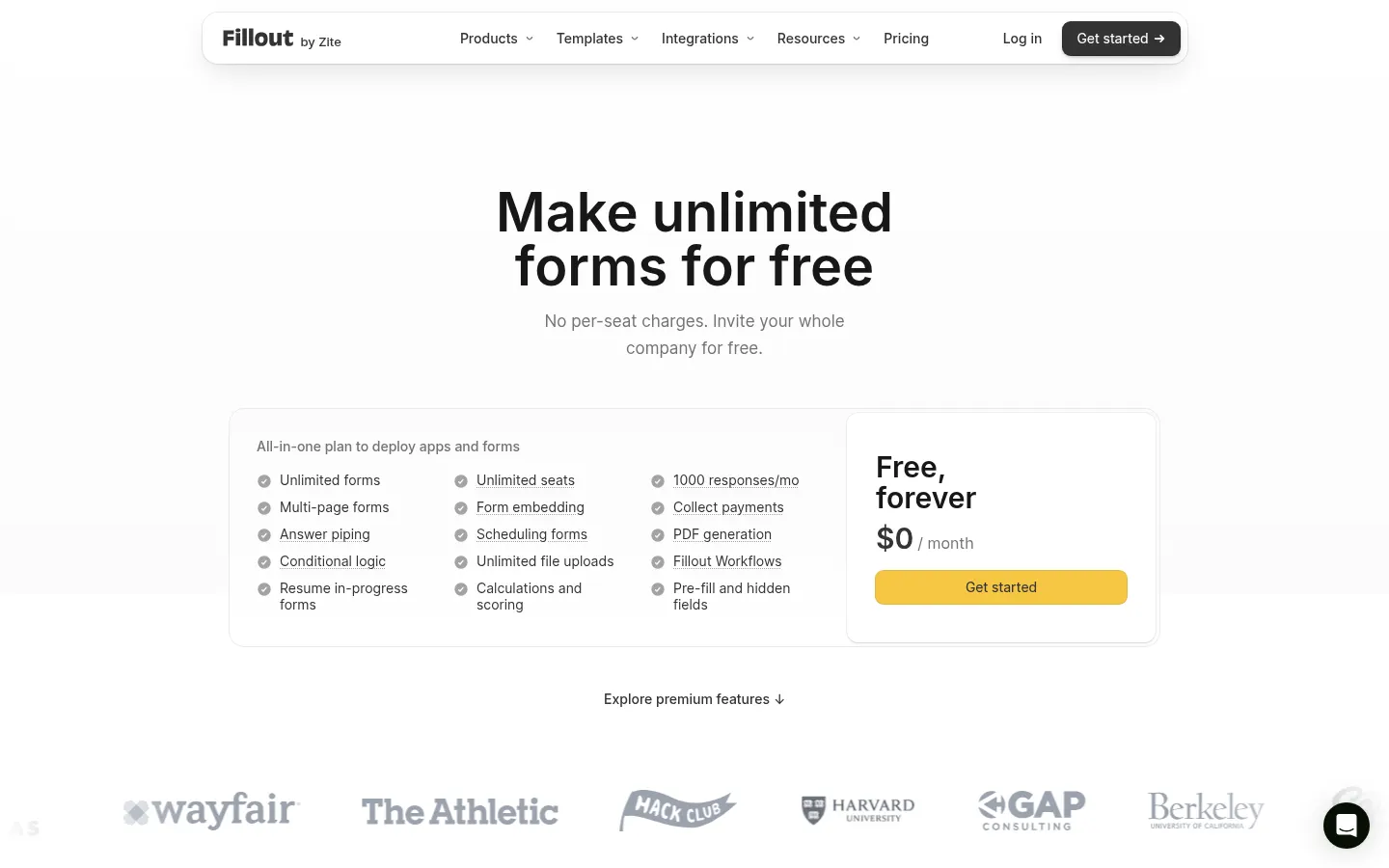
Yes: the Free plan is permanent with 1,000 responses per month; Starter, Pro and Business are paid. See the pricing section.
Can I generate forms with AI?
Yes: you describe the use case and the AI proposes the form, or you build it with drag-and-drop.
Does Fillout have an API?
Besides native integrations, higher plans add automation and custom code options; check their current docs.
Does it work in Spanish?
You can write questions and answers in Spanish; the product UI is mainly in English.
Is there a team seat limit?
No: published plans include unlimited seats, including Free.
Can I collect payments?
Yes: you can collect payments inside the form and combine them with confirmations or PDFs.
What are alternatives to Fillout?
On GptZone you can compare MakeForm and Metaforms AI as other AI-assisted form options.
Can I remove Fillout branding?
Yes: branding removal appears from the Pro plans per the pricing page.
Fillout pricing and plans
Reference price: 15 USD / month. Source · Verified: November 6, 2026
From the official Fillout site (Checked on: 06/11/2026). Currency: USD. Unlimited seats on every plan.
- Free: 0 USD/month — unlimited forms, 1,000 responses/month.
- Starter: 15 USD/month (180 USD/year) — 2,000 responses/month, more question types and custom endings.
- Pro: 40 USD/month (480 USD/year) — 5,000 responses/month, no branding, custom CSS.
- Business: 75 USD/month (900 USD/year) — unlimited responses, analytics, custom domain and priority support.
Fillout Screenshots
Fillout user reviews
Write a review
Checking your session...
Fillout Reviews
Loading reviews...