Share
Build professional resumes and cover letters. Search for job openings and easily manage all your applications from a single platform.
What is Jobseeker?
Jobseeker is a comprehensive platform designed to optimize the job search through advanced digital tools. Its primary function is to facilitate the creation of professional documents and the management of applications from a single dashboard, accessible from both computers and mobile devices. This tool is aimed at professionals across all sectors who need to present a structured and competitive profile in today's labor market.
The core of the application lies in its resume builder, which allows users to construct their work history step-by-step. The system uses optimized templates that ensure a clear presentation of experience, education, and technical skills. Additionally, Jobseeker offers a cover letter editor, a key feature for personalizing each application and increasing the chances of success in recruitment processes.
The platform integrates capabilities that go beyond simple text editing:
- Job Search Engine: Access to an extensive database of updated job openings.
- Application Tracking: An organizational system to manage the status of each submitted application, preventing the loss of relevant information.
- Professional Templates: Designs adapted to modern standards that make it easier for recruiters to read.
- Cloud Sync: Allows for editing and downloading documents anytime, anywhere.
In terms of technology, Jobseeker employs a document automation and structured design approach. This eliminates the need for advanced layout knowledge, as the tool automatically adjusts the formatting and visual hierarchy of information. By centralizing document creation and job tracking, the application acts as a career assistant that improves efficiency in the active job search.
Its use is particularly valuable for candidates looking to save time during the document preparation phase and who want to maintain rigorous control over their interactions with companies. Jobseeker’s intuitive interface and practical focus make it a functional solution for maximizing professional visibility without technical complications. The tool allows for downloading the final files in standard formats, ready to be sent through any job portal or email.
Jobseeker features and use cases
How to use Jobseeker
Jobseeker FAQ
What is Jobseeker and what is its purpose?
It is an all-in-one platform that allows you to create professional resumes, write cover letters, and manage job openings all in one place.
How much does a Jobseeker subscription cost?
The service costs $19.99 per month, though there is a trial offer to access all features without limits for 14 days for $0.99.
Can I create cover letters with this tool?
Yes, the platform includes a dedicated section for writing professional cover letters to help you stand out from other candidates during the application process.
How does Jobseeker help me organize my job applications?
The tool features an application tracking function that allows you to organize and manage the status of every job you have applied for.
Does the platform have pre-designed resume templates?
Yes, the system offers a wide variety of professional templates and examples designed to guide you through editing your document step-by-step.
Is there a mobile app available for the service?
Yes, you can download the official app from both the App Store and Google Play to manage your job search from any mobile device.
Can I search for jobs directly on Jobseeker?
Yes, the platform gives you access to a comprehensive job board so you can find and apply for the positions that best fit your profile.
What happens if I no longer need Jobseeker because I found a job?
You can cancel your subscription at any time if you no longer need the tools, as noted by other users who have successfully found employment.
Jobseeker pricing and plans
Trial Access
Price: 0,99 US$ for 14 days.
Professional resume creation.
Cover letter writing.
Access to job listings.
Organize and manage applications.
Monthly Plan
Price: 19,99 US$ per month (auto-renews).
Unlimited access to all platform features.
Step-by-step professional resume creation and editing.
Cover letter writing.
Access to a comprehensive job database.
Tools to organize and manage applications.
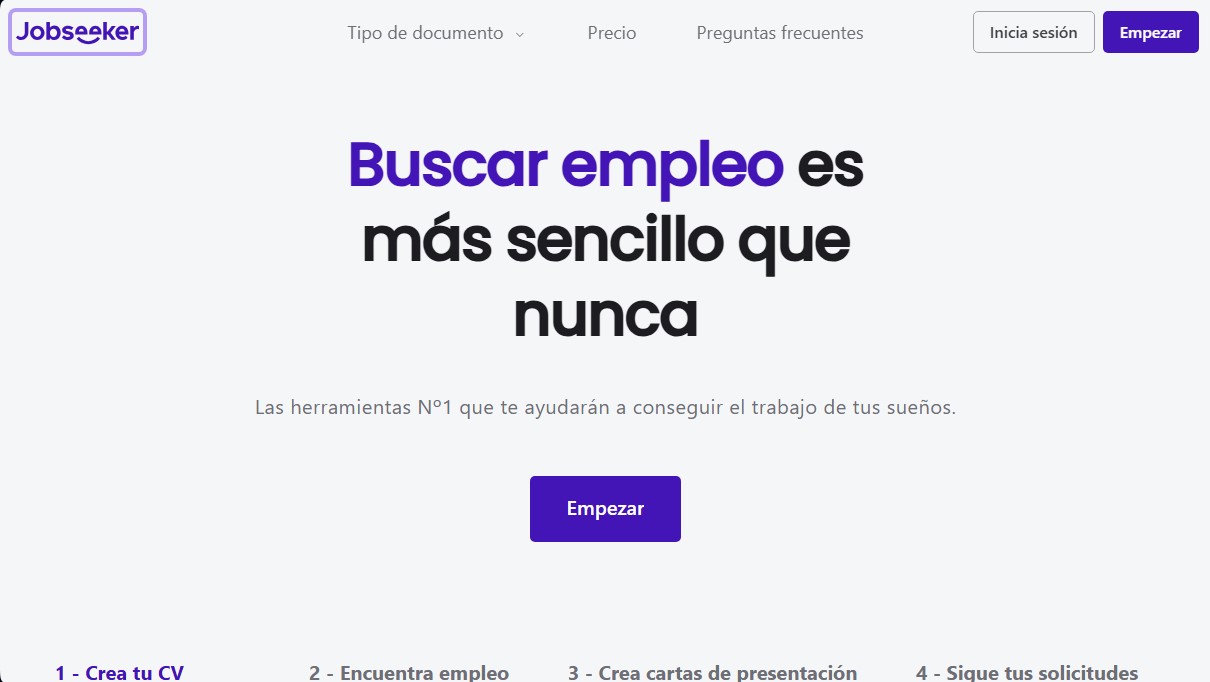
Jobseeker Screenshots
Jobseeker alternatives

MockLive AI
AI platform to practice interviews, exams, and presentations with real-time voice. Includes realistic simulations, response analysis, and detailed feedback.
Zety Resume Builder
Create professional resumes and cover letters with AI. Features ATS-optimized templates and expert content suggestions.