

Share
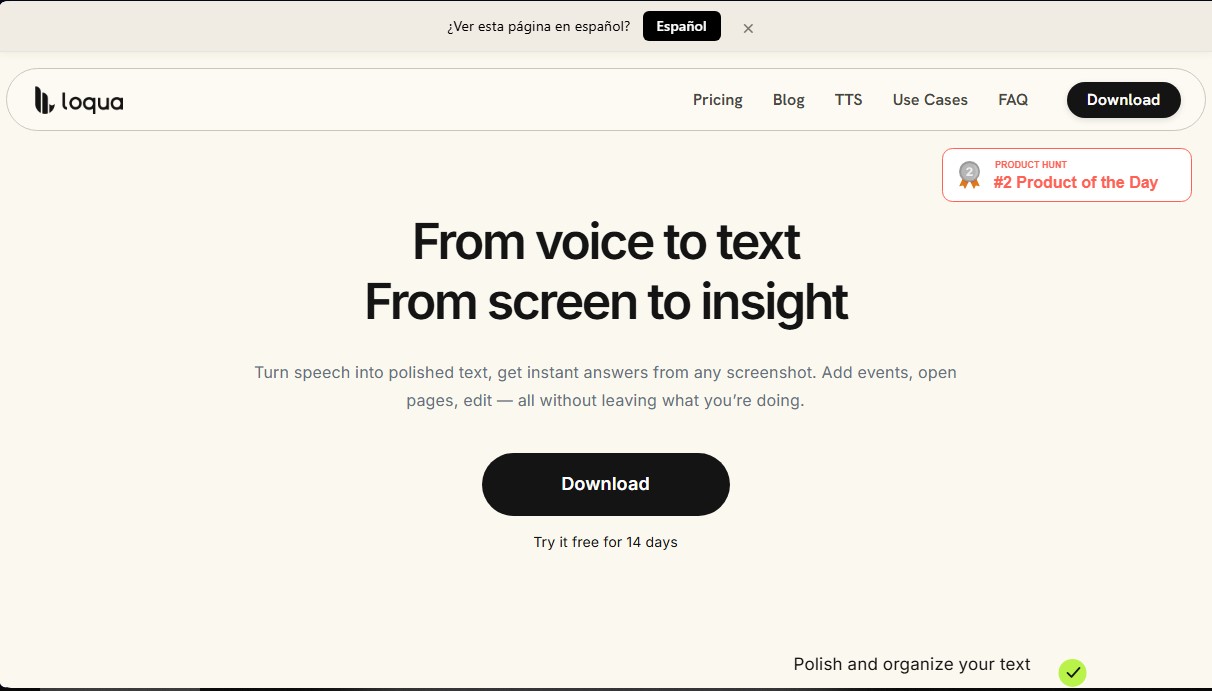
Smart dictation that refines and structures your voice in real time. Edit, translate, and analyze screenshots in any app with a simple shortcut.
What is Loqua?
Loqua is an advanced AI voice dictation tool designed for macOS and Windows operating systems. Its primary function is to transform speech into polished, structured text in real time, allowing users to draft emails, documents, or code significantly faster than with a traditional keyboard. This application integrates globally via a keyboard shortcut and works in any text field—from Slack and Notion to the terminal or development environments like VS Code—eliminating the need to switch windows to process information.
Loqua’s technology utilizes language models and natural language processing (NLP) to understand not just the words, but the user's context and intent. Unlike conventional dictation tools, this software instantly detects and automatically removes filler words, repetitions, and phrasing errors. Additionally, it employs a contextual AI approach that allows it to autonomously organize content using hierarchies, headings, and bulleted lists, based simply on the logical structure of the spoken discourse.
Key functional capabilities and practical benefits include:
- Intelligent Dictation and Text Cleaning: Refines speech by removing filler words and improving phrasing to ensure a direct and professional result.
- Multilingual Translation: Supports nearly 100 languages, allowing users to speak in their native tongue and receive translated text with natural phrasing immediately.
- Capture to Ask: This feature allows you to select any area of the screen (graphics, tables, or images) and ask voice-based questions to receive analyses, summaries, or translations without leaving the active application.
- Voice Command Editing: Users can highlight a text snippet and provide spoken instructions to rewrite, correct, or change its tone.
- Command to Go: A voice control system to execute quick actions like opening apps, making calls, searching for directions, or setting reminders.
- AI Podcast (Text-to-Speech): A TTS feature that converts selected text into audio, making it easy to listen to documents or news while multitasking on your computer.
This voice productivity tool is especially useful for technical professionals such as software developers, product managers (PMs), and content creators looking to optimize their workflow. By enabling speeds of up to 220 words per minute, Loqua helps reduce physical fatigue, serving as a valuable solution for individuals with repetitive strain injuries (RSI) or neurodivergences like ADHD. Its ability to recognize technical terminology and acronyms ensures high precision in demanding professional environments.
Loqua features and use cases
How to use Loqua
Loqua FAQ
What is Loqua and how can it help me with my daily work?
Loqua is an AI-powered dictation tool that converts your voice into polished, structured text directly within any application on your computer.
Can I use Loqua in specific programs like Slack, Notion, or VS Code?
Yes, the tool works globally using a keyboard shortcut, allowing you to use voice-to-text in any text field within any application you use.
How does Loqua remove filler words and repetitions from my speech?
Our AI technology analyzes your voice in real-time to filter out filler words and organize your thoughts into coherent blocks or automated lists.
How does the screenshot feature for gathering information work?
Simply select an area of your screen using the designated shortcut and ask a question aloud to receive an instant analysis, translation, or summary.
Does Loqua offer a free version for new users?
Yes, all new accounts start with a 14-day free trial of the Pro plan and then automatically transition to a free plan with usage limits.
Which operating systems support the Loqua app?
The tool is currently fully compatible with computers running macOS and Windows.
How many languages does the translation feature support?
You can speak in your native language and instantly generate text with natural phrasing in nearly 100 different languages.
How do I cancel my paid Loqua subscription?
You can manage and cancel your subscription at any time through the account section within the app installed on your computer.
Loqua pricing and plans
Free Plan
Price: Free (includes a 14-day Pro plan free trial at the start).
Basic dictation with a 5,000-word weekly limit.
Multilingual translation.
"Ask Anything" and "Speak to Edit" features.
Basic context detection.
Dictionary and batch import.
Screenshot-to-Ask (limited to 10 times per week).
Text polishing feature.
Pro Monthly
Price: 12 $ per month.
Unlimited dictation.
Multilingual translation.
"Ask Anything" and "Speak to Edit" features.
Full context intelligence.
Dictionary and batch import.
Unlimited Screenshot-to-Ask.
Text polishing feature.
Pro Annual
Price: 10 $ per month (billed annually).
Unlimited dictation.
Multilingual translation.
"Ask Anything" and "Speak to Edit" features.
Full context intelligence.
Dictionary and batch import.
Unlimited Screenshot-to-Ask.
Text polishing feature.
Developer Grant
Price: Free.
Free access to Pro features for maintainers of public open-source (OSS) projects.
Loqua Screenshots
Loqua alternatives

PropellaDocs
Automate business proposals and technical documents for IT consultants with AI. Create professional drafts and solution designs in minutes from notes or emails.





ReferenceChecker.ai
Verify academic citations and DOIs against scientific databases. Detect errors or fake references and correct bibliographies in multiple professional formats.