Share
RowSpeak
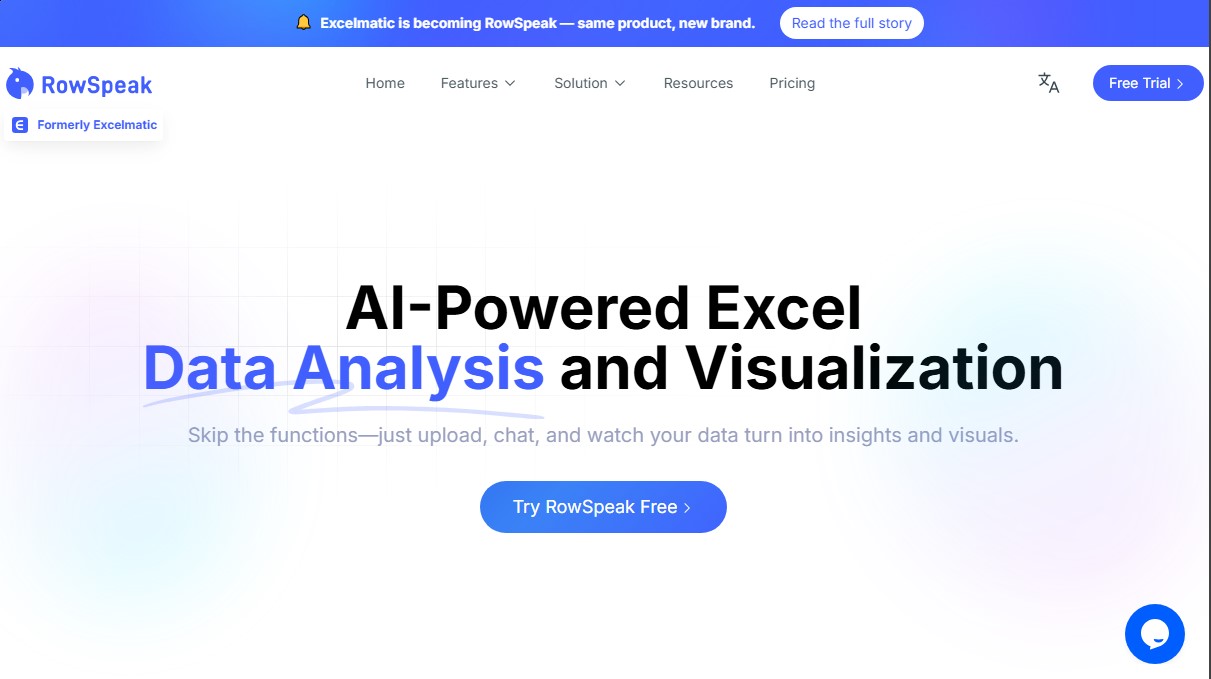
Analyze and visualize Excel data via chat. Generate charts, formulas, and automated reports with natural language. No advanced technical skills required.
General Information about RowSpeak
RowSpeak is an AI-powered data analysis tool designed to transform Excel spreadsheets into engines of actionable insights without the need for complex functions. This application allows users of all technical levels to interact with their files using natural language processing, eliminating the barriers often presented by dense workbooks or confusing statistical metrics. It is an ideal solution for data analysts, Business Intelligence managers, marketing directors, and executives looking to optimize their workflow on their computer.
The way RowSpeak works is based on a simplified workflow: the user uploads their file in .xlsx or .csv format and starts asking questions directly through a chat interface. The underlying AI technology automatically identifies data types, preventing formatting errors and providing answers in seconds. This smart data ops approach streamlines decision-making by removing the requirement for advanced knowledge of Excel syntax.
Key features of the tool include:
- Automation of repetitive tasks: Clean complex data with a single click and perform batch processing of multiple tables simultaneously, saving hours of manual labor.
- Intelligent formula assistant: Automatically generates formulas from simple instructions. It supports complex scenarios such as array and nested formulas, and includes an error correction system that suggests modifications when issues are detected.
- One-click chart generation: Create professional visualizations (bar, line, pie) through conversation. The AI recommends the most suitable visual format and allows for flexible style customization.
- Instant business insights: Automatically extract KPIs, analyze trends, and perform anomaly detection to identify potential risks early on.
RowSpeak stands out for its ability to perform multidimensional analysis that uncovers deep layers of information. By integrating predictive analytics and dynamic updates, charts and reports refresh automatically when data changes, providing an ever-current view of business dynamics. This tool is especially useful for those who need to perform fast and accurate data visualization without relying on a technical team, allowing every row of Excel to become a source of strategic knowledge to reach business goals. Its intuitive interface and powerful AI engine ensure that any professional can manage large volumes of information efficiently and securely.
Features and Use Cases of RowSpeak
How RowSpeak Works
Frequently Asked Questions about RowSpeak
What is RowSpeak and how can it help me with my Excel files?
RowSpeak is an AI-powered data analysis tool that lets you analyze and visualize spreadsheets through a chat interface, eliminating the need for complex formulas.
Do I need technical knowledge to use RowSpeak?
You don't need to be an expert since you can interact with your data using natural language, and the tool handles the calculations and charts for you.
What file formats can I upload to the platform?
Currently, the tool allows you to upload and process .xlsx and .csv files quickly and easily.
How does RowSpeak guarantee my data security?
We use bank-level encryption for data transmission and storage, ensuring that all your files remain private and accessible only to you.
Can the tool help me clean up messy data?
Yes, RowSpeak features intelligent recognition and automation tools to clean up complex data and fix formatting errors with just one click.
What kind of charts can I generate with RowSpeak?
You can create bar, pie, line charts, and many other professional styles simply by asking through the chat interface.
Is there a free version to try out the service?
Yes, you can start using RowSpeak for free to explore its core features before deciding on a premium subscription plan.
What is the refund policy for paid subscriptions?
New users can request a full refund within the first seven days of purchase, provided they have used the tool fewer than ten times.
How does the smart formula assistant work?
Just describe what you want to calculate in plain English, and RowSpeak will automatically generate the corresponding formula while detecting and correcting any potential errors.
Can I cancel my subscription at any time?
Yes, you can manage and cancel your plan whenever you like from the profile menu in the subscription management section of the platform.
RowSpeak Pricing
Free
- Free starter option to test data analysis and natural language visualization features.
Essential: $9.9 per month ($8.3 per month billed annually)
- 150 chat messages per month.
- Upload up to 5 files per chat (50 MB limit).
- 180-day chat history.
- 150 image-to-Excel conversions per month.
- 10 dashboards from Excel per month with 20 editable blocks.
- Access to 4 dashboard themes.
- Basic analytics, all chart types, and template generation.
- 500 MB storage space.
- Excel and chart downloads.
- Email support.
Professional: $29.9 per month ($24.9 per month billed annually)
- Includes all Essential plan features.
- Unlimited chat messages.
- Upload up to 10 files per chat (100 MB limit).
- 360-day chat history.
- Unlimited image-to-Excel conversions.
- 30 dashboards from Excel per month with 30 editable blocks.
- Access to 6 dashboard themes and custom themes.
- Model analysis and forecasting.
- 1 GB storage space.
- Priority support.
Premium: $59.9 per month ($49.9 per month billed annually)
- Includes all Professional plan features.
- Upload up to 30 files per chat (300 MB limit).
- 100 dashboards from Excel per month.
- Unlimited editable blocks on dashboards.
- Access to all available dashboard themes.
- 10 GB storage space.
RowSpeak Screenshots