Voicemod
Share
Real-time AI voice changer for games and chat apps. Includes a soundboard, hundreds of filters, and tools to create custom voices.
What is Voicemod?
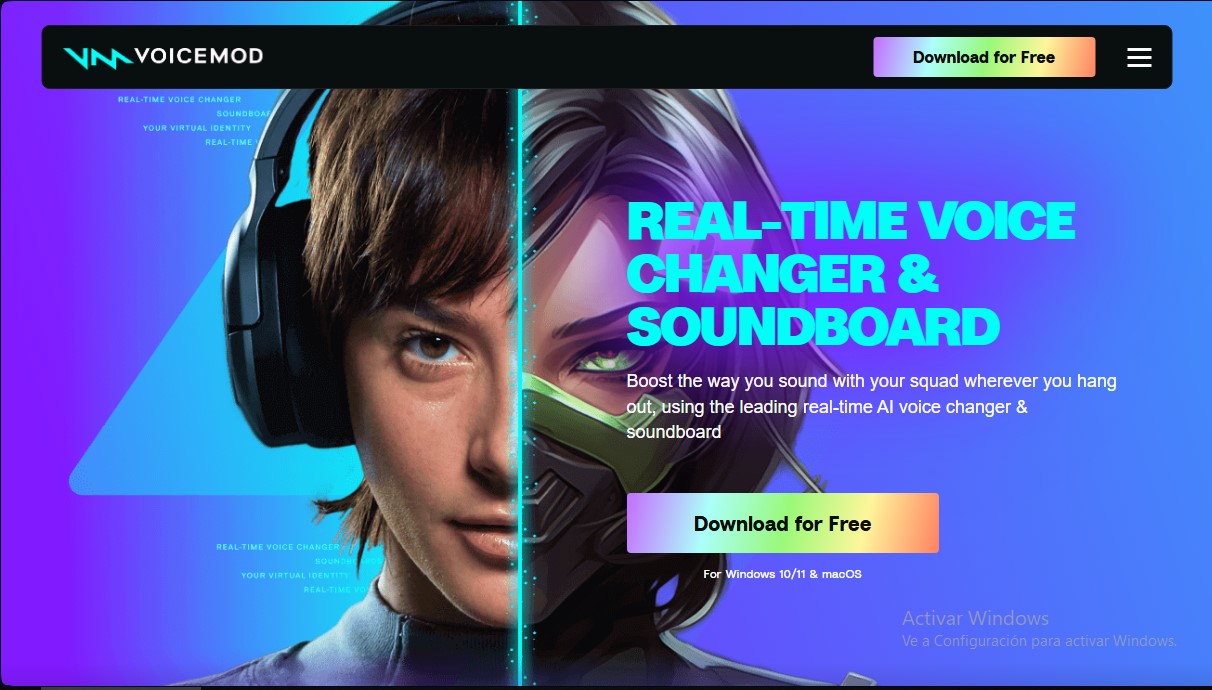
Voicemod is a real-time voice changer and soundboard tool designed to instantly transform a user's sonic identity. Its primary function is to process microphone audio input by applying artificial intelligence filters and effects, allowing users to adopt different vocal personas during gaming sessions, live streams, or voice calls. This application is specifically aimed at streamers, content creators, and gamers looking to enhance their online interaction across communication and entertainment platforms.
The tool operates by creating a virtual microphone within the operating system (Windows or macOS). Once installed, users must select this virtual device as the audio input in their preferred applications. Voicemod technology uses AI models trained with professional voice actors, ensuring superior and natural sound quality. Optimized for performance, it offers ultra-low latency, which is crucial to avoid interfering with the gaming experience or the flow of conversation.
Key functional features include:
- AI Voice Changer: Access to a catalog of more than 200 pre-configured voices, ranging from radio effects and fantasy characters to anime avatars.
- Interactive Soundboard: Allows for playing audio clips and sound memes in any voice chat. It includes the ability to assign keybinds to trigger sounds instantly.
- Voicelab: An advanced editor for users who want to create their own custom filters by combining reverb, delay, modulation, and distortion effects.
- Voicemod Recorder: Enables capturing audio from various sources, such as YouTube videos or in-game sound, to create new clips.
- Instant Replay: A specific feature to retrieve and save the last 30 seconds of broadcasted audio.
Compatibility is one of its greatest strengths, as it integrates seamlessly with software like Discord, OBS, Twitch, Steam, and Skype. In the gaming world, it is fully functional in titles such as Fortnite, Valorant, Minecraft, League of Legends, Call of Duty, and Roblox. Beyond its desktop use, the ecosystem extends to mobile devices via Voicemod GO, which allows for remote soundboard control, and to gaming consoles through the Voicemod Key solution.
In addition to modulation, the tool enhances the user's hardware quality through noise suppression and integrated audio signal optimization. This ensures that, regardless of the environment, the voice is transmitted clearly and without external interference, solidifying Voicemod as a comprehensive solution for managing digital sound identity.
Voicemod features and use cases
How to use Voicemod
Voicemod FAQ
What is Voicemod and how does it work in real time?
Voicemod is a voice changer and soundboard that uses artificial intelligence to transform your voice while you speak in apps or games.
What platforms and games can I use Voicemod with?
This tool is compatible with programs like Discord, OBS, and Skype, as well as popular titles such as Fortnite, Valorant, Roblox, and League of Legends.
How do I set up Voicemod so others can hear me with effects?
You need to install the app and select the Voicemod Virtual Microphone as your input device in the audio settings of the game or application you are using.
Can I create my own custom voice effects?
Yes, the Voicelab feature allows you to mix different effects like reverb or robotic tones to design unique voices exactly the way you want them.
Is Voicemod compatible with Mac and Windows computers?
You can currently download and use the software on Windows 10 and 11 operating systems as well as macOS devices.
What is the Soundboard feature included with the tool?
It is a panel that lets you instantly play sounds and audio memes during your matches or calls to entertain your friends.
Does using Voicemod affect my game performance?
No, the program is optimized to consume the fewest resources possible and offers ultra-low latency so it doesn't negatively impact your gaming experience.
How can I use Voicemod on my gaming console?
You can unlock this feature by linking your smartphone via Voicemod Key to enjoy voice effects while playing on your console.
Voicemod pricing and plans
Free version: €0
- Real-time voice changing with a rotating, limited selection of voices.
- Basic Soundboard access to play sound memes.
- Works on Windows 10/11 and macOS.
- Integrates with Discord, OBS, Fortnite, Valorant and other in-game voice chats.
- Built-in noise suppression and voice enhancement.
Voicemod Pro (paid): the official site does not list a price; you buy it inside the app (subscription or lifetime license).
- Unlimited access to 200+ voices, including AI models.
- Voicelab to build your own voices by mixing effects such as Reverb, Delay or Robotifier.
- Full Soundboard with unlimited sound memes, no manual uploads needed.
- Voicemod Recorder to capture clips from any source; Instant Replay rewinds up to 30 seconds.
- Custom keybinds to fire sounds or voice changes instantly.
- AI voices trained with professional voice actors (Fairly Trained certified).
- Remote control from your phone with the Voicemod GO app.
Checked on: 20/10/2026.
Voicemod Screenshots
Voicemod alternatives

AutoTune Metamorph
Transform voice recordings with ethically sourced professional models. Runs offline in your DAW, supports RVC imports, and automatically adjusts the vocal range.

All Voice Lab
AI platform for text-to-speech, voice cloning, and audio editing. Offers realistic voiceovers in six languages with emotion and tone control for professional projects.
Musicfy AI
Create AI music with voice cloning, text-to-instrumental generation, and track separation. Train your own voices and use community models.

Voice AI Portal
Voice AI Portal is a white-label dashboard for voice agent agencies: clients see their calls, transcripts and summaries, and the agency bills them for minutes.