
Share
What is Zumungo?
Zumungo is an AI tool for home automation that runs on a small computer in your house, from a Raspberry Pi to an old desktop PC, and joins all your smart devices into one app with an assistant you can talk to. It is built for any household, with no code and no manuals to study.
What is Zumungo used for?
It ends the one-app-per-brand mess. Its catalog holds over 50,000 devices from more than 3,800 brands: lighting, plugs, cameras, locks, sensors, climate, window coverings, appliances, robot vacuums, solar panels and EV chargers. Your devices keep working exactly as they do today, and Zumungo brings them together.
How does Zumungo work?
You flash a card or run one installer and open zumungo.local in your browser. Draw your rooms, run device discovery and drag each device into place. Then control everything from the screen, your phone or by voice: "turn off the downstairs lights" or "is the garage door closed?", and it tells you what it did. The assistant also designs events from a description ("when the front door opens after dark, turn on the hall light for five minutes") and builds simple screens for each family member.
Which AI does Zumungo use?
- An online service of your choice: Google Gemini, Anthropic Claude or OpenAI, with your own key.
- Or a fully local AI with nothing sent out, on a computer with an NVIDIA card with 16 GB or more.
- You can switch at any time in Settings.
Zumungo pros and cons
It is private by design: your devices, cameras and routines stay at home, and nothing goes out unless you pick an online assistant. It also asks rather than guesses and checks with you before anything that affects the whole house. On the downside, you need a computer running at home, and local AI needs an NVIDIA card with 16 GB or more.
Zumungo features and use cases
How to use Zumungo
Zumungo FAQ
What is Zumungo?
Zumungo is a home automation platform with an AI assistant that joins devices from any brand and is controlled by talking.
Is Zumungo free?
Yes, it is free to install and use; if you pick an online AI, its provider bills usage, as explained in the pricing section.
What hardware do I need?
A computer you own at home, from a Raspberry Pi to a desktop PC; for local AI, an NVIDIA card with 16 GB or more.
Which devices are supported?
Over 50,000 devices from 3,800+ brands, from lighting and cameras to climate, appliances and chargers.
Does my data leave home?
No, devices, cameras and routines stay at home unless you choose an online AI assistant.
Which AI can I use?
Google Gemini, Anthropic Claude or OpenAI with your own key, or an offline local AI.
Do I need to code?
No, setup is drawing rooms, discovering devices and dragging them; events are described in words.
Does Zumungo have an API?
The site does not describe a public API; it is managed from zumungo.local, the phone app and the assistant.
Does Zumungo work in Spanish?
The site is in English; the assistant uses models like Gemini, Claude or OpenAI that understand Spanish, but the site does not confirm a Spanish interface.
What are the alternatives to Zumungo?
There is no other home automation platform in our directory; the assistants it uses as engines, Gemini, Claude and ChatGPT, are listed.
Zumungo pricing and plans
Reference price: 0 USD. Source · Verified: November 17, 2026
Reference amounts in US dollars (USD). Checked on: 17/11/2026.
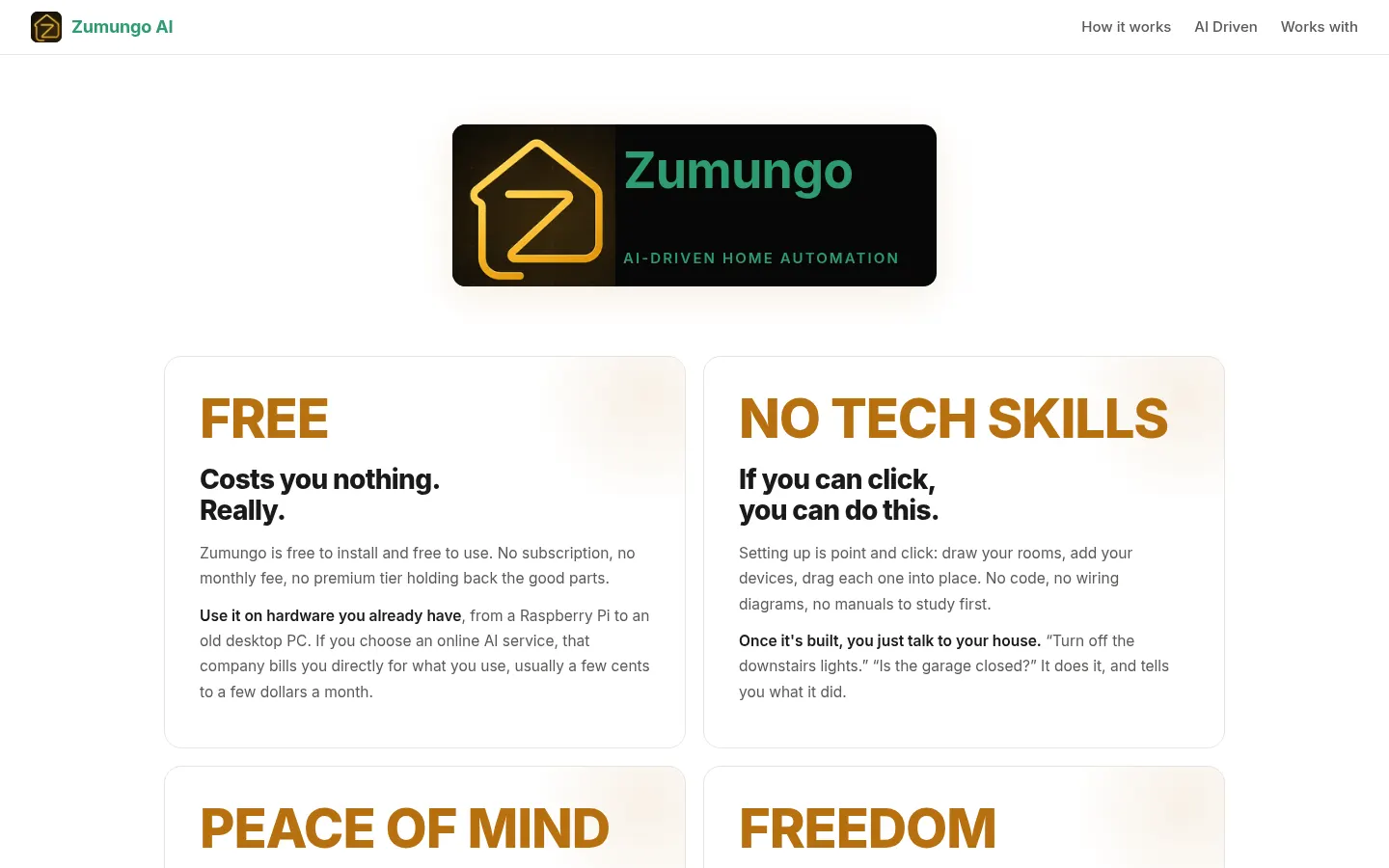
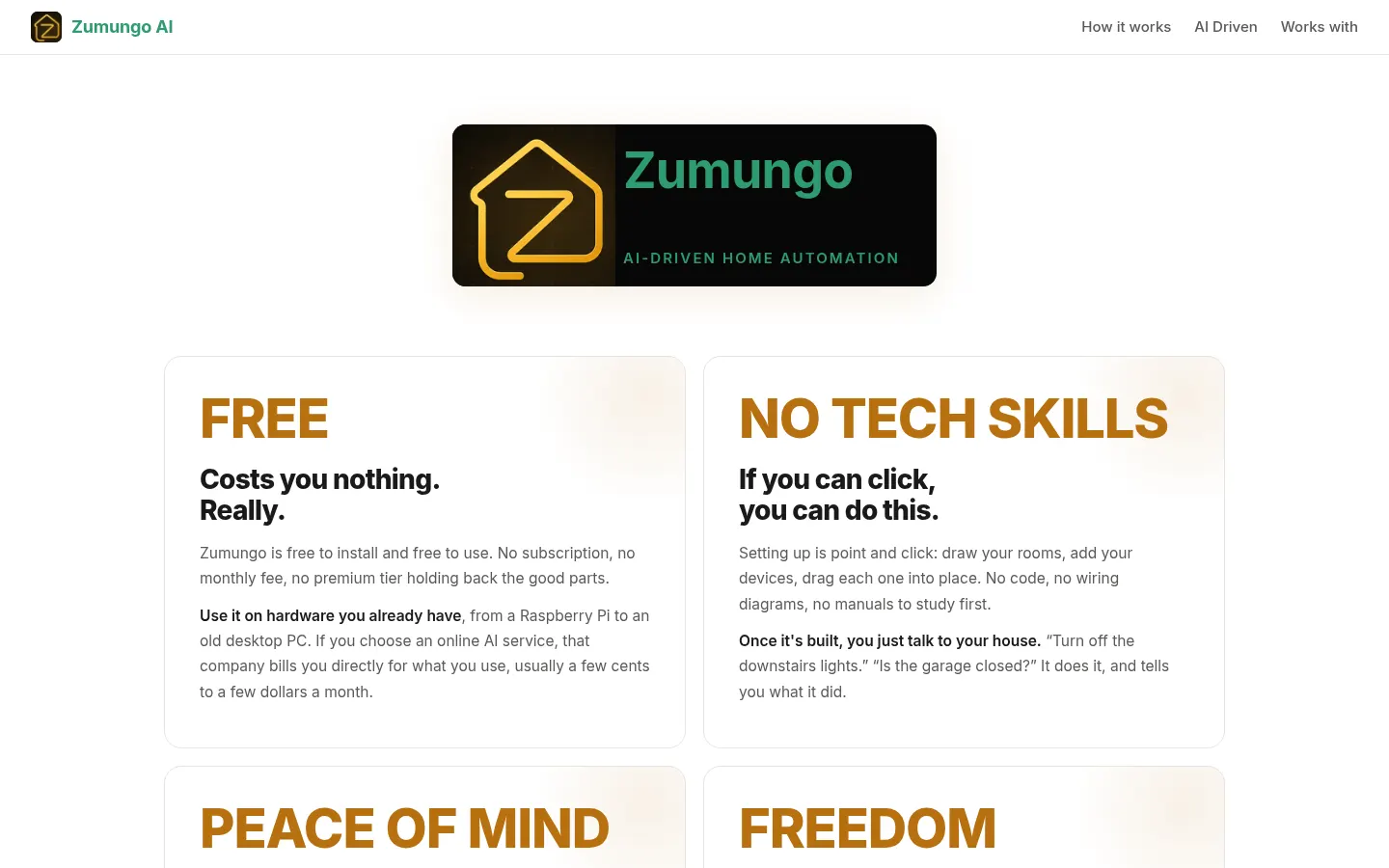
Zumungo is free to install and free to use, with no fees and no premium tier. It runs on hardware you already have. If you choose an online AI service (Gemini, Claude or OpenAI), that provider bills you directly for usage, usually a few cents to a few dollars a month according to the site; local AI has no usage cost.
Zumungo Screenshots
Zumungo user reviews
Write a review
Checking your session...
Zumungo Reviews
Loading reviews...
Zumungo alternatives




HouseChief
HouseChief is a family organizer with an AI assistant that plans meals and manages the calendar, chores and groceries, asking approval before it acts.