
Share
What is Aider?
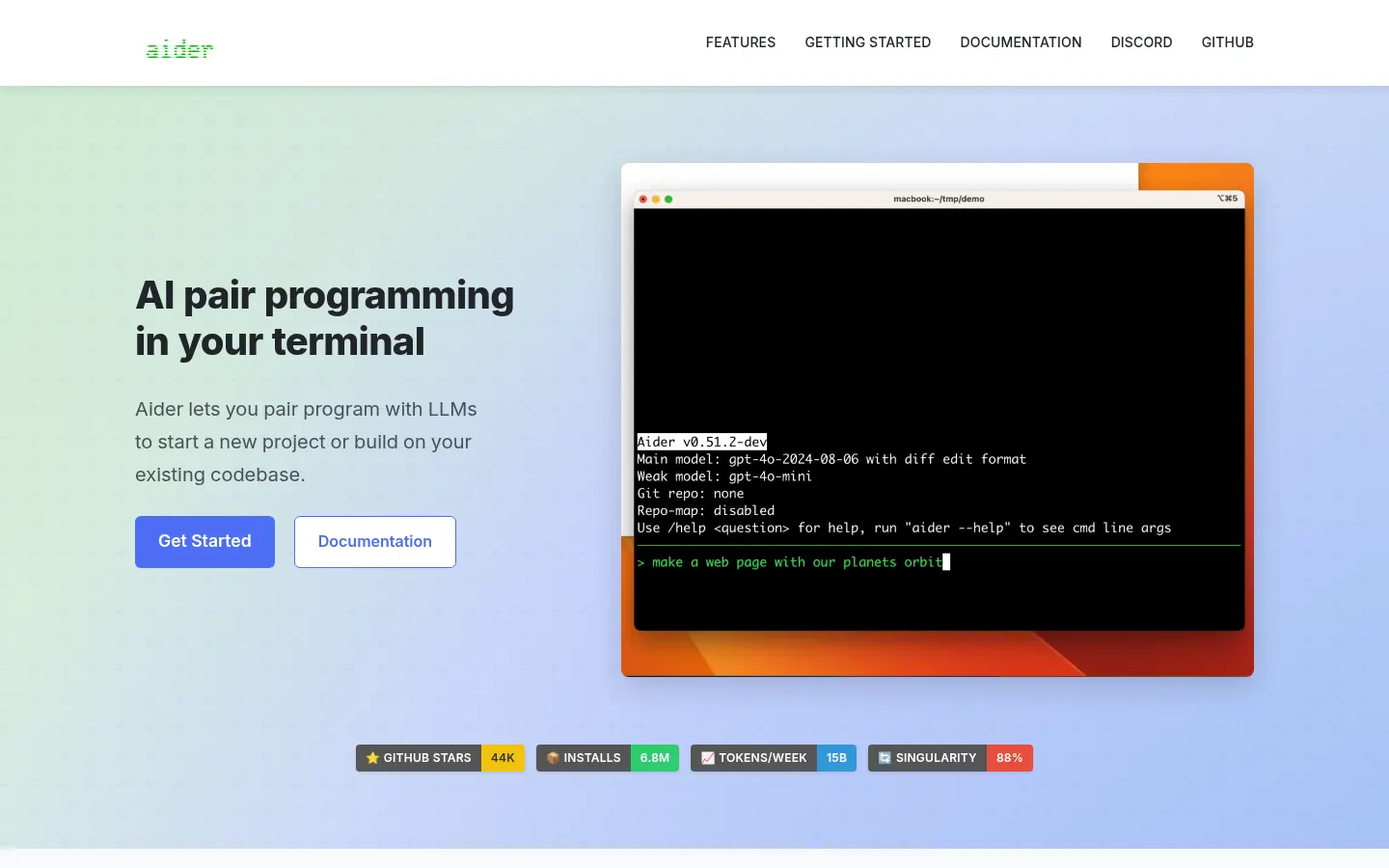
Aider is an AI tool for AI pair programming in your terminal, built for developers who want to ask for changes in plain English and have the model edit files in their repository directly, with every change tracked in Git.
How does Aider work in the terminal?
Install it with pip (aider-install), launch it in your project folder and connect it to the model of your choice with your own key: Claude, GPT and OpenAI o-series, DeepSeek, Gemini, Groq, OpenRouter or local models via Ollama or LM Studio. Aider builds a repo map so it copes with large codebases, and it supports 100+ languages, from Python and JavaScript to Rust, Go and PHP.
What can Aider do as an AI coding assistant?
- Git integration: automatic commits with sensible messages that are easy to diff or undo.
- Code, architect, ask and help chat modes to edit, design or discuss without touching code.
- Automatic linting and testing after each change, fixing the problems it finds.
- Works from your IDE via code comments, takes images and web pages as context, and supports voice-to-code.
Aider pros and cons
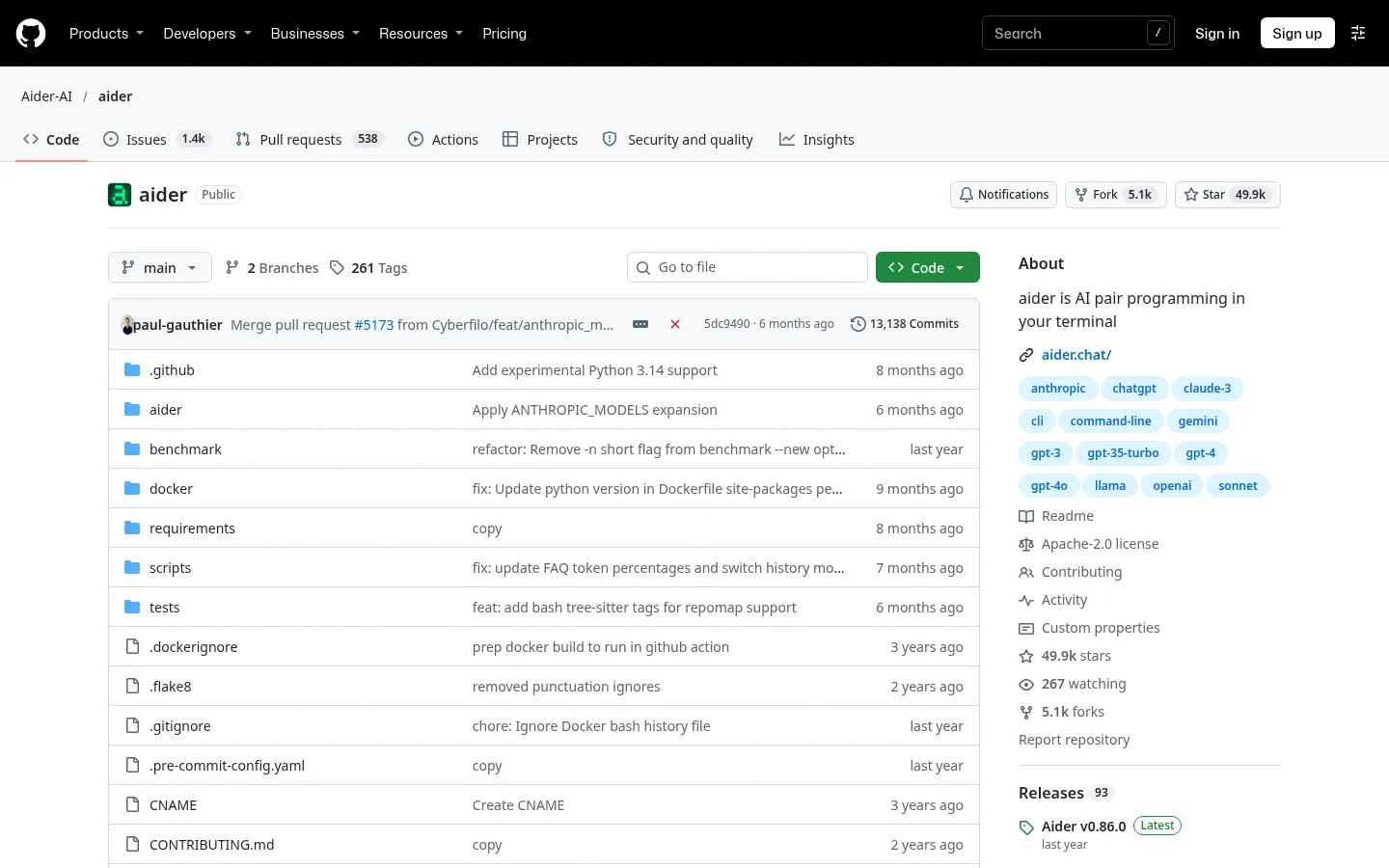
Pros: it is open source (Apache 2.0) with nearly 50,000 GitHub stars, model-agnostic and respectful of your Git workflow. Cons: you need to be comfortable on the command line, you bring your own API key or local model, output quality depends heavily on the LLM you pick, and there is no dedicated GUI like a full AI code editor.
Aider features and use cases
How to use Aider
Aider FAQ
What is Aider?
Aider is an open-source AI pair programming tool that edits your repository from the terminal and tracks changes in Git.
Is Aider free?
Yes, Aider is free and open source; you only pay for the cloud model you connect, unless you run a local one.
Does Aider have an API?
Aider is not a hosted service with its own API; it is a command-line tool that can also be scripted, and it connects to LLM APIs.
Does Aider work in Spanish?
Yes, you can give it instructions in Spanish; quality depends on the model you use.
Which models does Aider support?
Claude, GPT and OpenAI o-series, DeepSeek, Gemini, Groq, OpenRouter and local models via Ollama or LM Studio, among others.
Can Aider use local models?
Yes, via Ollama, LM Studio or any OpenAI-compatible API.
How do I install Aider?
Run python -m pip install aider-install and then aider-install.
Does Aider commit automatically?
Yes, every change is saved as a Git commit with a descriptive message you can undo.
What are the best Aider alternatives?
On GptZone you can compare Claude Code, Cursor and Open Interpreter.
Aider pricing and plans
Reference price: 0 USD. Source · Verified: November 4, 2026
Information from the official repository (Checked on: 04/11/2026). Prices in USD.
- Aider: 0 USD, open-source software under the Apache 2.0 license.
- Cloud model usage is billed separately by your chosen provider (OpenAI, Anthropic, DeepSeek…) using your own key; local models have no charge.
Aider Screenshots
Aider user reviews
Write a review
Checking your session...
Aider Reviews
Loading reviews...
Aider alternatives

Factory AI
Factory AI is a platform of AI coding agents (Droids) that plan, build, review and validate software changes with enterprise-grade governance.

Open Interpreter
Open Interpreter is an open-source coding agent that lives in your terminal, reads and edits code and runs commands in a sandbox with the model of your choice.



Capacity.so
Build web apps, stores, and membership sites without code. Describe your idea and AI generates the design, database, and hosting to launch your project today.