
Share
What is Open Interpreter?
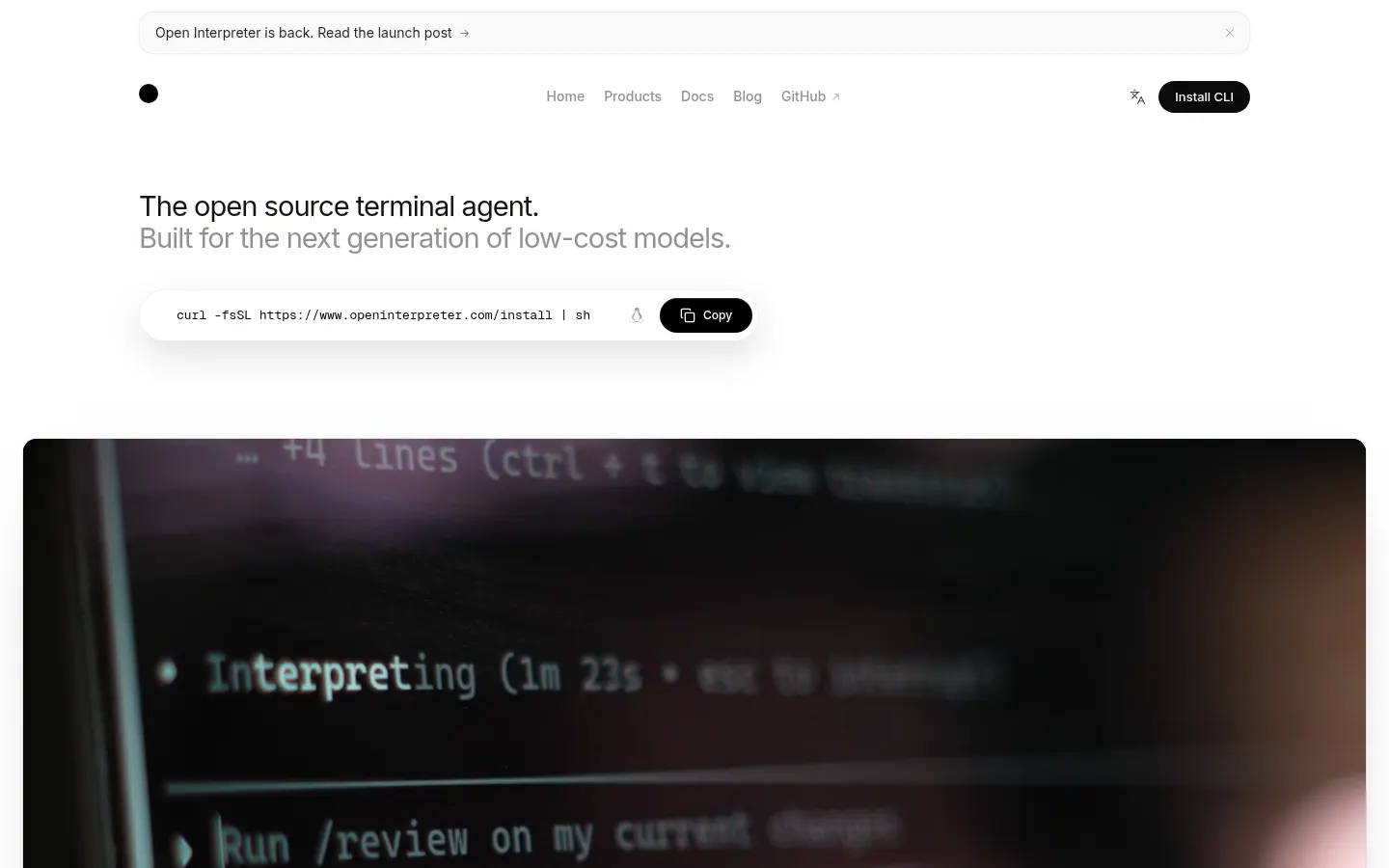
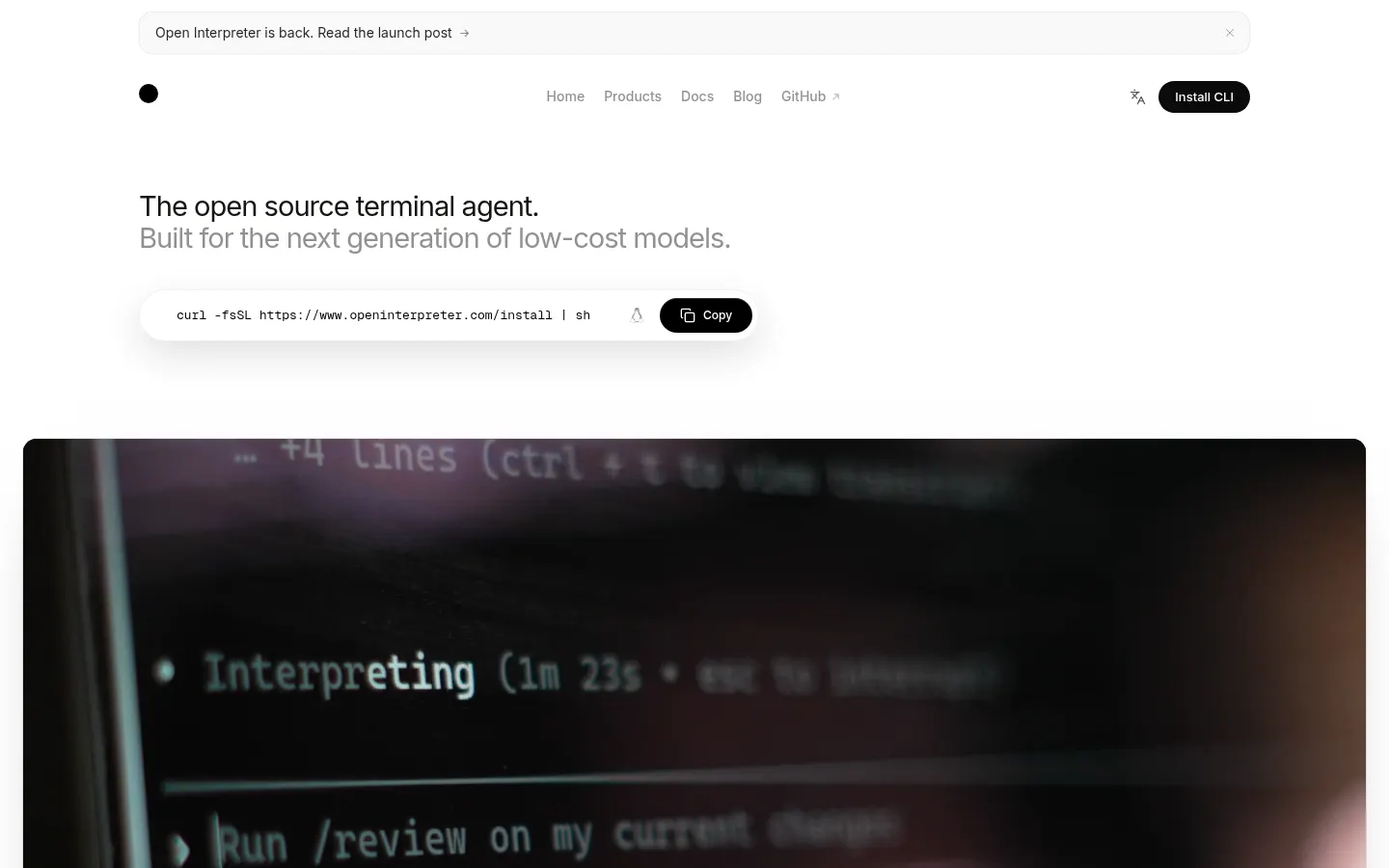
Open Interpreter is an open-source terminal coding agent for developers who want to work with cheaper or open-weight models: open a project, type interpreter and the agent reads files, edits code and runs commands, asking before it goes beyond its sandbox.
What is Open Interpreter and how is it different?
The current version is an Apache 2.0 fork of Codex that keeps the Codex terminal interface while staying provider-agnostic. Its signature feature is model-specific harnesses: instead of flattening every model into one generic loop, it shapes the agent around what each model does well, with profiles for Kimi, Qwen, DeepSeek and other open models. It can also emulate the request formats of Claude Code, Kimi CLI, Qwen Code or SWE-agent.
Which models work with Open Interpreter?
- Built-in providers: OpenAI, Amazon Bedrock, Ollama and LM Studio for local models.
- Hosted provider catalog: Anthropic, OpenRouter, DeepSeek, Moonshot/Kimi, Z.ai, Alibaba/Qwen and Groq, among others.
- Custom providers using OpenAI- or Anthropic-compatible APIs.
Is it safe to let Open Interpreter run commands?
It works inside an OS-level sandbox on macOS, Linux and Windows. Permission profiles allow read-only, workspace-write or full access, network starts disabled, and any command needing approval is shown before it runs. It also picks up AGENTS.md, skills and MCP servers, and supports parallel sessions with /resume and /fork.
Open Interpreter pros and cons
Pros: open source, provider independence, local models that never leave your machine and clear safety controls. Cons: you need to be comfortable in a terminal, output quality depends heavily on the model, and if you use the project's hosted models your requests pass through its servers and are logged for up to 30 days. A separate desktop app covers office work.
Open Interpreter features and use cases
How to use Open Interpreter
Open Interpreter FAQ
What is Open Interpreter?
Open Interpreter is an open-source terminal coding agent that reads and edits code and runs commands with the AI model you choose.
Is Open Interpreter free?
The terminal agent is open source and costs nothing; you only pay the model provider if you use a paid model. Details are in the pricing section.
Does Open Interpreter have an API?
It is a command-line tool; it connects to provider APIs such as OpenAI, Anthropic or OpenRouter and to compatible custom providers.
Does Open Interpreter work in Spanish?
Yes, the site is available in Spanish and you can give tasks in Spanish, though quality depends on the model you use.
How is Open Interpreter related to Codex?
The current version is a Codex fork: it keeps the terminal interface but adds provider independence and model-specific harnesses.
Can I use Open Interpreter with local models?
Yes, it supports Ollama and LM Studio, and with them your code never leaves your machine.
How does Open Interpreter avoid dangerous commands?
It runs in an OS-level sandbox with permission profiles, network off by default and approval prompts before commands run.
Does Open Interpreter support MCP?
Yes, it supports MCP servers as well as AGENTS.md instructions and reusable skills.
Is there a version for non-developers?
Yes, the project offers a desktop app that brings the same approach to Word, Excel, PDFs and local files.
What are the best Open Interpreter alternatives?
On GptZone you can compare Claude Code and Cursor as AI coding assistants.
Open Interpreter pricing and plans
Reference price: 0 USD. Source · Verified: November 4, 2026
Information from the official site (Checked on: 04/11/2026).
Terminal agent: 0 USD, open source under the Apache 2.0 License.
- With your own API key you pay the model provider directly.
- Local models (Ollama, LM Studio) have no usage fee.
- The site does not list rates for its hosted models or the desktop app on the page checked.
Open Interpreter Screenshots
Open Interpreter user reviews
Write a review
Checking your session...
Open Interpreter Reviews
Loading reviews...
Open Interpreter alternatives


Factory AI
Factory AI is a platform of AI coding agents (Droids) that plan, build, review and validate software changes with enterprise-grade governance.



Capacity.so
Build web apps, stores, and membership sites without code. Describe your idea and AI generates the design, database, and hosting to launch your project today.