
Share
What is ApplyKick?
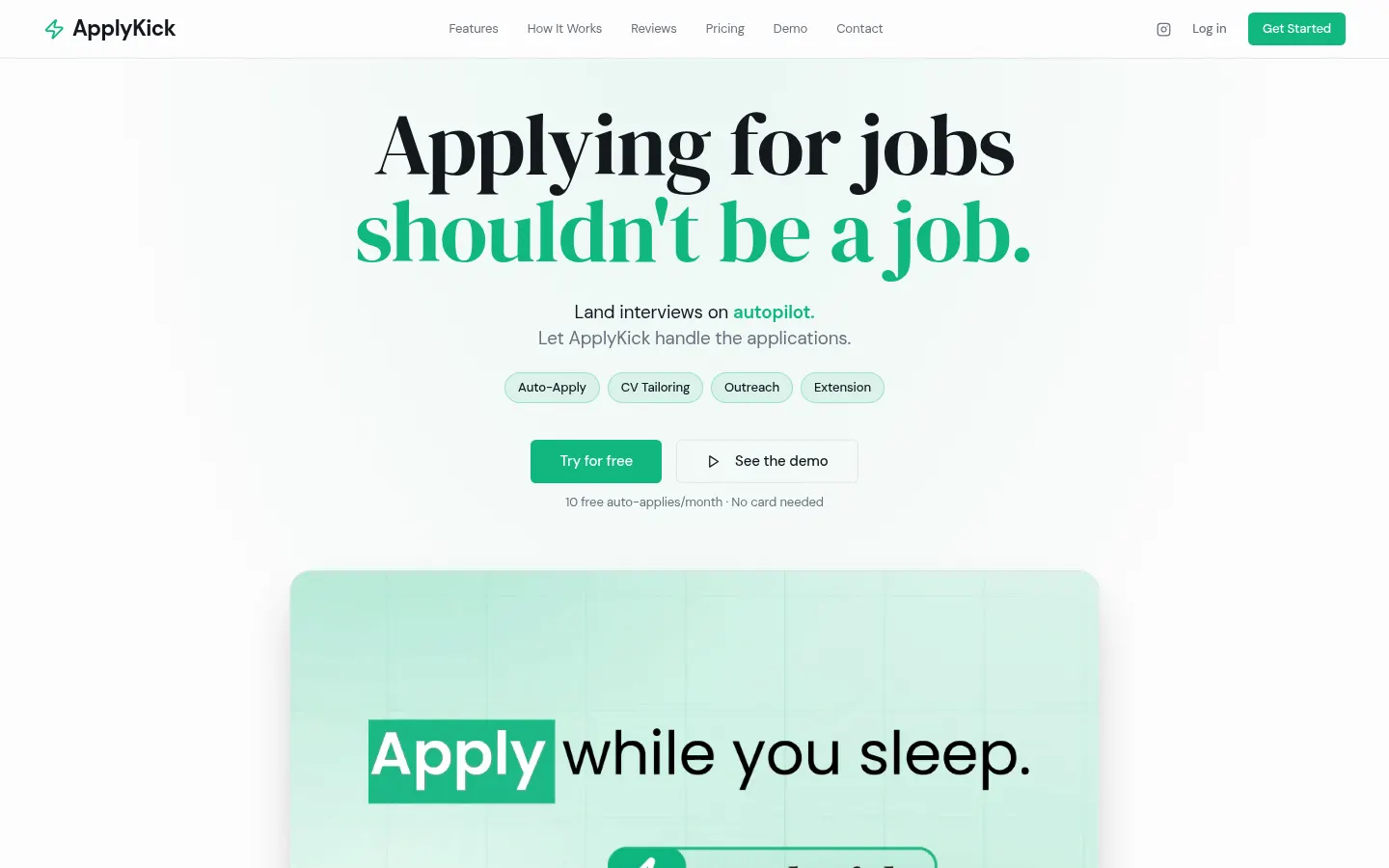
ApplyKick is an AI job application tool that applies to jobs on your behalf, built for job seekers tired of retyping the same forms. Upload your resume, the AI builds your profile and picks target job titles, and every day you get scored, matched roles it can apply to automatically.
What is ApplyKick and how does it match jobs?
It analyzes your resume and surfaces fresh openings with a match score based on skills, titles and location, filtering out irrelevant listings. Auto-apply runs in the cloud, so your computer can be off: it favors new postings, skips closed ones and leaves out anything it cannot answer honestly. An application history shows where each one landed (applied, needs you, posting closed).
How does it work with Workday, Greenhouse or LinkedIn?
It fills forms on the major applicant tracking systems: Workday, Greenhouse, Lever, Ashby, Workable, Rippling and BambooHR, plus LinkedIn Easy Apply. Prefer to apply yourself? The Chrome extension fills the form while you watch, attaches your resume and answers screening questions. It also tailors your CV to each job without changing employers, dates or titles, and finds the hiring team with a message drafted from your profile that you choose to send.
Who is ApplyKick for?
- Tech and office professionals applying widely to companies that use an ATS.
- Active job seekers who want a tailored resume per role without rewriting it.
- Candidates who want to reach the recruiter or hiring manager directly.
ApplyKick pros and cons
Pros: it saves hours of form filling, keeps a clear log of every application and won't invent answers it cannot back up. Cons: the site and examples focus on the US job market, the number of automatic applications depends on your tier, and volume applying is no substitute for reviewing the roles that matter most.
ApplyKick features and use cases
How to use ApplyKick
ApplyKick FAQ
What is ApplyKick?
It is an AI tool that finds jobs matching your resume and submits applications for you, filling the forms on major applicant tracking systems.
Is ApplyKick free?
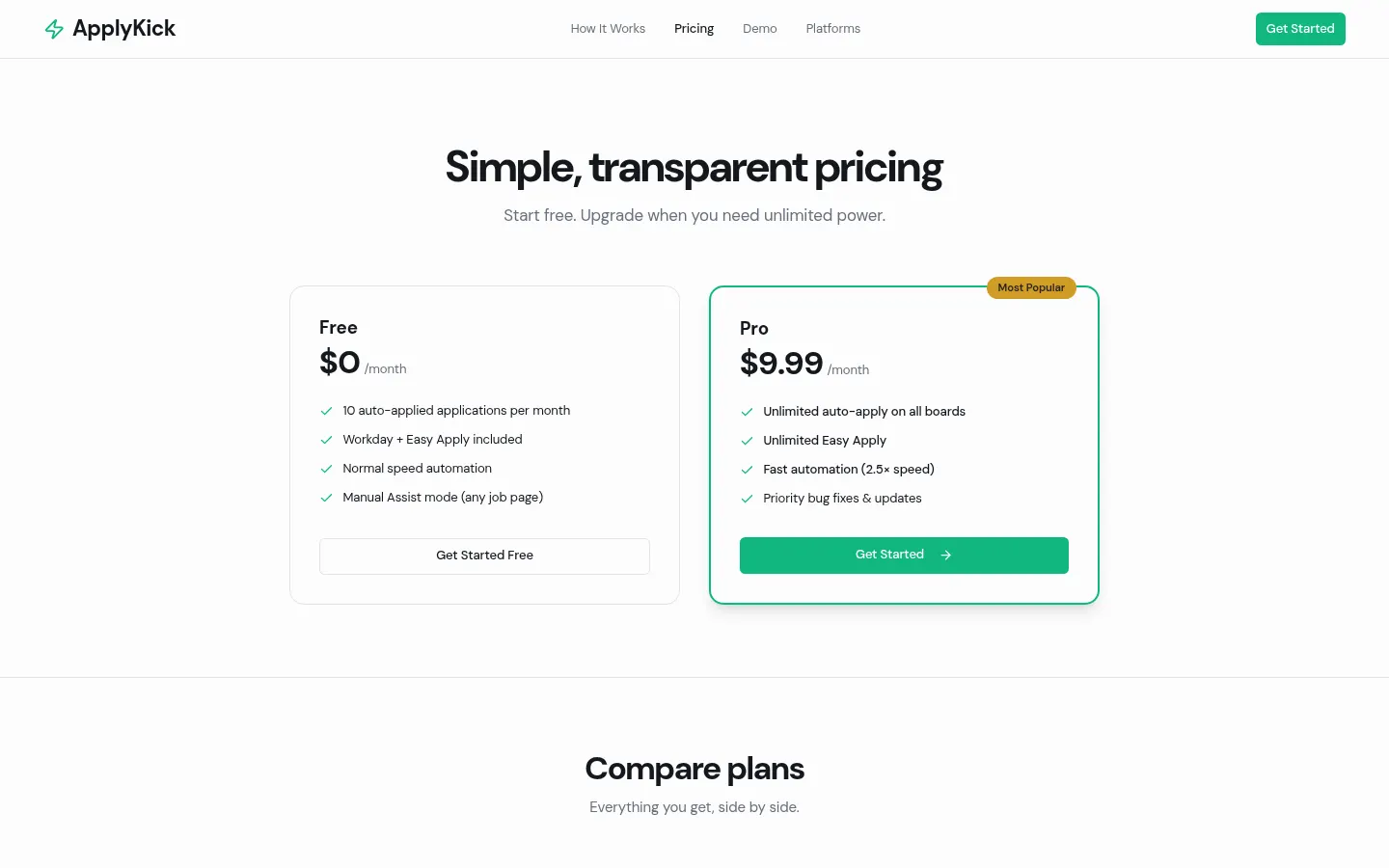
There is a forever-free plan with 10 auto-applies a month and an unlimited Pro plan. See the pricing section for amounts.
Which job platforms does it support?
Workday, Greenhouse, Lever, Ashby, Workable, Rippling and BambooHR, plus LinkedIn Easy Apply.
Does my computer need to stay on?
No. Auto-apply runs in the cloud; the Chrome extension is only needed if you want to apply yourself and watch.
Will ApplyKick change my resume details?
It sharpens relevant lines for each job but never changes employers, dates or titles.
What if it can't answer a screening question?
It flags the application for you to finish instead of making up an answer.
Does it work for jobs outside the US?
The site and examples are English and US-focused; it fills international ATS forms, but test it with your target listings.
Does ApplyKick have an API?
The official site does not mention a public API; it runs from its dashboard and Chrome extension.
What are ApplyKick alternatives?
Our directory lists LazyApply, JobStep.io and Jobnova, which also automate parts of the job search.
Can it help me reach the recruiter?
Yes. It finds hiring-team contacts for jobs you applied to and drafts a message that you decide whether to send.
ApplyKick pricing and plans
Reference price: 9.99 USD / month. Source · Verified: November 20, 2026
Prices in US dollars (USD) from the official website. Checked on: 20/11/2026. Payments via Stripe; the monthly limit resets on your signup date each month. One-click cancellation, keeping Pro until the end of the paid period.
Free: free forever, no card. 10 auto-applies a month, Workday and Easy Apply included, normal-speed automation, Manual Assist mode, Chrome extension and daily AI-scored job matches.
Pro: $9.99/month. Unlimited auto-apply on all boards, unlimited Easy Apply, fast mode (2.5×) and priority support.
The site also mentions credit-based tools at $0.50 per application.
ApplyKick Screenshots
ApplyKick user reviews
Write a review
Checking your session...
ApplyKick Reviews
Loading reviews...