
Share
What is FillWise?
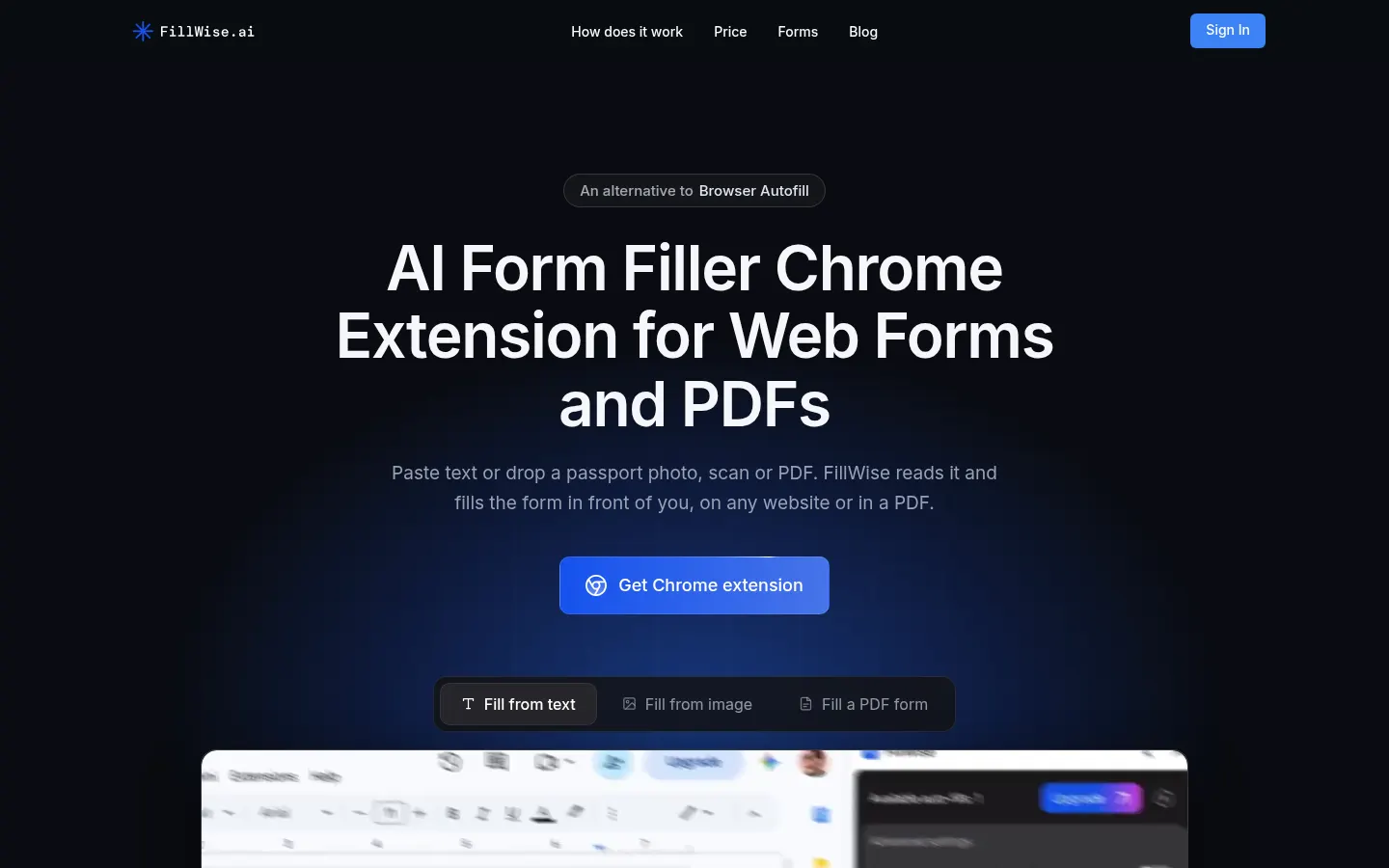
FillWise is an AI form filler Chrome extension for web and PDF forms: paste some text or drop a passport photo, scan or PDF, and it reads the data and fills the fields of the form in front of you, on any website.
What is FillWise used for?
It removes the transcription part of admin work: copying the same names, dates and numbers from a CRM, an email or a document into yet another form. It works on CRMs, job boards and ATS, government portals, booking systems, online banking and PDF forms, including flat ones with no fillable fields. It detects labels, dropdowns, checkboxes, dates and phone masks, and handles forms in 100+ languages, translating your input to match the form.
How does FillWise work?
Install the extension, open the form, paste what you know into the side panel and press Fill form; then check or change any field. Paste details for several people and it recognizes each record. Bulk fill, from your account and with no extension, makes one filled copy of a form per row of a CSV or Excel sheet, or fills up to 10 PDFs for one client at once, and hands back a zip with a folder per record. Templates store the data you reuse, and there's API access.
Who is FillWise for?
- Travel agents completing visa and booking forms from a passport photo.
- Recruiters and HR teams moving resumes into job portals.
- Agencies, insurers and firms handling lots of repetitive forms.
FillWise pros and cons
The company says fill data isn't stored on its servers and PDFs are filled right in the browser. On the downside, it only runs in Chrome, every field is worth checking before submitting official documents, and long PDFs use up several fills.
FillWise features and use cases
How to use FillWise
FillWise FAQ
What is FillWise?
It's an AI Chrome extension that fills web and PDF forms from text, document photos or scans.
Is FillWise free?
Yes, the Free plan gives 20 fills to start and 5 a week with no card; paid plans add volume.
Does FillWise have an API?
Yes, every plan includes API access, including for PDF form filling.
Does FillWise work in Spanish?
Yes, it understands forms in 100+ languages, Spanish included, and can translate your data to match the form; the site is in English.
Does it work with PDFs that have no fields?
Yes, it fills both fillable and flat PDFs opened in the browser and lets you download the result.
Does FillWise store my data?
The company says no: data is used once to fill the form and not stored; the account only keeps your name, email, plan and templates.
Can I fill the same form for many people?
Yes, bulk fill takes a CSV or Excel file and returns a zip with one filled copy per row.
Does it work in Firefox or Safari?
The extension is for Chrome; bulk fill works from the FillWise website without the extension.
What counts as one fill?
One web form or a PDF of up to 5 pages; longer PDFs add one fill per started 5 pages.
What are some FillWise alternatives?
Our directory lists Bardeen for browser task automation and HARPA AI as an AI assistant for Chrome.
FillWise pricing and plans
Reference price: 19 USD / month. Source · Verified: November 10, 2026
Prices in US dollars (USD) from the official site (Checked on: 10/11/2026). Every plan has the same features, API included; only the volume changes.
- Free: 20 fills to start, then 5 a week, no card.
- Individual: $19/month for 100 fills ($0.19 per fill).
- Professional: $75/month for 500 fills ($0.15 per fill).
- Agency: $350/month for 3,000 fills ($0.12 per fill) plus priority support.
One fill is one web form or a PDF of up to 5 pages; longer PDFs add one fill per started 5 pages.
FillWise Screenshots

FillWise user reviews
Write a review
Checking your session...
FillWise Reviews
Loading reviews...