
Share
What is Bluedot?
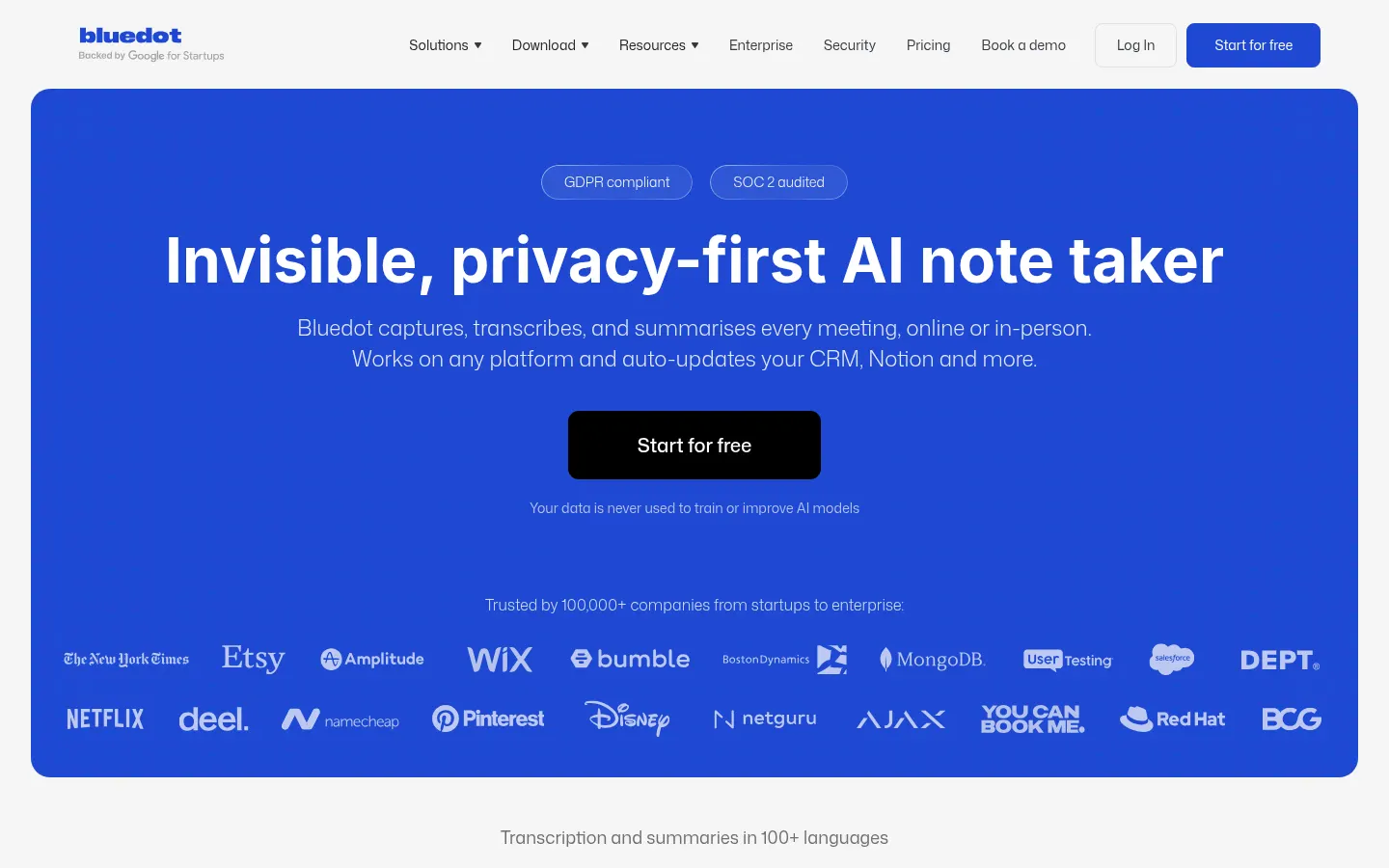
Bluedot is an AI tool (by Bluedot) that works as an AI note taker for sales, recruiting, product and customer success teams: it records, transcribes and summarizes online and in-person meetings without adding a bot to the call or asking for calendar access. Notes can then be sent to your CRM, ATS or Notion. According to its website, more than 100,000 companies use it, and your data is never used to train AI models.
How does Bluedot record meetings without a bot?
Instead of inviting an extra attendee, it captures audio through a Chrome extension for Google Meet and browser calls, a Mac and Windows desktop app for Zoom, Teams or Slack, or your phone, tablet and Apple Watch for in-person meetings. The conversation stays natural and nobody feels watched by a visible assistant.
What does it do with the transcript?
- Transcripts and summaries in 100+ languages with speaker identification.
- Note templates by meeting type: sales, Q&A, customer check-ins or interviews.
- AI chat to ask questions across one or many meetings.
- Action items and follow-up emails generated after the call.
- Search across every transcript in the workspace.
- Permission controls over who sees each meeting.
How does it connect meetings with other tools?
Bluedot updates CRM and ATS records, sends notes to Notion and Slack, and connects with Zapier and Make. Through MCP and webhooks, Claude or other AI agents can use your meeting history as context, so what was said on a call can drive tasks in other apps.
Is it a fit for privacy-conscious companies?
Privacy is its focus: conversations are not used for model training, data retention can be customized and the Business tier adds SSO and SCIM. You only pay for users who record, so the rest of the team can read and search notes without a license.
Bluedot pros and cons
- Pro: no bot and no calendar access required
- Pro: records in-person meetings from your phone
- Pro: 100+ languages and notes pushed to CRM and ATS
- Con: the entry tier caps the number of meetings tightly
- Con: CRM and ATS integrations sit in the top tier
Bluedot features and use cases
How to use Bluedot
Bluedot FAQ
What is Bluedot?
Bluedot is an AI note taker that records, transcribes and summarizes online and in-person meetings without adding a bot to the call.
Is Bluedot free?
There is a no-cost tier limited to 5 meetings in total. See the pricing section of this page for the paid tiers.
Does Bluedot transcribe Spanish?
Yes, it transcribes and summarizes in more than 100 languages, Spanish included.
Does Bluedot join the meeting as a bot?
No, it records from the Chrome extension, the desktop app or your phone, with no extra attendee in the call.
Does it have an API or AI agent integration?
It offers webhooks and MCP integration, so Claude or other AI agents can query your meetings.
Does it work for in-person meetings?
Yes, you can record them from your phone, tablet or Apple Watch and get the same transcript and summary.
Does it integrate with my CRM?
Yes, the Business tier updates CRM and ATS records, and every tier connects with Slack, Notion, Zapier and Make.
Does Bluedot use my data to train AI?
No, according to its website conversations are never used to train or improve AI models.
Do I pay for every user in the workspace?
No, you only pay for users who record meetings; everyone else can view the notes for free.
What are the best Bluedot alternatives?
On GptZone you can compare it with other meeting note takers such as Fireflies.ai, Fathom and tl;dv.
Bluedot pricing and plans
Reference price: 18 USD / month. Source · Verified: November 1, 2026
Prices in US dollars (USD) per recording user per month. Checked on: 01/11/2026.
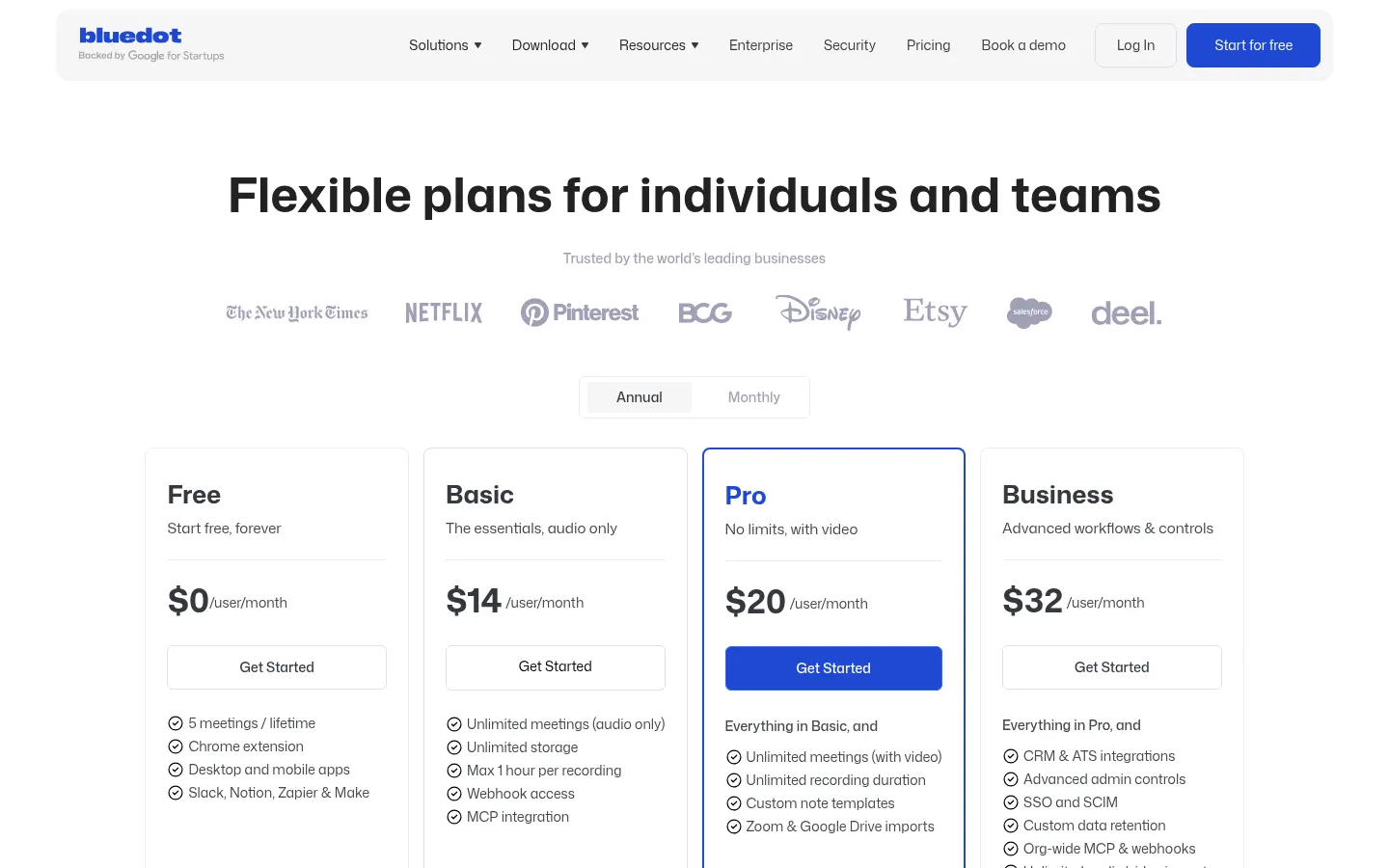
Free: $0; 5 meetings lifetime, Chrome extension, apps and Slack, Notion, Zapier and Make.
Basic: $18/user/month billed monthly ($14 billed annually); unlimited audio-only meetings up to 1 hour, webhooks and MCP.
Pro: $25/user/month ($20 annually); unlimited meetings with video, no length limit, custom templates and Zoom and Google Drive imports.
Business: $39/user/month ($32 annually); CRM and ATS integrations, advanced admin, SSO, SCIM and custom retention.
Flat rate for the whole company on request. Only users who record are billed.
Bluedot Screenshots
Bluedot user reviews
Write a review
Checking your session...
Bluedot Reviews
Loading reviews...
Bluedot alternatives




HappyScribe
European AI transcription and subtitle platform in 150+ languages, with automatic meeting notes, translation and optional human proofreading.