Share
What is Cinemagiq?
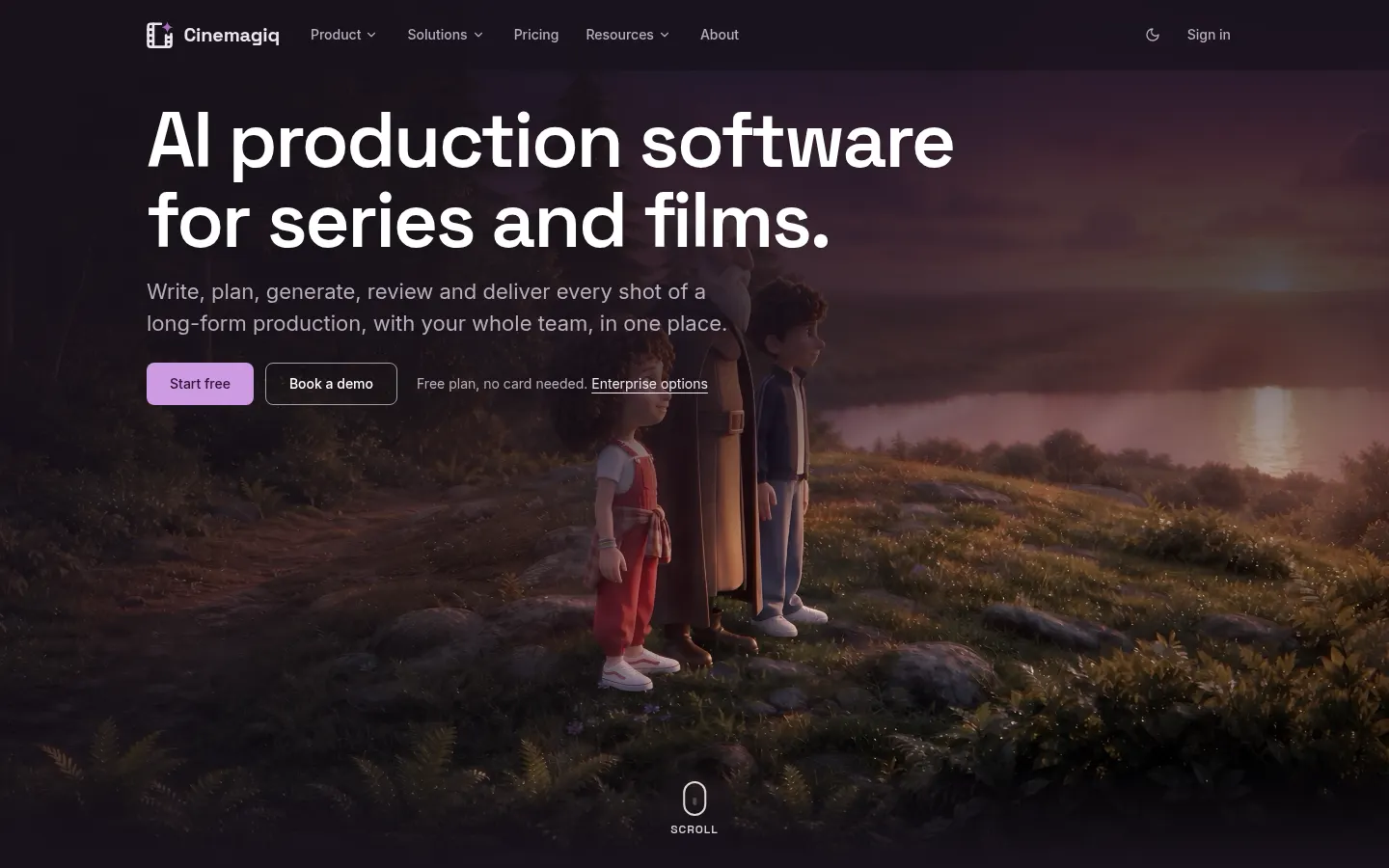
Cinemagiq is AI production software for series, feature films and long-form shorts that puts the script, storyboard, per-shot generation, assets, approvals and edit in one workspace. It is built for creators, production teams and studios working with generative AI who need to organize hundreds of shots and generations across many people.
What is Cinemagiq used for?
It starts from a real pain point: a single shot can take over 100 generations across five to ten tools. Cinemagiq gives you a pipeline from script to final cut: scripts and notes in Docs, storyboards and a shot list, a Generation Studio with 40+ models, an Asset Hub for characters, locations and props, a task and approval board, and a video editor. The Production Board tracks episodes, sequences and shots with a status and owner on each, and handles boards of 2,000+ rows.
How does Steve, the Cinemagiq AI agent, work?
Steve reads your board, docs and assets and can break a script into shots, fill a column or generate a sequence. It shows every step and its token usage first, and nothing changes until you press Run it. Generation covers image and video models such as Seedance 2.5, Kling 4.0 and O3, MiniMax H3, Nano Banana 2.1, GPT Image 2.5, Seedream 5.0 and FLUX.2, plus ElevenLabs audio for narration, sound effects and music. The Asset Hub keeps versions and lets you reuse characters as references so episode 10 matches episode 1.
Who is Cinemagiq for?
- Animation studios: series with dozens of people in one shared production.
- Independent creators: AI shorts or pilots from start to finish.
- Production companies: per-shot tasks, roles and approvals.
- Writers and directors: turning text into a reviewable animatic.
Cinemagiq pros and cons
It centralizes an entire production with roles, tasks and approvals, which standalone clip generators do not cover, and failed jobs are refunded automatically. The flip side is that it is geared to long, team-based projects, so it may be more than you need for a single clip.
Cinemagiq features and use cases
How to use Cinemagiq
Cinemagiq FAQ
What is Cinemagiq?
Cinemagiq is AI production software that brings script, storyboard, generation, assets, approvals and editing together for series and films.
Is Cinemagiq free?
There is a free tier with no card and monthly tokens; paid seats and their limits are listed under pricing.
Which AI models are included?
More than 40, including Seedance 2.5, Kling 4.0, MiniMax H3, Nano Banana 2.1, GPT Image 2.5, Seedream 5.0, FLUX.2 and ElevenLabs for audio.
What does Steve do?
Steve is Cinemagiq's AI agent: it breaks scripts into shots, fills columns and generates sequences, always after you confirm.
Can I work with a team?
Yes, invite writers, directors, artists and producers with roles, tasks and per-shot approvals.
How does it keep characters consistent?
The Asset Hub stores versioned characters, locations and props that are reused as references in each generation.
Will I know the cost before generating?
Yes, every job shows its token price before it runs, and failed jobs are refunded automatically.
Does it include a video editor?
Yes, a built-in video editor lets you cut the final edit inside the same production.
Is there an option for large studios?
Yes, Enterprise adds dedicated capacity, custom SLAs, a security review, an account manager and indemnification.
What are some Cinemagiq alternatives?
Related AI production tools in the directory include LTX Studio, Katalist and Scenaloom.
Cinemagiq pricing and plans
Reference price: 5 USD / month. Source · Verified: November 22, 2026
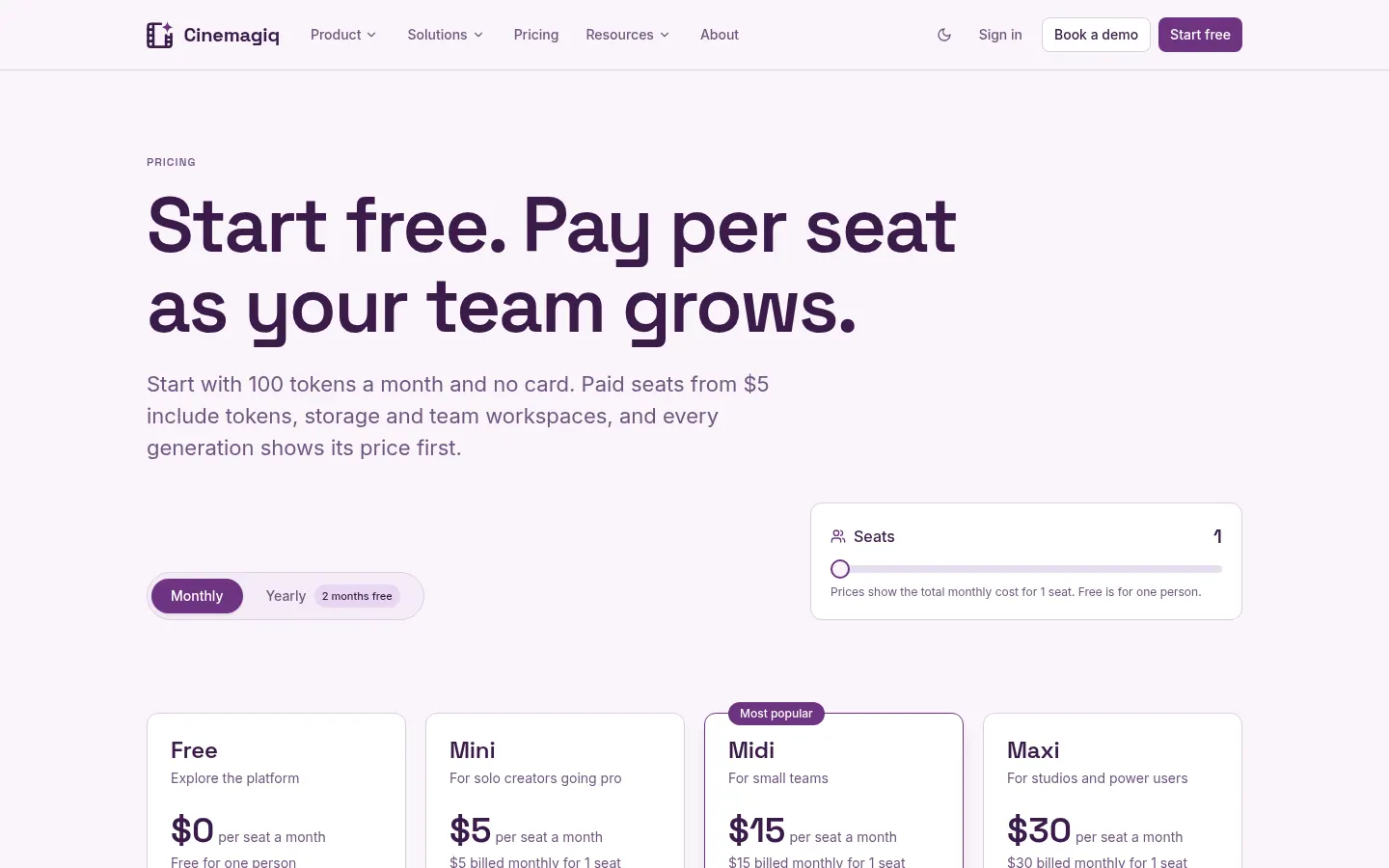
Prices in US dollars (USD) from the official website, per seat with monthly billing. Checked on: 22/11/2026. Yearly billing gives two months free. Every plan includes image, video and audio generation; each job's token price depends on model, length and quality.
Free: $0. 100 tokens a month, 100 MB, one user and 1 generation at a time.
Mini: $5/month per seat. 300 tokens, 1 GB, teammate invites with roles and 2 generations at a time.
Midi: $15/month per seat. 1,000 tokens, 3 GB, 3 generations at a time, priority support and one-month token rollover.
Maxi: $30/month per seat. 2,500 tokens, 10 GB and 5 generations at a time.
Token top-ups on every plan and extra storage at $0.50/GB a month. Enterprise option with dedicated capacity, SLAs and an account manager.
Cinemagiq Screenshots
Cinemagiq user reviews
Write a review
Checking your session...
Cinemagiq Reviews
Loading reviews...
Cinemagiq alternatives

SceneMixer
SceneMixer is an AI short drama, series and movie maker that turns scripts and novels into finished episodes with the same cast and dialogue in 15 languages.


Faceless Reels
Faceless Reels is an AI faceless video maker that scripts, voices, captions and schedules short-form series for YouTube Shorts, TikTok and Instagram Reels.