

Share
What is Cleanvoice?
Cleanvoice is an AI podcast editor that automatically cleans up audio and video recordings: it removes filler words, stutters, long silences, background noise, mouth sounds, breaths and echo, and lifts your voice to studio quality with no editing skills required. More than 40,000 creators use it.
What is Cleanvoice used for?
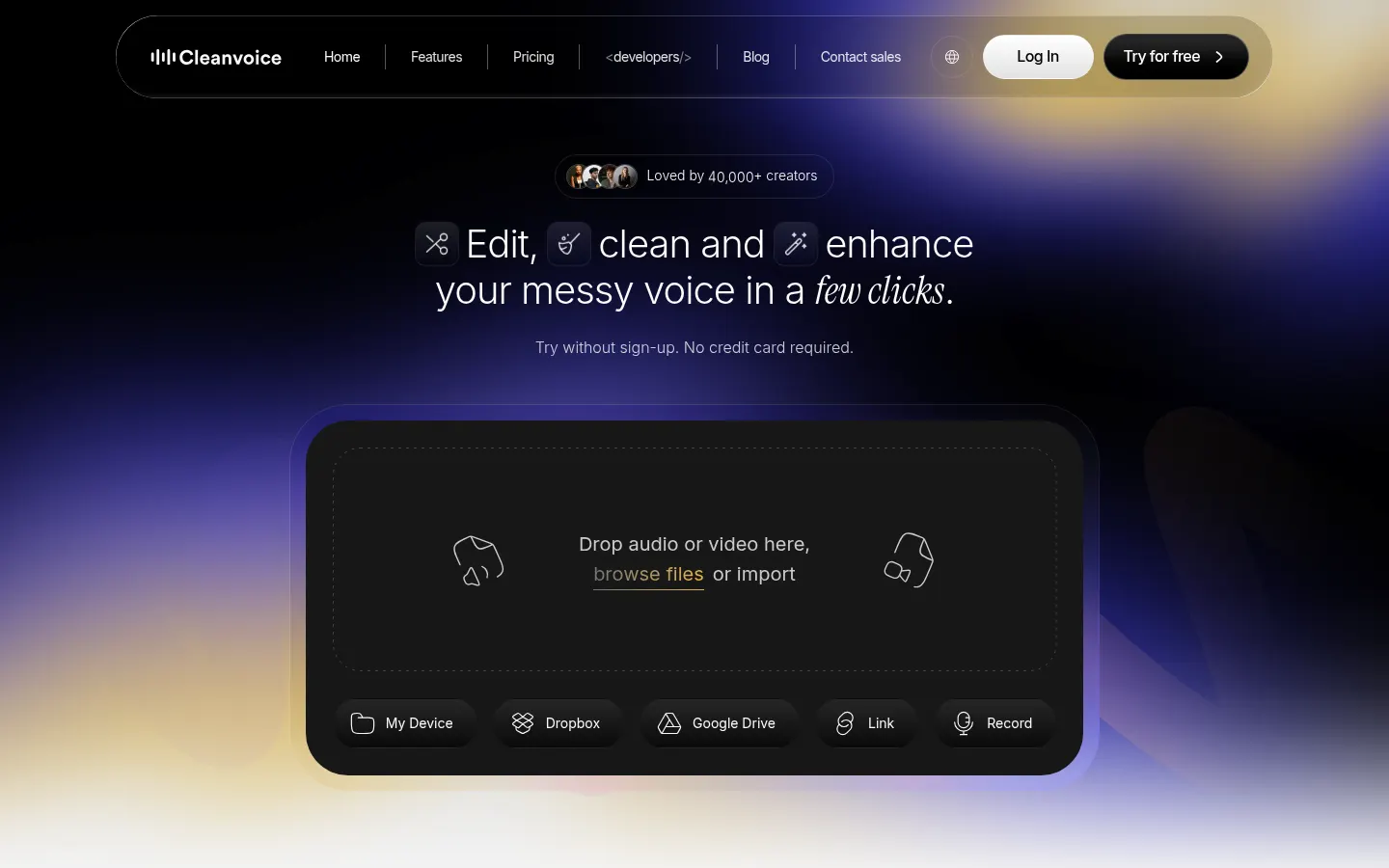
Cleanvoice saves you hours of editing per episode. Upload a file from your device, Dropbox, Google Drive or a link, choose which fixes to apply or a template such as remove noise but keep music, and get the result in minutes. You don't have to edit from a transcript: it transcribes on its own and also produces an episode summary and show notes.
How does multitrack editing work in Cleanvoice?
With multitrack editing it processes each speaker's track in one pass and keeps everything in sync. If you'd rather fine-tune by hand, timeline export sends every cut as markers to Audacity, Adobe Audition or Reaper, and the mute-instead-of-cut option keeps video in sync with audio. It supports almost every format (WAV, MP3, M4A, FLAC, MP4) and batch uploads.
Does Cleanvoice have an API?
Yes. It offers a REST API and Python and JavaScript SDKs that clean, enhance, transcribe and summarize in a single call, with no file size limit, plus a Make integration. It is GDPR compliant, stores data in the EU, holds ISO 27001 certification and deletes original and edited files after 7 days.
Cleanvoice pros and cons
- Pro: cleans noise, fillers and echo in a single pass.
- Pro: exports cuts so you can review them in your usual editor.
- Con: it's no replacement for a full editor for creative cuts or music.
- Con: files are only kept on the platform for 7 days.
Cleanvoice features and use cases
How to use Cleanvoice
Cleanvoice FAQ
What is Cleanvoice?
It is an AI podcast editor that removes filler words, silences, noise, breaths and echo from audio and video recordings.
What noise does Cleanvoice remove?
Background noise, wind, ambient noise, static, buzz, hiss, hum, mic puffs, echo, reverb and distortion.
Does Cleanvoice work with video?
Yes. It edits video podcasts and can mute sections instead of cutting them to keep everything in sync.
Which formats does Cleanvoice support?
Almost every audio and video format, including WAV, MP3, M4A, FLAC and MP4, with batch uploads.
Can I review Cleanvoice edits in my own editor?
Yes. You can export the timeline or cut markers to Audacity, Adobe Audition, Reaper and other editors.
Do I need to transcribe before editing in Cleanvoice?
No. Just upload the file; Cleanvoice transcribes automatically and also writes a summary.
Does Cleanvoice have an API?
Yes, a REST API with Python and JavaScript SDKs that cleans, enhances, transcribes and summarizes in a single call.
How long does Cleanvoice keep my files?
It keeps original and edited files for 7 days and then deletes them permanently. Data is stored in the EU.
Can I try Cleanvoice for free?
Yes, with no card, and you get 30 extra minutes when you sign up. Prices are in the pricing section of this page.
What are the alternatives to Cleanvoice?
In the directory you can compare Descript, Krisp and Async.
Cleanvoice pricing and plans
Reference price: 11 USD / month. Source · Verified: October 29, 2026
Prices in US dollars (USD), excluding VAT; the site also shows them in euros. Checked on: 29/10/2026.
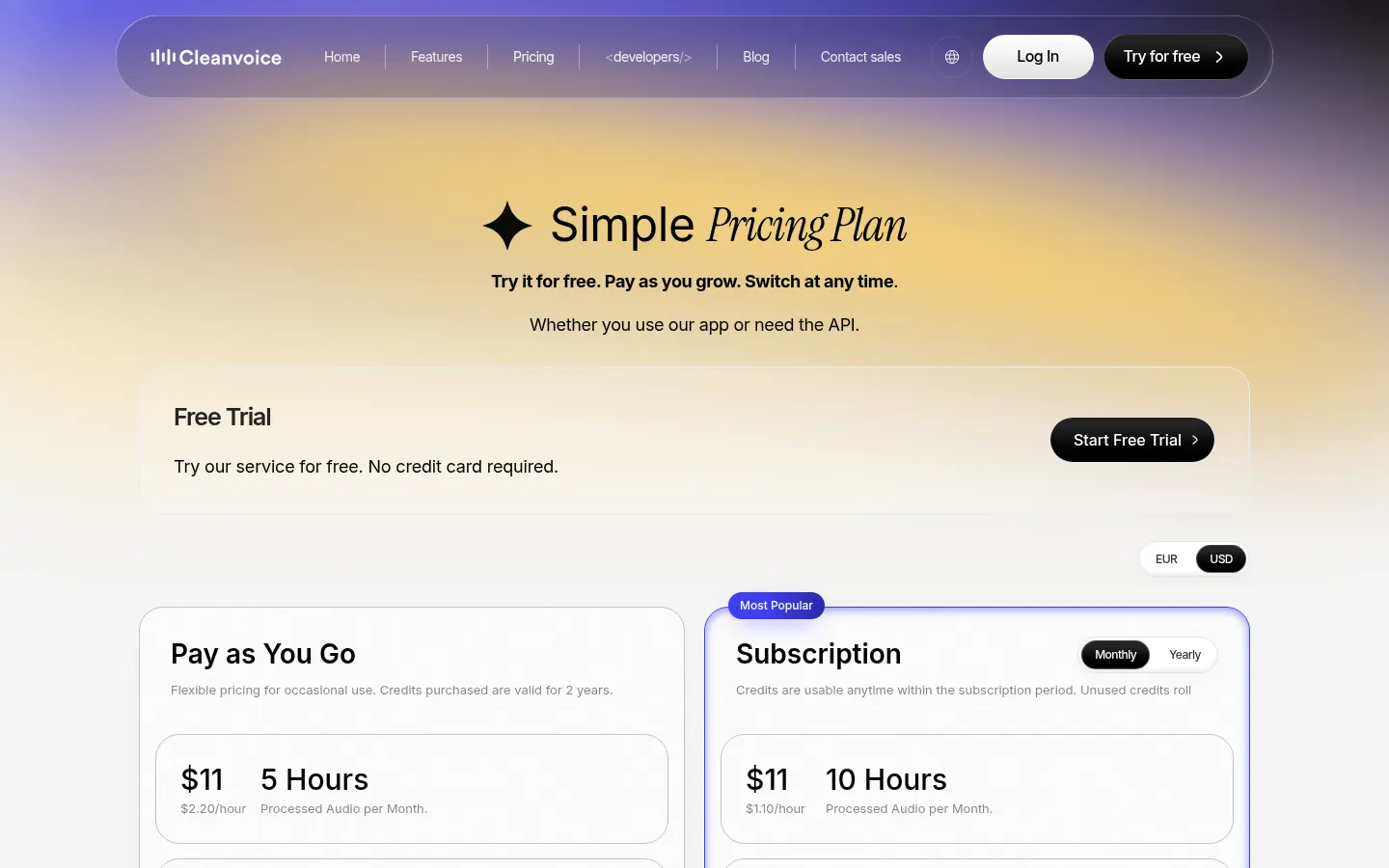
Free trial: no card required, plus 30 extra minutes of credits when you sign up.
Pay as you go (credits valid for 2 years): $11 for 5 hours, $20 for 10 hours or $45 for 30 hours of processed audio.
Subscription: $11/month for 10 hours, $28/month for 30 hours or $90/month for 100 hours of processed audio; unused credits roll over up to three times the limit.
Custom: from $0.01/minute for more than 200 hours a month, with custom API endpoints and priority support.
Every option includes all features.
Cleanvoice Screenshots
Cleanvoice user reviews
Write a review
Checking your session...
Cleanvoice Reviews
Loading reviews...
Cleanvoice alternatives



OnAir Studio
AI producer for scripting and directing radio, podcasts, or streaming. It learns your style and offers real-time cues to professionalize your broadcasts.

Podcasty FM
Convert blog posts into AI-powered, two-voice conversational podcasts. Auto-generate episodes, distribute via RSS, and integrate into your website.

AIdeaflow Podcast
Turn text and files into professional podcasts with lifelike voices. Features an interactive host and assistant to create audio content in multiple languages.
