Share
DashVox
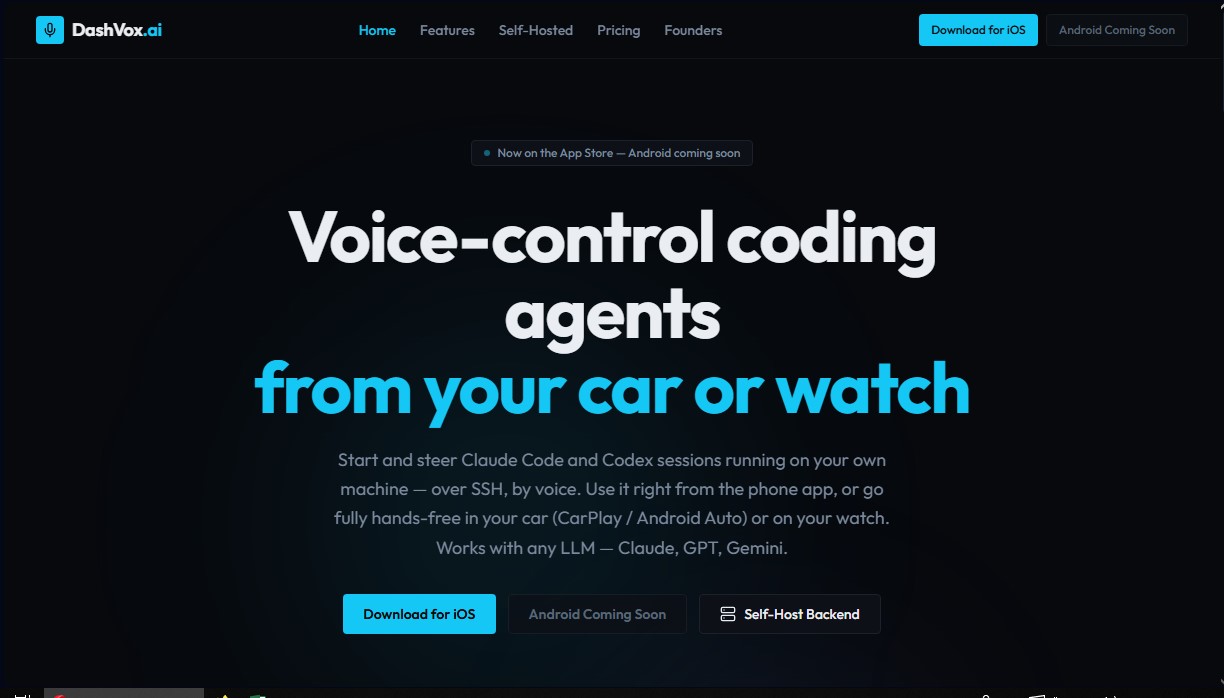
Control coding agents via voice from your car or watch. Securely manage remote SSH sessions with AI models, all hands-free.
General Information about DashVox
DashVox is an advanced voice assistance solution designed for managing coding agents and large language models (LLMs) in mobile environments. This tool allows developers to interact with systems like Claude Code or Codex using voice commands, facilitating the supervision of complex technical tasks from a smartphone, computer, or hands-free car-integrated devices like CarPlay and Android Auto. Its technical architecture focuses on efficiency and security, allowing for the seamless and natural execution and direction of remote code sessions over SSH.
The operation of DashVox is backed by deep integration with the most powerful AI APIs on the market, including Anthropic, OpenAI, and Gemini. Users can start, stop, and switch between different development sessions without the need for physical or visual contact with a screen. The system uses real-time transcription technology to process user requests and responds via text-to-speech (TTS), making it ideal for environments where focus must remain on another activity, such as driving.
Key features of this AI tool include:
- Remote Session Management: Full control over coding processes via a secure SSH connection to the user's local machine or server.
- Autonomous Agent Mode: The ability to coordinate multiple agents dedicated to specific tasks, such as frontend development, backend logic, or running test suites.
- Integrated Web Search: The AI can perform real-time web queries and provide spoken summaries of the information found.
- Smart Connectivity: Implements automatic resumption and message delivery protocols to ensure no data or instructions are lost in low mobile coverage areas.
Regarding its deployment and technology, DashVox offers a self-hosting option based on Java 21 and Spring Boot, giving users absolute control over their privacy and data. In this mode, code and sensitive information never leave the developer's infrastructure. SSH keys remain encrypted at rest, ensuring the integrity of the workspace. The application is compatible with iOS and Apple Watch, with upcoming support for Android, Wear OS, and even smart glasses, covering a wide range of wearable devices.
This platform is especially useful for engineers and software professionals looking to optimize their workflow through the use of hands-free artificial intelligence. By allowing constant supervision of AI agents and the approval of prompts via voice, DashVox removes physical barriers between the programmer and their workstation, turning commute times into periods of efficient and secure technical management.
Features and Use Cases of DashVox
How DashVox Works
Frequently Asked Questions about DashVox
What exactly is DashVox, and what is it used for?
It is an app designed to control coding agents via voice commands from your car, smartphone, or smartwatch.
Which AI models can I use with DashVox?
The tool is compatible with all of today’s major language models, allowing you to work seamlessly with Claude, GPT, and Gemini.
Is there a fee to use DashVox?
No, the app is completely free for both the self-hosted and cloud-based versions.
What devices is DashVox currently available on?
The app is already available for download on iOS, Apple Watch, and CarPlay, while Android and Android Auto versions will be coming soon.
How does DashVox ensure the security of my code and data?
The self-hosted option allows all information to remain on your own machine without the need to create an account, while also utilizing encrypted SSH keys.
Can I manage multiple coding sessions at once with DashVox?
Yes, agent mode allows you to start and monitor multiple sessions autonomously, such as developing the frontend and backend simultaneously.
Is it possible to search the internet using DashVox?
The app includes web search integration, allowing you to perform queries and receive spoken summaries without needing to touch the screen.
How does DashVox’s hands-free control work while driving?
The tool integrates with CarPlay and Android Auto to transcribe your voice in real time and read AI responses back to you aloud.
What are the technical requirements for the self-hosted version of DashVox?
It requires a server running Java 21, which allows you to run the backend on your own hardware while maintaining full control over your infrastructure.
DashVox Pricing
Self-Hosted
Precio: 0 $ forever.
Run the server on your own hardware.
Unlimited conversations.
Unlimited SSH sessions for code management.
Access to all LLM providers (Claude, GPT, Gemini).
Agent Mode for autonomous session management.
Full data control with no external data collection.
No account required.
No usage restrictions.
Cloud
Precio: 0 $ (free).
Includes all Self-Hosted features.
Cloud sync across devices.
Authentication via Firebase (Google, Apple, or email).
Platform-managed infrastructure.
Automatic updates.
Push notifications.
No setup required.
DashVox Screenshots