Share
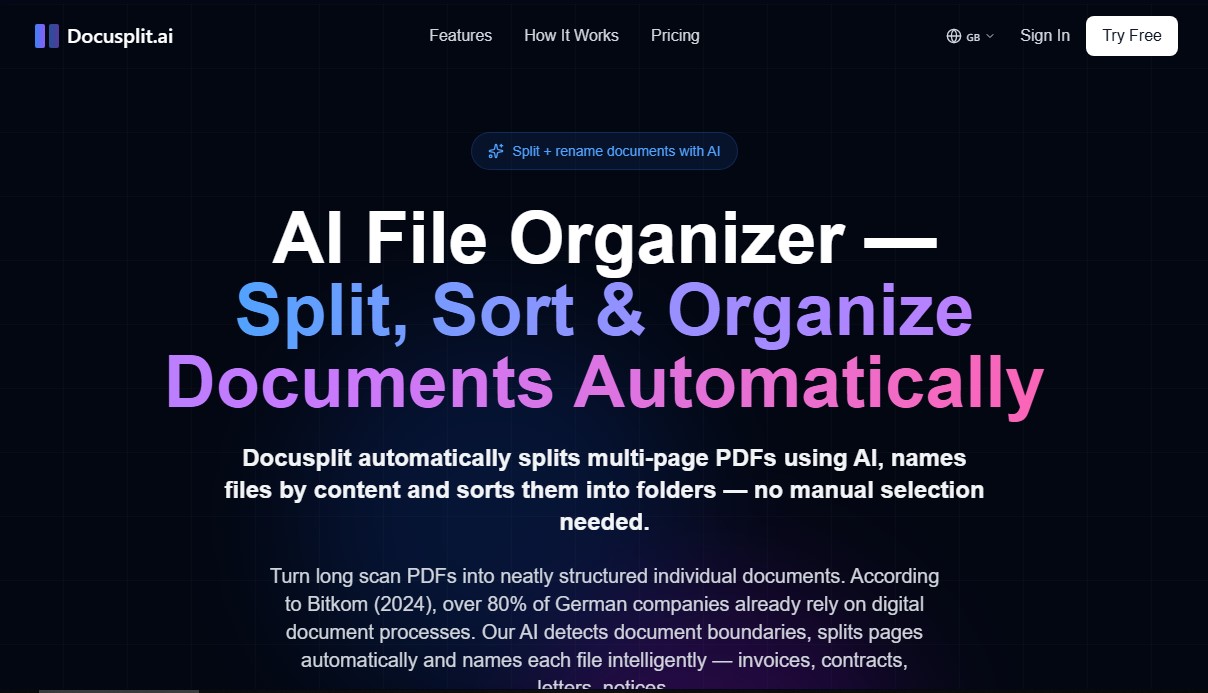
Automatically split and classify multi-page PDFs using AI. Rename files based on content and organize them into folders without manual management.
What is Docusplit AI?
Docusplit AI is an automated document management tool designed to optimize PDF workflows using artificial intelligence. Its primary function is to automatically split multi-page PDFs, identifying the boundaries of each individual document within a combined file and intelligently renaming them based on their content. This solution allows you to transform massive, disorganized scans into structured files ready for digital archiving on your computer.
The operation of Docusplit AI is based on advanced computer vision and natural language processing (NLP) technologies, utilizing models such as GPT-4o Vision. The tool analyzes each page to recognize visual and textual patterns, allowing it to distinguish between different types of documents—such as invoices, contracts, letters, notices, and forms—with 99.5% accuracy. Unlike traditional OCR systems, this AI understands context, detecting whether a page is a continuation of the previous one or the start of a new document (for example, by identifying markers like "Page 1 of 3").
Key capabilities and practical benefits include:
- Intelligent Splitting: Automatically separates multi-page documents without the need for manual selection.
- Automatic File Renaming: Generates descriptive names based on document type, sender, and date, eliminating generic names like "scan_001.pdf."
- Folder Organization: Classifies and sorts the resulting files into a logical folder structure within a downloadable ZIP file.
- Scan Compatibility: Works with both digital PDFs and physically scanned documents, supporting files up to 50 MB.
This application is especially useful for freelancers who need to organize receipts for their accounting, office teams managing large volumes of daily mail, and individuals looking to digitize their personal files. By automating tasks that traditionally consume hours of manual labor, Docusplit AI significantly improves productivity and reduces errors in data classification.
Regarding security, the platform is designed with strict GDPR compliance and processes data on European servers. It uses TLS 1.3 encryption for file transfers and guarantees privacy by permanently deleting processed documents immediately after download. It is a robust solution for any environment requiring efficient, secure, and fully automated AI file organization.
Docusplit AI features and use cases
How to use Docusplit AI
Docusplit AI FAQ
What is Docusplit AI and how can it help me in my daily life?
Docusplit AI is an artificial intelligence tool designed to split multi-page PDF files into individual documents, intelligently renaming them and automatically organizing them into folders.
How does the automatic splitting process work in Docusplit AI?
The technology analyzes the content of each page to detect document boundaries, allowing multi-page files like contracts or invoices to be grouped correctly without manual intervention.
What types of documents can Docusplit AI identify?
The system automatically recognizes a wide variety of formats, including invoices, contracts, letters, tax documents, forms, and official notices.
Is it safe to upload my confidential files to Docusplit AI?
The platform guarantees maximum security through GDPR compliance, the use of SSL encryption, and the permanent deletion of all files immediately after processing.
Can I use Docusplit AI with documents that have been physically scanned?
Yes, the tool is fully compatible with both digitally generated PDF files and those originating from physical paper document scans.
Does Docusplit AI offer a free trial?
You can try the service for free with a limit of three PDF files—no credit card required—to see how it works.
What exactly will I receive after the AI processes my files?
You will receive a ZIP file containing the individual documents, perfectly separated, named according to their content, and organized in a structured format.
Can I cancel my Docusplit AI subscription at any time?
Yes, you can cancel your subscription whenever you want and will continue to have access to your plan's features until the end of the current billing cycle.
What happens if the PDF file I want to upload is very large?
The platform supports file uploads of up to 50 megabytes, allowing you to process extensive documents with a large number of pages all at once.
How are files named after being processed by Docusplit AI?
The AI reads the content of each separated document to extract key data such as the document type, sender, and date, creating descriptive and useful filenames.
Docusplit AI pricing and plans
Free Trial
Price: 0 €
- 3 PDF file limit (up to 15 total pages).
- Maximum of 5 pages per PDF.
- No credit card required.
Starter
Price: 9.99 €/month (or 7.99 €/month billed annually).
- 50 pages per month.
- Up to 20 pages per PDF.
- AI-powered extraction.
- Email support.
Pro (Most popular)
Price: 29.99 €/month (or 23.99 €/month billed annually).
- 250 pages per month.
- Up to 50 pages per PDF.
- Priority processing.
- API access.
- Email support.
Max
Price: 99.99 €/month (or 79.99 €/month billed annually).
- 1,000 pages per month.
- Unlimited pages per PDF.
- Priority support.
- Dedicated capacity.
Docusplit AI Screenshots