

Eney by MacPaw
Share
Proactive Mac assistant that connects apps, automates tasks, summarizes meetings, and manages files to boost productivity and streamline your daily workflow.
What is Eney by MacPaw?
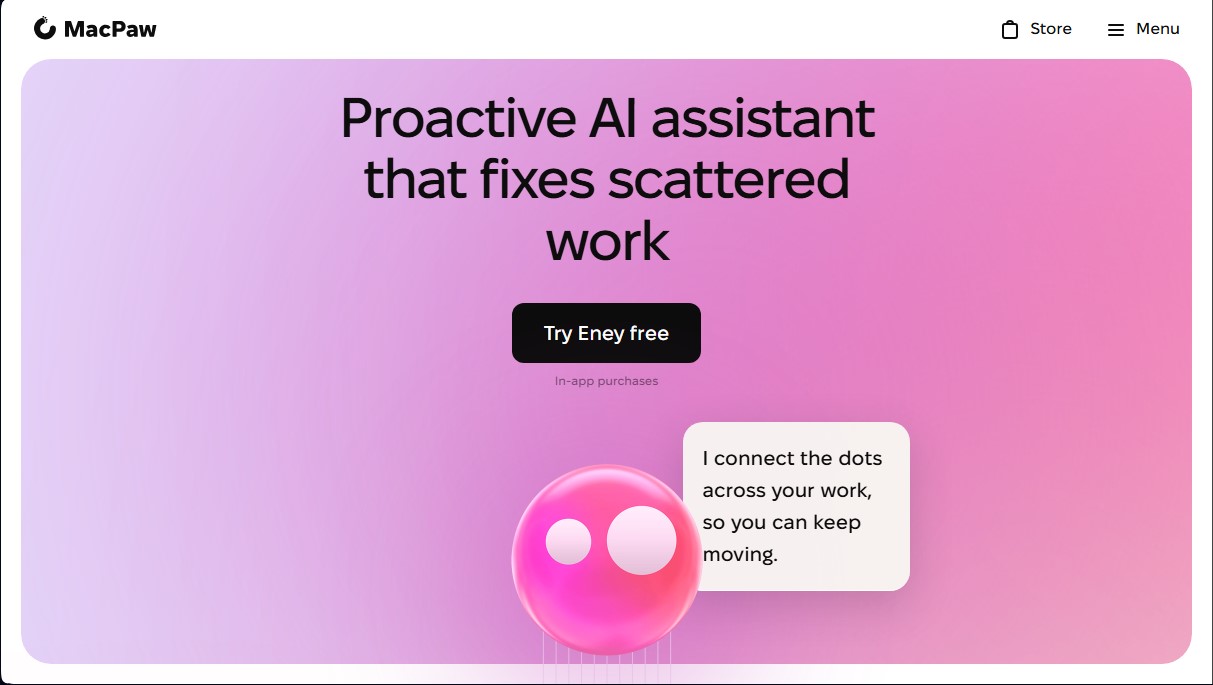
Eney by MacPaw is a proactive AI assistant specifically designed for the macOS ecosystem. Unlike conventional chatbots that are limited to answering questions, this tool integrates directly into the user’s workflow to connect applications and automate tasks that are typically scattered. Its primary function is to act as an intelligent link between different productivity programs, allowing the user to maintain focus within a single interface without the need to constantly jump between tabs or windows on their computer.
The operation of Eney is based on advanced natural language processing, which allows users to interact with the system using everyday language, eliminating the need for complex scripts or commands. The technology behind this artificial intelligence application enables it to break down complex objectives into small, autonomously executable steps. Furthermore, it uses a predictive approach that analyzes the current work context to suggest logical actions and anticipate user needs, facilitating real-time decision-making.
This AI productivity tool stands out for a range of functional capabilities designed to eliminate routine work:
- Meeting and Note Management: It can join calls, take notes automatically, and generate structured summaries so that no relevant information is lost between sessions.
- Communication Automation: It drafts emails, captures quick notes, and manages unread messages, helping to keep the inbox organized.
- App Connectivity: It allows users to search, update, and create tasks on external platforms like Notion, Linear, or Google Docs without leaving the main workflow.
- Advanced File Management: It locates cloud documents, splits PDFs, converts Word files to PDF, and efficiently organizes local files.
- Quick Multimedia Editing: It performs basic editing tasks like cropping, rotating, or annotating images and trimming videos without needing to open external design apps.
Eney by MacPaw is geared toward professionals and macOS power users who handle large volumes of information and multiple software tools simultaneously. On the technical side, the application is optimized for devices with Apple Silicon processors and requires macOS 14 or later. Regarding security, the assistant operates under a privacy model where it only accesses data (calendar, notes, or emails) that the user explicitly authorizes, ensuring that information processing is transparent and controlled. It is, in essence, a solution to centralize control of the operating system and third-party applications through a layer of proactive intelligence.
Eney by MacPaw features and use cases
How to use Eney by MacPaw
Eney by MacPaw FAQ
What exactly is Eney by MacPaw?
Eney is a proactive AI assistant designed for Mac that connects your apps and helps you automatically manage fragmented tasks.
What are the system requirements for Eney?
To use this tool, you need a Mac with an Apple Silicon chip running macOS 14 or later.
How does Eney protect my personal data?
The app was designed with a privacy-first approach and only accesses information from applications you explicitly authorize, such as your calendar or email.
What are Eney's "skills"?
Skills are specific tasks the assistant can perform for you, such as summarizing documents, organizing files, or managing messages without having to switch apps.
How does Eney's credit system work?
Every account includes free credits. If you need to perform more tasks, you can purchase monthly packages ranging from 15,000 to 50,000 credits.
Does Eney connect with third-party apps?
Yes, the assistant integrates with popular tools like Gmail, Notion, Google Drive, and Slack, allowing you to update tasks and search for files without breaking your workflow.
How can I send feedback or report bugs in Eney?
You can speak directly to the assistant, use the built-in feedback feature in the app, or join the Discord community to get in touch with the development team.
Eney by MacPaw pricing and plans
Free Plan: Every account includes complimentary starter credits to test the assistant’s features and capabilities at no cost.
Starter: 18.00 USD per month (plus tax).
15,000 credits.
Designed for occasional tasks.
Access to proactive assistance features, meeting summaries, and file management.
Boost: 36.00 USD per month (plus tax).
30,000 credits.
Designed for daily work.
Includes integrations with external apps (Notion, Linear, Google Docs) and automation for common tasks.
Power: 60.00 USD per month (plus tax).
50,000 credits.
Designed for demanding workloads.
Full access to all image and video editing tools and workflow management.
Setapp Subscription: This tool is also available via a monthly Setapp subscription (check their official website for pricing).
Eney by MacPaw Screenshots
Eney by MacPaw user reviews
Write a review
Checking your session...
Eney by MacPaw Reviews
Loading reviews...
Eney by MacPaw alternatives



HannahDream
Chat with virtual partners for adults with customizable memory. Build romantic bonds, evolve your relationship, and generate realistic photos with no explicit content.


SayLingo.ai
Practice 30 languages with AI tutors. Improve your pronunciation and grammar through real conversations, guided lessons, and official exam preparation.

JapanesePal
Practice Japanese conversation with an AI tutor. Improve your fluency and pronunciation for travel, work, or culture with instant corrections.