Share
What is Framedeo?
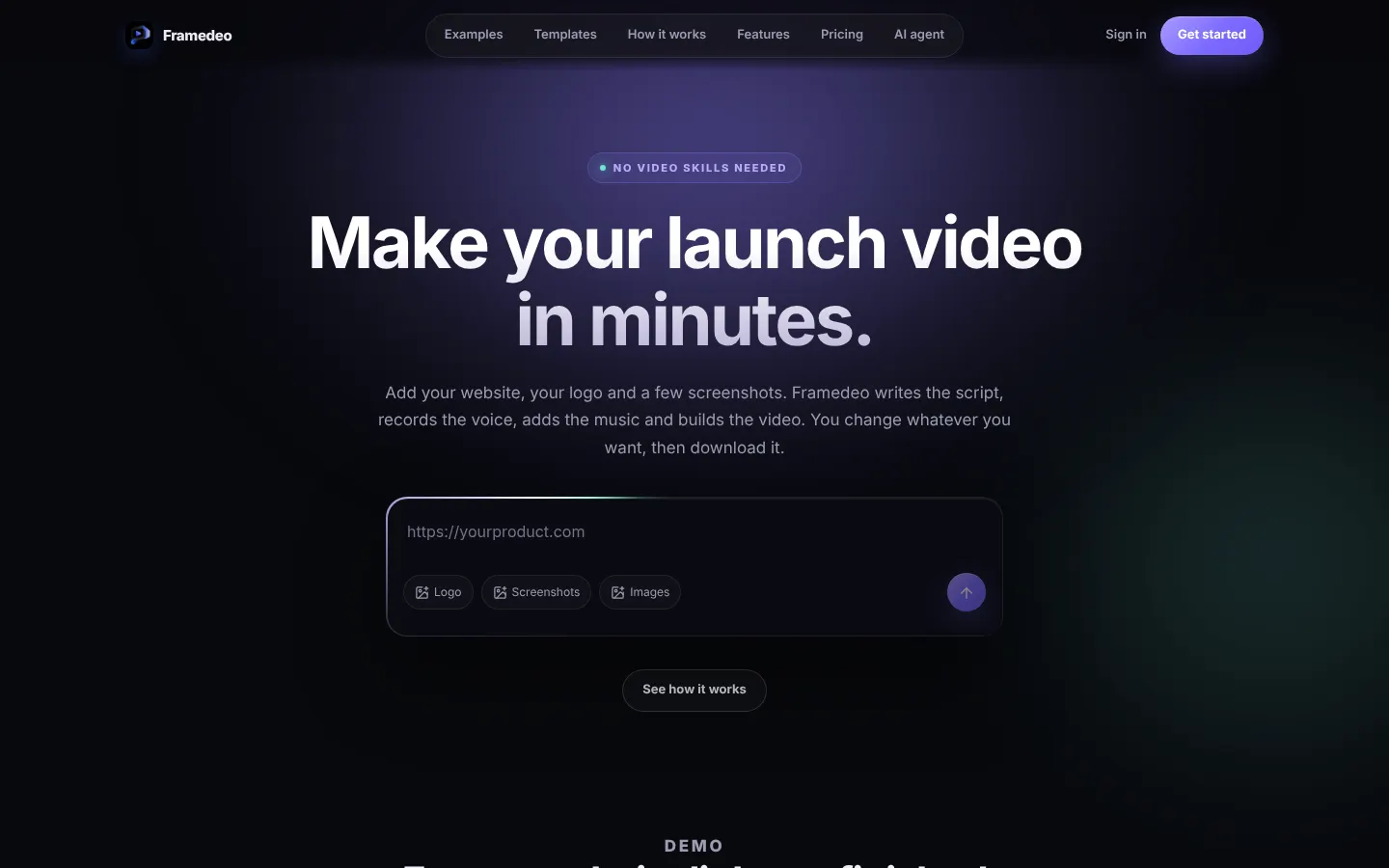
Framedeo is an AI product video maker that turns your website, logo and a few screenshots into a finished launch video: it writes the script, records the voice-over, adds music and builds the scenes, then lets you change anything before downloading the MP4.
What is Framedeo used for?
It's built for startups, SaaS teams and product makers who need a video for their homepage, Product Hunt or social media without hiring a motion designer or learning After Effects. Scenes are built from your own content, not stock footage, and you can pick one of 15 cinematic templates, such as mobile reveal, before and after, macro terminal or open source, or let the AI map out the beats from your product.
How does Framedeo work?
It takes five steps: paste your website link, upload a logo and screenshots and say what the video is for; Framedeo reads the product and drafts a script you can rewrite; pick a voice from its library or upload your own recording; add a music track, mixed under the voice; and adjust scenes, text, images and timing in an editor where everything stays editable, by hand or with an AI editing pass. An MCP server also lets agents like Claude Code, Gemini CLI or OpenCode direct the whole video from one request.
Who is Framedeo for?
- Founders preparing an app or SaaS launch.
- Product marketing teams shipping updates every week.
- Agencies delivering product videos to several clients.
Framedeo pros and cons
It stands out for starting from your real website, for templates with polished motion and for keeping the project open to reuse for a second video. On the downside, downloading the MP4 requires a paid tier, 4K and the priority render queue are reserved for higher tiers, and it's focused on product videos rather than general video.
Framedeo features and use cases
How to use Framedeo
Framedeo FAQ
What is Framedeo?
It's an AI tool that turns your product's website, logo and screenshots into a launch video with script, voice-over and music.
Is Framedeo free?
You can build your first video without paying, but downloading the MP4 requires a paid plan from $29/month.
Does Framedeo have an API?
It offers a token-authenticated MCP server so agents like Claude Code or Gemini CLI can generate and edit videos.
Does Framedeo work in Spanish?
The site is in English and doesn't list voice languages; you can rewrite the script and upload your own Spanish voice-over.
Do I need video editing skills?
No, Framedeo builds the video for you and the editor lets you change text, scenes and images with no prior experience.
Does it use stock footage?
No, scenes are built from your website, logo and screenshots.
Can I use my own voice or music?
Yes, you can upload your own voice recording and music track.
What resolution does it export?
MP4 at 1080p on Starter and Studio, and 4K on Agency.
How long does a video take?
The first version is ready a few minutes after adding your product.
What are some Framedeo alternatives?
Our directory lists Arcade and Supademo for interactive product demos, and Pictory for turning text into video.
Framedeo pricing and plans
Reference price: 29 USD / month. Source · Verified: November 10, 2026
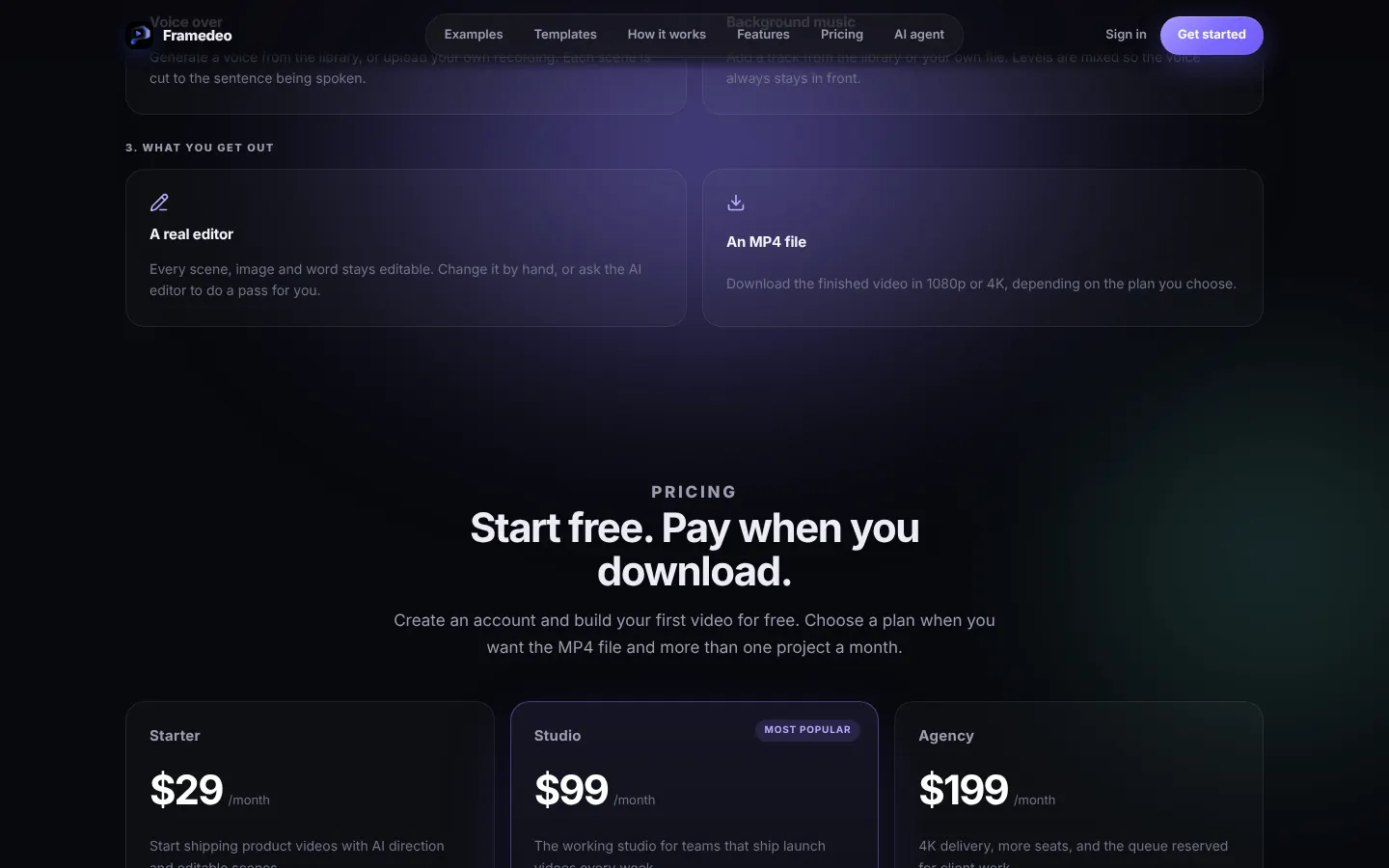
Prices in US dollars (USD) from the official site (Checked on: 10/11/2026). You can build your first video without paying; downloading the MP4 and more projects require a plan.
- Starter: $29/month; 2 projects a month, 1080p export, voice-over and music.
- Studio: $99/month; 10 projects a month, AI Director edits, generative motion and priority support.
- Agency: $199/month; 25 projects a month, 4K export, unlimited seats, priority render queue and a dedicated manager.
Framedeo Screenshots
Framedeo user reviews
Write a review
Checking your session...
Framedeo Reviews
Loading reviews...