Keepi
Share
Keepi
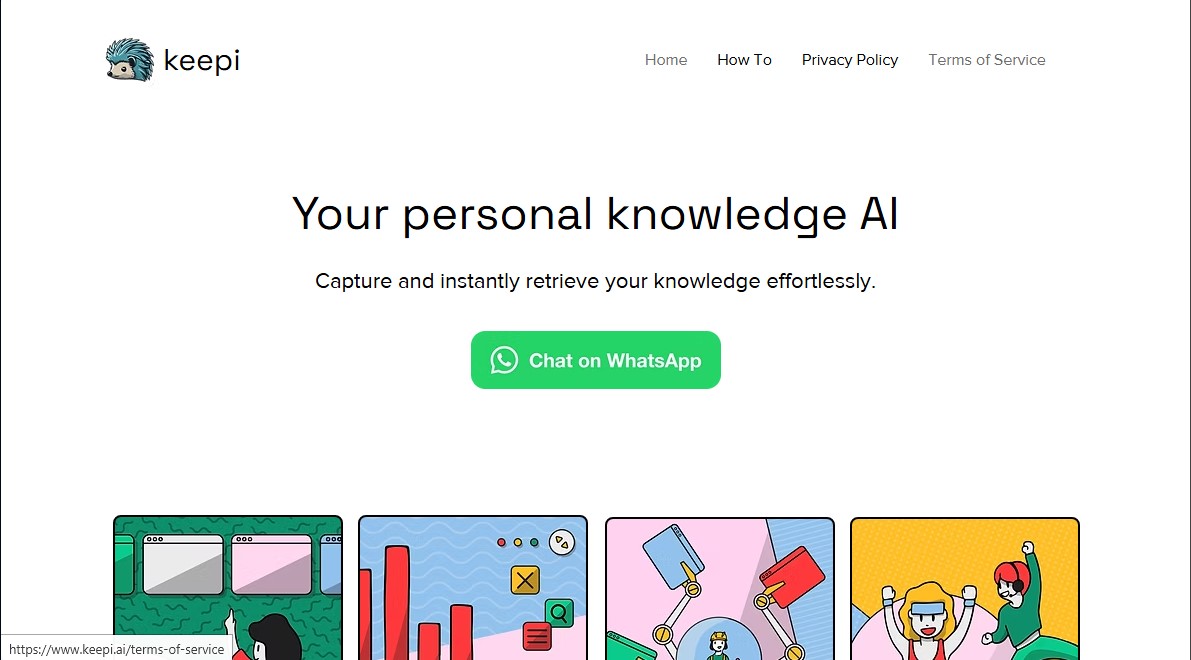
WhatsApp AI assistant for personal knowledge management. Capture, summarize, and organize links, documents, or videos to retrieve any information instantly.
General Information about Keepi
Keepi is a personal artificial intelligence assistant designed for centralized knowledge management and retrieval through WhatsApp. This tool allows users to instantly capture ideas, documents, images, and links, turning the messaging app into a smart database accessible from anywhere. Its primary function is to organize shared information so it can be retrieved using natural language, eliminating the need for manual searches through scattered files or notes on a mobile device or computer.
Keepi operates by integrating AI models that process and learn from content sent by the user. When a resource is shared, the tool automatically analyzes and enriches it to make it easier to locate later. The technology behind this app allows for interaction via text messages, voice notes in more than 50 languages—including Spanish, Catalan, and Galician—and multimedia files. The system does not just store information; it provides a layer of contextual understanding to interact with saved data dynamically.
Among Keepi's most notable capabilities are:
- Link and Video Management: When sending a URL for an article or a YouTube video, the AI generates a detailed summary or a full transcript, allowing you to quickly look up specific details within the content.
- Document Processing: It supports formats such as PDF, DOCX, PPT, TXT, and Excel. Users can upload these files so the AI can memorize them and accurately answer questions about their content.
- Location Analysis: It can process location recommendations shared in the chat, checking business hours and reviews to provide practical information without the need for external searches.
- Image Generation: Using the draw command, the tool utilizes generative models to create custom images from text descriptions provided by the user.
- Productivity Commands: Includes functions such as save for quick personal notes, help to display the command menu, and /r to regenerate the last response received.
This tool is ideal for professionals, students, and users who manage large volumes of information and need an efficient second digital memory. Its practical approach allows users to leverage accumulated knowledge both on the go and in office environments. By using WhatsApp as the primary interface, Keepi eliminates the learning curve of new platforms, offering a seamless, conversational, and highly productive user experience for daily information organization. The system ensures that any relevant data sent is recorded and ready to be consulted at any time with a simple question.
Features and Use Cases of Keepi
How Keepi Works
Frequently Asked Questions about Keepi
What is Keepi, and how does it help me organize my information?
Keepi is your personal AI that allows you to capture and retrieve knowledge via WhatsApp by easily saving links, documents, and images.
How can I send files to Keepi?
You can send PDF, Word, or PowerPoint files by tapping the attachment button in WhatsApp or by forwarding files from other chats directly to the service’s contact.
How does the Keepi monthly subscription work?
The service offers a $6.99 monthly subscription plan that allows you to send up to 500 messages per month after you have used your first 20 trial messages.
What do I need to do to cancel my subscription?
To cancel your subscription, simply send the word "unsubscribe" via WhatsApp and follow the personalized link you receive to confirm the cancellation.
Can Keepi summarize YouTube videos or web articles?
Yes, when you share a link to a video or article, the tool will analyze the content and allow you to request summaries or ask specific questions about the information.
What commands can I use to interact with the AI?
You can use commands like "save" to store personal notes, "draw" to generate images, "help" to view the help menu, or "feedback" to send your comments.
Can I send voice notes to Keepi in Spanish?
The tool supports voice messages in over 50 languages, including Spanish, so you can save ideas or make inquiries quickly and conveniently.
How can I request a new image?
You must send a message starting with the word "draw" followed by a description of the image you want to create, and the AI will generate it for you.
What happens if I exceed my subscription's message limit?
The monthly plan is subject to a fair use policy limited to 500 messages; therefore, the service will stop processing new requests until the next billing cycle.
Where will I receive my Keepi invoices?
After each charge, you will automatically receive a detailed invoice at the email address you used to sign up for the service.
Keepi Pricing
Free Version
Free
- Initial access to information capture and retrieval features via WhatsApp.
- Ability to send links, files, voice notes, and text.
- 20-message total limit; once this limit is reached, a subscription is required to continue.
Monthly Subscription
$6.99 per month
- Seamless knowledge capture messaging via WhatsApp.
- Capture and summarize web articles and YouTube videos (including transcription).
- Support for PDFs, PPTs, DOCx, and text files.
- Voice message processing in over 20 languages.
- AI image generation using the "draw" command.
- Location analysis (reviews and business hours).
- Automatic organization and enrichment of saved information.
- 500-message monthly limit based on fair use policy.
Keepi Screenshots