LinkerTube
Share
LinkerTube
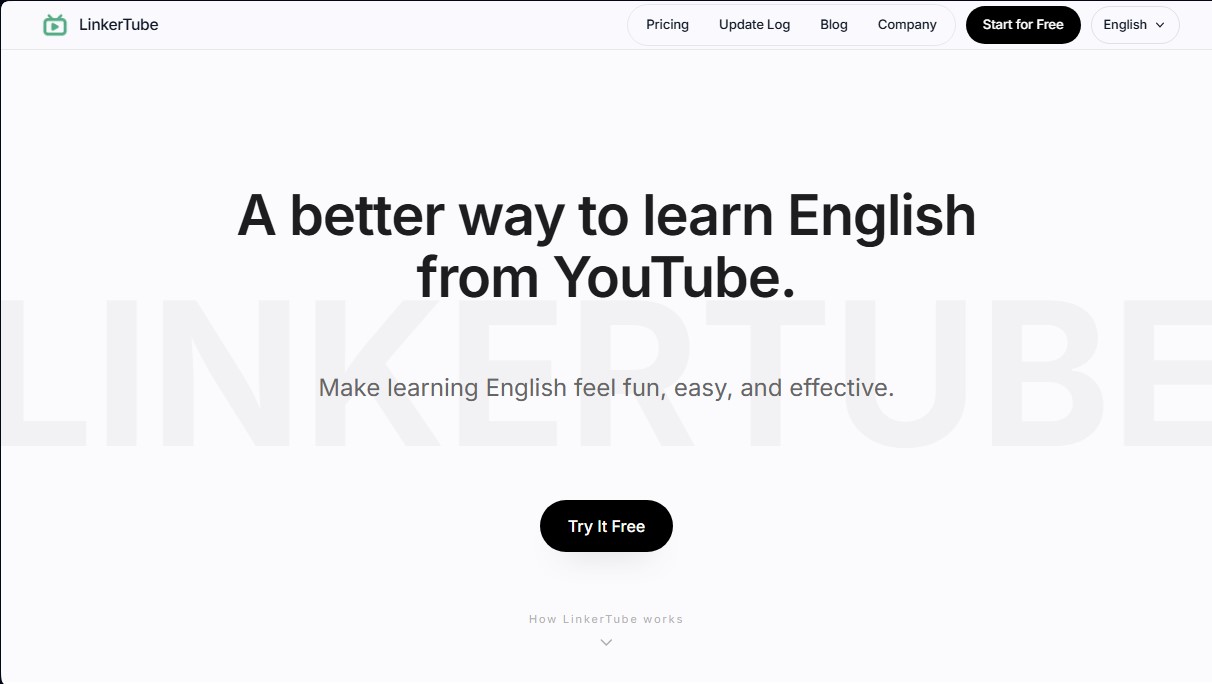
Learn English by watching YouTube with interactive subtitles. Save words, access original video context, and review vocabulary with a spaced repetition system.
General Information about LinkerTube
LinkerTube is a specialized tool designed to learn English with YouTube videos in a structured and efficient way. This application functions as an integrated learning layer that allows users to transform the platform's audiovisual content into dynamic study material. Its primary goal is to facilitate vocabulary acquisition and improve listening comprehension without students having to interrupt their viewing flow to look up terms in external dictionaries or note-taking apps.
LinkerTube's technology is based on a smart sidebar that displays next to the video player on your computer. In this panel, users can view subtitles and get synchronized instant translations. The system allows you to save any word or phrase with a single click, eliminating the need for manual copying and pasting. One of the tool's most innovative features is its dynamic contextualization capability: every saved term is linked to the exact moment in the video where it appears. This allows the user to jump back to the specific clip to hear the original pronunciation and understand grammatical usage in a real-world context.
To ensure long-term knowledge retention, the application uses a Smart Review System (SRS), also known as a spaced repetition system. This artificial intelligence algorithm automatically schedules reviews based on how easy or difficult it is for the user to remember each word, optimizing study time. Additionally, the platform incorporates an AI Coach designed to guide the student’s growth and offer deeper support in language assimilation.
The LinkerTube ecosystem is rounded out by a cloud synchronization feature, ensuring that all progress and vocabulary collected in the browser is immediately available on mobile through its iOS and Android apps. Key capabilities include:
- Integrated YouTube interface: Real-time subtitles and translations without switching tabs.
- Custom vocabulary management: Instant saving of expressions and keywords while consuming authentic content.
- Contextual access: Direct links from your study list to the exact second of the source video.
- Science-based learning: Use of SRS algorithms to maximize long-term memory.
- Total portability: Cross-device synchronization to review content anywhere.
This tool is ideal for English learners seeking a more natural and engaging way to progress in the language by leveraging the content they already consume daily online. By combining the visual power of YouTube with tech-backed study techniques, LinkerTube offers a complete system to turn digital entertainment into an active learning opportunity.
Features and Use Cases of LinkerTube
How LinkerTube Works
Frequently Asked Questions about LinkerTube
What is LinkerTube and how does it help with learning English?
LinkerTube is a tool that adds a sidebar to YouTube videos to display subtitles and translations, allowing you to save words with just one click.
How can I save new vocabulary while watching a video?
Just click on the word or phrase you’re interested in, and the system will automatically store it in your account without you having to copy anything or switch tabs.
Can I access my saved words from my phone?
Yes, all your progress is synced to the cloud, so you can do your reviews anywhere using the official iOS and Android apps.
How does the LinkerTube "back to video" feature work?
Each saved word includes a link to the exact moment in the original video, allowing you to hear the pronunciation and see the real-world context whenever you need it.
What is the intelligent review system (SRS)?
It is a science-based method that automatically organizes your study sessions so you review vocabulary right before your brain is likely to forget it.
Are there paid plans to unlock all the features?
LinkerTube offers a free version as well as several Pro plans—available as monthly or annual subscriptions, or a one-time lifetime payment—which include an AI tutor.
What should I do if the subtitles aren't loading correctly?
You should contact our technical support team via email, providing details about your browser and the specific issue so we can assist you.
LinkerTube Pricing
Free Plan
Price: Free.
Cloud sync.
Access via iOS and Android apps.
Pro Monthly
Price: 9 $ per month.
AI Coach.
Growth system.
Unlimited vocabulary.
Review system.
Pro Yearly
Price: 79 $ per year.
AI Coach.
Growth system.
Unlimited vocabulary.
Review system.
Pro Lifetime Early Bird
Price: 199 $ (one-time payment; limited-time offer compared to the original 500 $ price).
Lifetime access to all Pro features.
AI Coach.
Growth system.
Unlimited vocabulary.
Review system.
LinkerTube Screenshots