Share
Generate high-fidelity music up to three minutes from text or images. Create professional tracks with realistic vocals and full technical control over the composition.
What is Lyria 3?
Lyria 3 is the most advanced AI music generation model developed by Google DeepMind. This tool enables the creation of high-fidelity audio tracks up to three minutes long, standing out for its ability to maintain a natural flow between notes and a coherent musical structure from beginning to end. It is designed to function as a creative collaborator for musicians, producers, and content creators seeking inspiration or professional results quickly from their computer.
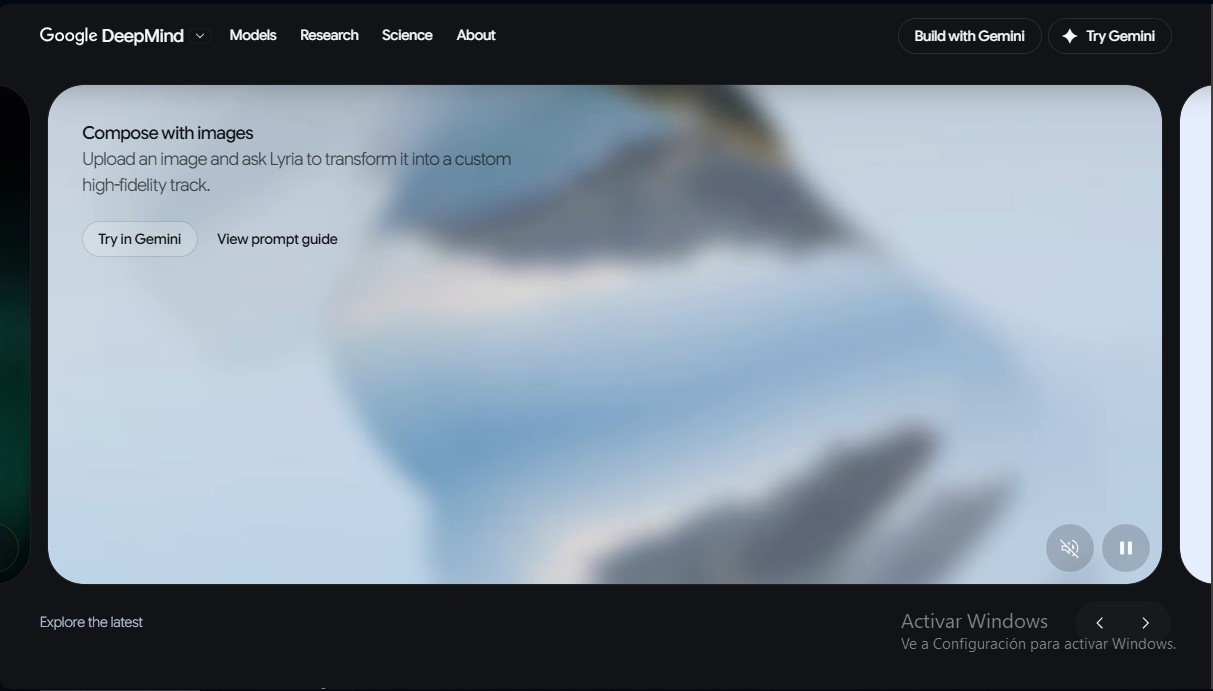
The operation of this generative music AI is based on interpreting text instructions or visual elements. Users can generate complete compositions by describing the desired genre, rhythm, or instrumentation through descriptive prompts. Additionally, Lyria 3 incorporates an innovative feature that allows for transforming images into custom music tracks, analyzing visual content to translate it into specific sound textures and acoustic environments.
Unlike more basic models, this tool offers a high level of technical control and creative freedom. It allows users to define realistic vocal styles, adjust dynamics, and select detailed acoustic preferences. The technology behind the application facilitates the creation of vocals in multiple languages and the exploration of genres ranging from pop and funk to Motown, consistently guaranteeing professional sound quality suitable for export in final projects, whether they are soundtracks or social media content.
Its main capabilities include:
- Creation of long-duration music tracks (up to 3 minutes) with fluid transitions.
- Generation of realistic and natural vocals based on user-provided lyrics or suggested themes.
- Composition from images, enabling a direct translation from the visual to the auditory.
- Detailed control over vocal style, tempo, and instrumentation for a professional finish.
- Implementation of SynthID technology, which adds an imperceptible watermark to securely identify AI-generated content.
The family of models is complemented by versions such as Lyria RealTime, optimized for interactive real-time generation, and Magenta RealTime, an open model focused on creative experimentation. Regarding safety, Lyria 3 employs advanced filters and data labeling to minimize the creation of harmful content, ensuring the tool enhances human creativity without replacing it. Its architecture can process everything from subtle background atmospheres to complex musical anthems, offering technical versatility that is unique in the AI audio tools market.
Lyria 3 features and use cases
How to use Lyria 3
Lyria 3 FAQ
What exactly is Lyria 3 and what is its purpose?
It is Google DeepMind's most advanced model designed to generate high-fidelity music, allowing users to create tracks with a natural flow between notes using descriptions.
What is the maximum length of the songs I can create?
The free version allows you to generate tracks up to 30 seconds long, while a Lyria 3 Pro subscription lets you create compositions up to 3 minutes in length.
Is it possible to generate music in Lyria 3 from an image?
Yes, the tool allows you to upload an image so the AI can transform it into a high-fidelity, personalized music track that reflects its content.
What technical customization options does the tool offer?
You can define realistic vocal styles and adjust specific details like tempo, instrumentation, and acoustic preferences for total control over the sound.
What languages and musical genres can Lyria 3 work with?
The model is capable of generating vocals in various global languages and creating music in a wide range of genres, including pop, funk, and Motown, among others.
How is the safety of the generated content guaranteed?
All tracks include an imperceptible watermark using SynthID technology, which makes it possible to identify if the audio was created or edited with artificial intelligence.
What file formats can I get when exporting my projects?
Once your creation is finished, you can download professional-quality audio tracks in MP3 and MP4 formats to use in your work.
Can I write my own lyrics for the AI to sing?
Absolutely; you can enter your own lyrics or ask the tool to generate them based on specific topics, which are then performed with natural, nuanced vocals.
What are the main differences between the free and Pro versions?
The standard version is focused on quick 30-second iterations, while Lyria 3 Pro offers maximum quality, higher limits, and longer track durations.
Lyria 3 pricing and plans
Lyria 3
Free
- Create music tracks up to 30 seconds long.
- High quality and fast generation speeds.
- Convert photos or videos into music tracks.
- MP3 and MP4 downloads.
- Ideal for quick iterations and social media content.
Lyria 3 Pro
Included with Google AI Plus, Pro, and Ultra plans (check the official website for pricing)
- Create music tracks up to 3 minutes long.
- Professional-grade audio quality.
- Convert images or videos into high-fidelity music tracks.
- MP3 and MP4 downloads.
- Higher usage limits based on your selected Google AI subscription.
Lyria 3 Screenshots
Lyria 3 user reviews
Write a review
Checking your session...
Lyria 3 Reviews
Loading reviews...
Lyria 3 alternatives



MusicGenerater.com
Generate songs with vocals and music from descriptions or lyrics. Create any genre, extend tracks, and easily separate vocals from instruments.

Personalized Gifts
Create personalized gift songs. Add personal details and AI crafts a unique track with lyrics and music to surprise loved ones on birthdays, weddings, or anniversaries.