

Share
What is Moises?
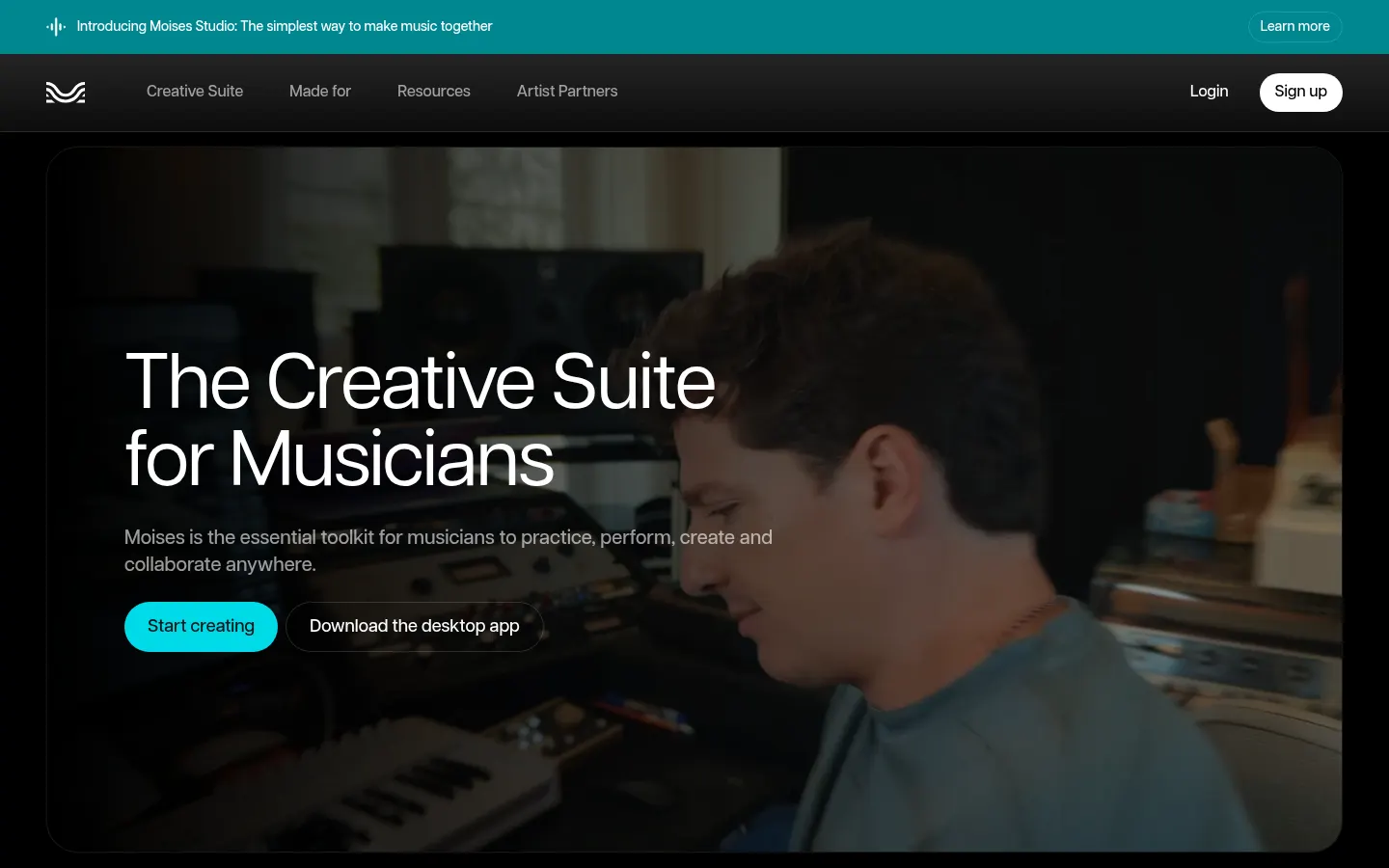
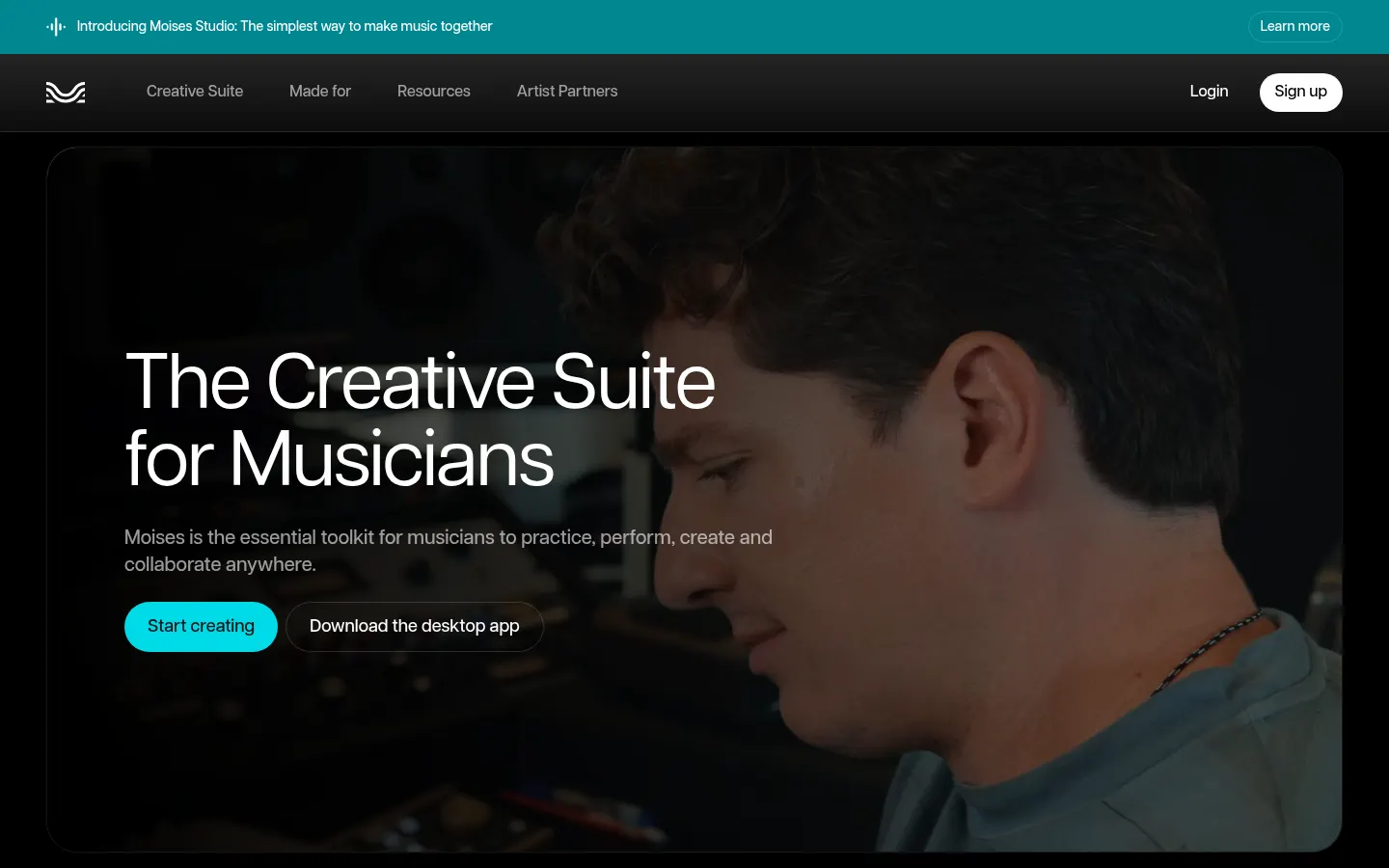
Moises is an AI tool by Moises built as a creative suite for musicians that splits stems, supports practice and lets you collaborate in shared sessions on web, mobile and desktop.
What is Moises used for?
Upload a song and split it into isolated parts: vocals, drums, bass, guitar, keys, winds, strings and more, up to 27 stem types with Hi-Fi models. Mute the part you play or solo the one you are learning. It also offers tempo and key changes, a chord finder and lyric transcription so you can practice or prep rehearsals with more detail.
How do Moises Studio and the rest of the suite work?
Moises Studio opens a browser session so bandmates, producers or co-writers can arrange, record and edit the same project at once without shipping files around. The mobile and desktop apps also capture performance video to share on social. Moises says it trains only on licensed material with rights-holder approval.
- Performers who want to practice with their instrument removed from the mix.
- Producers who need clean stems for remixes or arrangements.
- Bands collaborating remotely in one Studio session.
Before rolling it out to the team, compare integrations, UI languages and technical limits described in the official docs, and run through a full workflow with a real day-to-day example to confirm it fits how you already work.
Moises pros and cons
Pros: high-quality stems, apps on iOS, Android, desktop and web, and real-time collaborative Studio. Cons: upload volume and access to some advanced features depend on account level; the detailed quota table appears after signing in on the web or app.
Moises features and use cases
How to use Moises
Moises FAQ
What is Moises?
It is an AI creative suite for musicians that splits stems, supports practice and enables Studio collaboration across platforms.
Is Moises free?
There is a tier with limited uploads; removing that cap and opening the full suite requires a subscription. See the pricing section.
Does Moises have an API?
The product site does not advertise a general public consumer API; the main use is the app and Studio.
Does it work in Spanish?
The app and site are available in several languages, including Spanish in many regions.
How many stems does it separate?
Up to 27 types, including vocals, guitar, bass, drums, piano, keys, winds and strings, with Hi-Fi models.
Can I collaborate in real time?
Yes. Moises Studio lets people arrange, record and edit the same browser session together.
Which devices are supported?
Web, desktop app, iPhone, iPad and Android, with recent recognition as a featured app from Apple and the Microsoft Store.
Does it train on any music?
Moises states it only trains models on licensed material with rights-holder approval.
What are the alternatives to Moises?
On GptZone you can compare LALAL AI, AI Stem Splitter and StemSplitterAI for separating vocals and instruments.
Moises pricing and plans
Moises offers a tier with limited monthly uploads and a subset of features, plus paid subscriptions for higher upload limits and the full suite in USD (Checked on: 06/11/2026). The full price and quota table appears after signing in on the web or app; the public marketing pages do not list fixed amounts. Available on web, desktop, iPhone, iPad and Android.
Moises Screenshots
Moises user reviews
Write a review
Checking your session...
Moises Reviews
Loading reviews...
Moises alternatives

Voice Remover
Voice Remover is an AI vocal isolator that splits a song or video into an instrumental track and a vocals track, in the browser and without signing up.




BeatMuse AI Music Generator
Generate AI songs, vocals, and instrumentals from text. Edit tracks, extend songs, create versions, and separate audio stems for commercial projects.

EasyMusic.AI
Generate professional songs, lyrics, and music videos with AI. Edit tracks, isolate vocals, and create soundtracks with no musical experience required.