
Share
What is MixSongs?
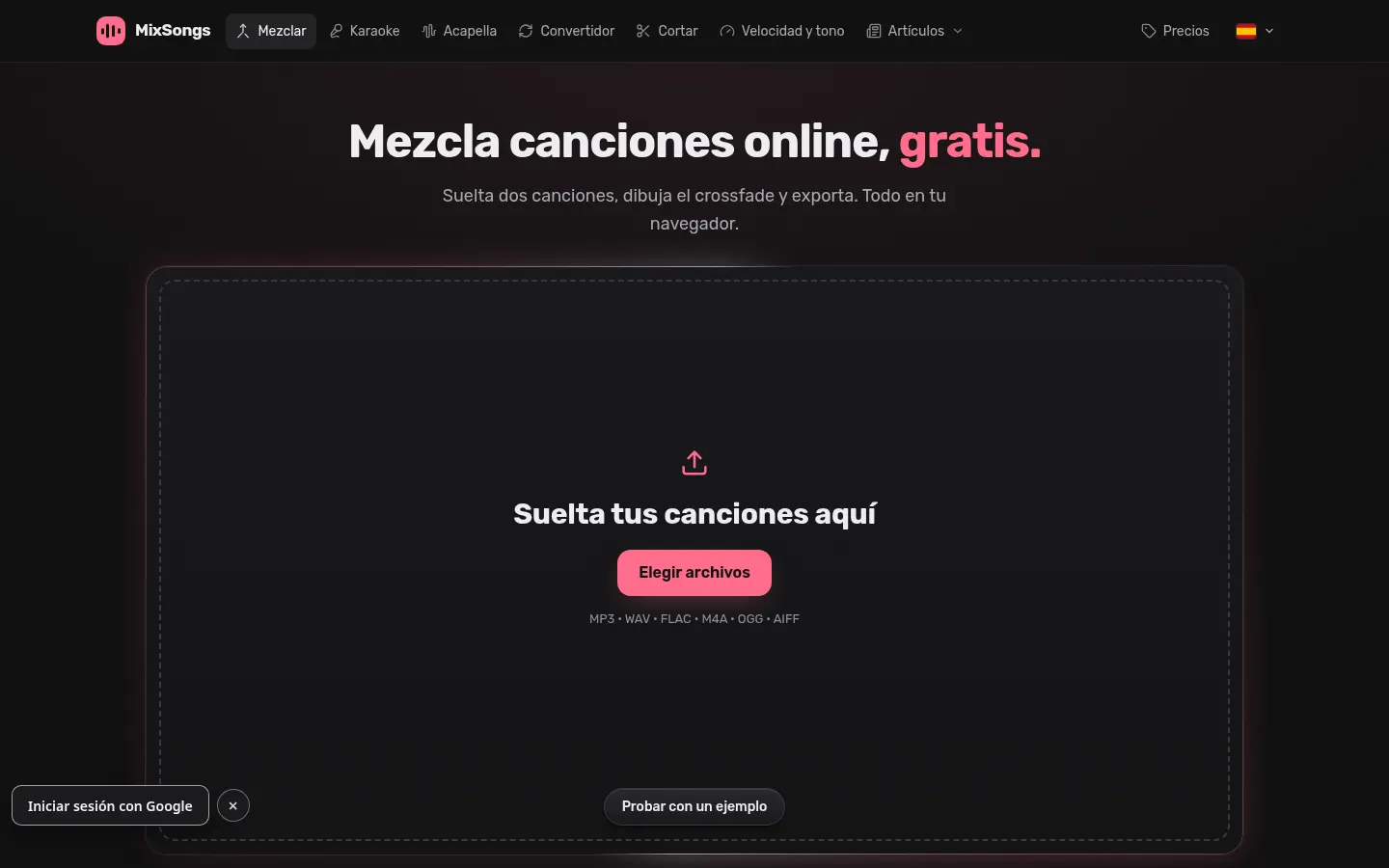
MixSongs is an AI tool that combines a multitrack mixer in the browser with separation of songs into individual parts, for DJs, remixers, video creators and hobbyists who want to join tracks, make karaoke versions or pull vocals out of a song without installing audio software.
What can you do with the mixer?
Drop in two or more songs, draw the crossfade between them and shape volume with checkpoints along the timeline. You can also cut, trim and move clips between tracks with full undo. The engine runs at 32-bit float on your machine and audio never leaves your device unless you request AI separation. It accepts MP3, WAV, FLAC, M4A, OGG, WebM and AIFF.
How does stem separation work?
- It splits each song into 6 stems: vocals, drums, bass, guitar, piano and the rest of the music.
- It blends two models and four passes per moment for cleaner stems, in about a minute per song.
- Stems land as editable lanes in your project and separated songs are kept for 30 days.
What other tools are included?
Independent speed and pitch changes (up to 4× and 24 semitones), a natural voice mode that changes key while keeping the singer's timbre, a reverb remover, karaoke, acapella, a format converter, DJ mix and fades. The site is translated into several languages, Spanish included.
MixSongs pros and cons
Pros: no account needed to mix, audio stays private and it separates guitar and piano, which many tools skip. Cons: top-quality export and extra separations require credits, stems are deleted after 30 days and it is a simple editor compared with a professional DAW.
MixSongs features and use cases
How to use MixSongs
MixSongs FAQ
What is MixSongs?
It is a browser-based song mixer with AI separation of vocals and instruments into six stems.
Is MixSongs free?
The mixer and MP3 export are free; AI separation after your first song uses credits. See the pricing section.
Does MixSongs have an API?
It does not advertise a public API; it is used on the website.
Does it work in Spanish?
Yes, the site and editor have a Spanish version, among other languages.
Are my songs uploaded to a server?
Not for mixing: audio is processed on your device. It is only uploaded when you request stem separation.
How many stems does it separate?
Six: vocals, drums, bass, guitar, piano and the rest of the music, in about a minute per song.
Can I change key without the voice sounding odd?
Yes, natural voice mode shifts the notes and keeps the singer's timbre on songs separated into stems.
Which formats are supported?
It imports MP3, WAV, FLAC, M4A, OGG, WebM and AIFF, and exports MP3 or, with Pro export, WAV, FLAC and MP4.
What are the alternatives to MixSongs?
On GptZone you can compare LALAL AI, AI Stem Splitter and Vocal Remover for separating vocals and instruments.
MixSongs pricing and plans
Reference price: 6 USD / month. Source · Verified: November 5, 2026
Information from the official pricing page (Checked on: 05/11/2026). Currency: USD (the page says “Prices in US dollars”, though it may show the € symbol depending on country; taxes may apply).
- Mixer: free, no account or watermark; MP3 export at 128 or 192 kbps and separation of your first song (up to 5 min).
- AI stem pack: 3 USD one-time; 10 separations to use within 7 days plus Pro export.
- Monthly plan: 6 USD per month; 20 separations a month that do not roll over, plus Pro export (WAV/FLAC up to 24-bit, MP3 320, MP4, up to 96 kHz).
Payments are handled by Paddle.
MixSongs Screenshots

MixSongs user reviews
Write a review
Checking your session...
MixSongs Reviews
Loading reviews...
MixSongs alternatives


BeatMuse AI Music Generator
Generate AI songs, vocals, and instrumentals from text. Edit tracks, extend songs, create versions, and separate audio stems for commercial projects.

EasyMusic.AI
Generate professional songs, lyrics, and music videos with AI. Edit tracks, isolate vocals, and create soundtracks with no musical experience required.