OmniSide
Share
OmniSide
Multi-model AI assistant for chatting, writing, translating, summarizing, and generating images. Available as an extension and app to streamline your workflow.
General Information about OmniSide
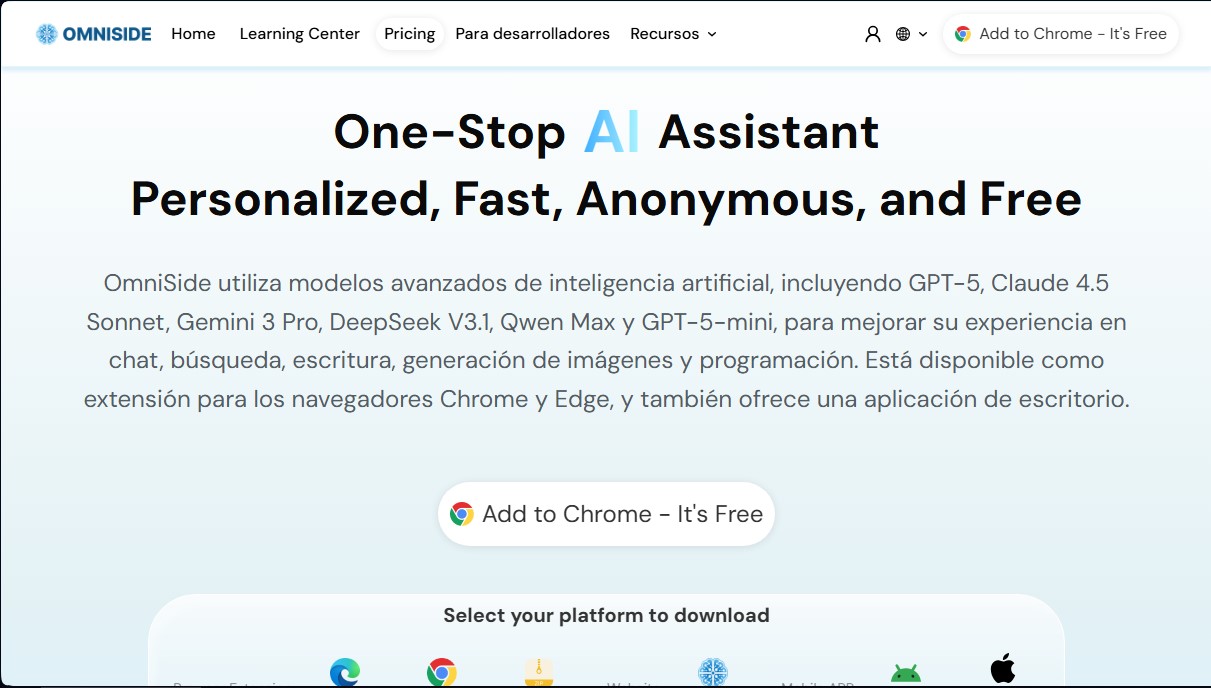
OmniSide is a comprehensive smart assistance platform designed to optimize productivity through unified access to multiple language models. This tool functions as an all-in-one AI assistant that integrates into daily workflows via a browser extension for Chrome and Edge, mobile apps (Android and iOS), and a desktop version. Its primary goal is to centralize chat, search, writing, image generation, and coding tasks into a single interface, eliminating the need for users to toggle between different services.
OmniSide’s technology is built on the aggregation of the industry’s most advanced models, including GPT-5, Claude 4.5 Sonnet, Gemini 3 Pro, DeepSeek V3.1, Qwen Max, and GPT-5-mini. This infrastructure enables a dual-path decision engine, a feature that runs parallel processes with two different AIs to compare responses, creative angles, and logical consistency in real time, ensuring the user always receives the optimal solution.
Its most notable functional capabilities include:
- Unified Chat Center: Allows interaction with multiple AI models simultaneously to obtain in-depth, cross-referenced answers.
- Smart Writing Workshop: Facilitates the creation of emails, blog posts, and formal documents from key ideas, automatically adapting style and structure.
- OCR Recognition and Document Management: Extracts text and tables from images and PDFs, while also generating detailed summaries of lengthy documents, videos, or websites.
- Precision Translation Engine: Breaks down language barriers with real-time translations that preserve technical terminology and cultural nuances.
- Grammar Correction Expert: Scans text for errors and provides professional polishing plans to improve written expression.
Using OmniSide is intuitive thanks to its sidebar and smart toolbar, which allow you to translate, explain, or summarize any selected content while browsing the web. Additionally, the platform supports voice input, allowing users to interact with the AI without typing on a computer keyboard. This tool is especially useful for developers, content creators, and professionals who need a personalized AI assistant—one that is fast, versatile, and adapts seamlessly to any operational scenario. By integrating search and file analysis capabilities into a single tool, it optimizes response times and the quality of results for complex digital tasks.
Features and Use Cases of OmniSide
How OmniSide Works
Frequently Asked Questions about OmniSide
What is OmniSide?
It is an all-in-one AI workspace that integrates various advanced models to assist with chat, writing, translation, and coding tasks.
Is OmniSide free to use?
Yes, there is a free version that offers limited daily credits for using basic and advanced models on both the web and the browser extension.
Which AI models does OmniSide integrate?
The tool provides access to cutting-edge models such as GPT-5, Claude 4.5 Sonnet, Gemini 3 Pro, DeepSeek V3.1, and Qwen Max from a single interface.
What platforms is the tool available on?
It is available as an extension for Chrome and Edge, features a desktop application, and has mobile versions for Android, iOS, and iPadOS devices.
How does OmniSide help with writing and editing documents?
It includes a smart writing workshop to generate drafts from a base idea and a grammar checking engine that corrects spelling errors and enhances professional style.
What is OmniSide's dual-path decision engine?
It is a feature that processes any task using two AI models simultaneously, allowing you to compare the quality of the responses and choose the best option.
Can OmniSide process PDF files and images?
Yes, thanks to its text recognition technology, it can extract information and tables from PDF documents and images to convert them into structured data.
How do I install the OmniSide browser extension?
Simply visit the official website, select your preferred browser, and click the install button to add the assistant to your sidebar immediately.
OmniSide Pricing
Free
$0 per month
Access to standard models (OmniSide, GPT-5-Mini, Claude 4.5 Haiku, Gemini 3.0 Flash, DeepSeek V4, Kimi K2.6).
Smart writing, translation, grammar, and OCR features powered by basic models.
Cross-platform feature extension.
Limit of 50 basic credits per day.
Limit of 10 advanced credits per day.
Pro
$9.90 per month ($7.90/mo billed annually)
Access to standard and advanced models (GPT-5.4, Gemini 3.1 Pro, Claude Sonnet 4.6, DeepSeek V3.2, GPT-5, Gemini 2.5 Pro, Qwen Max, Grok-4, Claude Opus 4.6, GPT-5.5, Claude Opus 4.7, DeepSeek V4 Pro).
Smart writing, translation, grammar, and OCR powered by advanced models.
Cross-platform feature extension.
Limit of 5,000 basic credits per month.
Limit of 500 advanced credits per month.
Ultra
$24.90 per month ($15.90/mo billed annually)
Access to all standard and next-generation advanced models.
High-performance smart writing, translation, grammar, and OCR.
Cross-platform feature extension.
Limit of 12,000 basic credits per month.
Limit of 1,500 advanced credits per month.
OmniSide Screenshots