
Presentations.AI
Share
What is Presentations.AI?
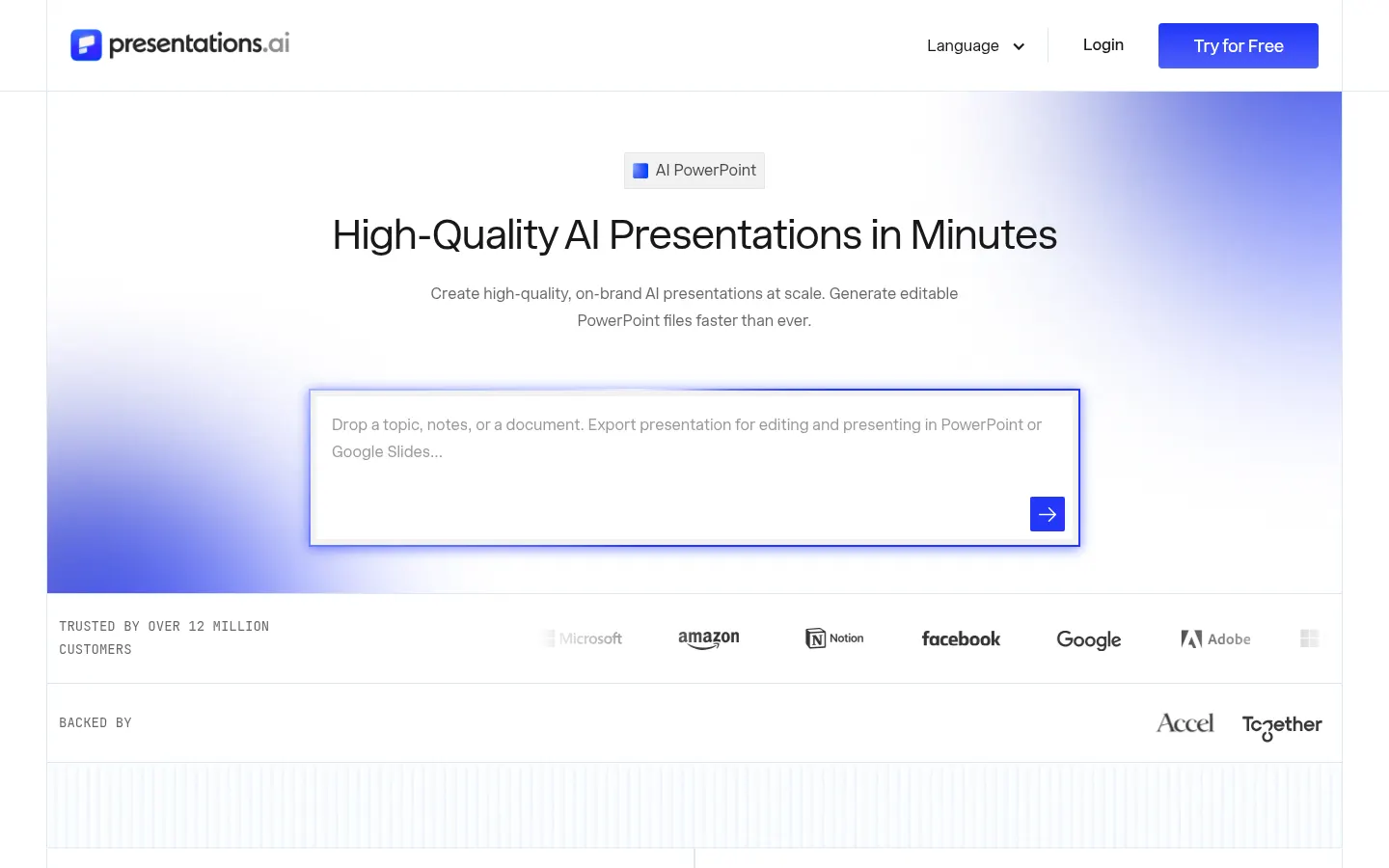
Presentations.AI is an AI presentation platform that turns a topic, notes, a document or a URL into a structured slide deck in your brand design, exportable as an editable PowerPoint. It reports more than 12 million users and holds SOC 2 Type II certification.
What is Presentations.AI used for?
It takes you from content to deck without wrestling with design. It accepts text, PDF, Word, Google Docs, Excel and URLs, and orders slides by objective: an investor round is structured differently from a sales proposal or a board report.
What tools does it include?
- A full deck maker from a prompt or document.
- A slide-by-slide editor with manual control.
- An investor pitch deck generator.
- Turning a ChatGPT conversation into a deck.
- 1,000+ templates by use case.
How does it apply your brand?
With Brand Sync: paste your website URL and it pulls your logo, fonts and colors so every slide matches your identity. The resulting .pptx opens in PowerPoint or Google Slides without anything shifting.
What are Refresh and generation at scale?
Refresh updates a master deck with new data from Salesforce, HubSpot, Google Sheets, Snowflake and 50+ sources on a daily, weekly or monthly schedule. It can also produce hundreds of personalized decks from one source via REST API, webhooks, Zapier or Make.
Presentations.AI pros and cons
- Pro: exports a truly editable PowerPoint
- Pro: Brand Sync applies your identity from a URL
- Pro: automatic deck updates from live data
- Con: usage is measured in credits
- Con: Refresh and project knowledge sit in the top tier only
Presentations.AI features and use cases
How to use Presentations.AI
Presentations.AI FAQ
What is Presentations.AI?
Presentations.AI is a platform that builds AI slide decks from text, documents or URLs and exports them to PowerPoint.
Is Presentations.AI free?
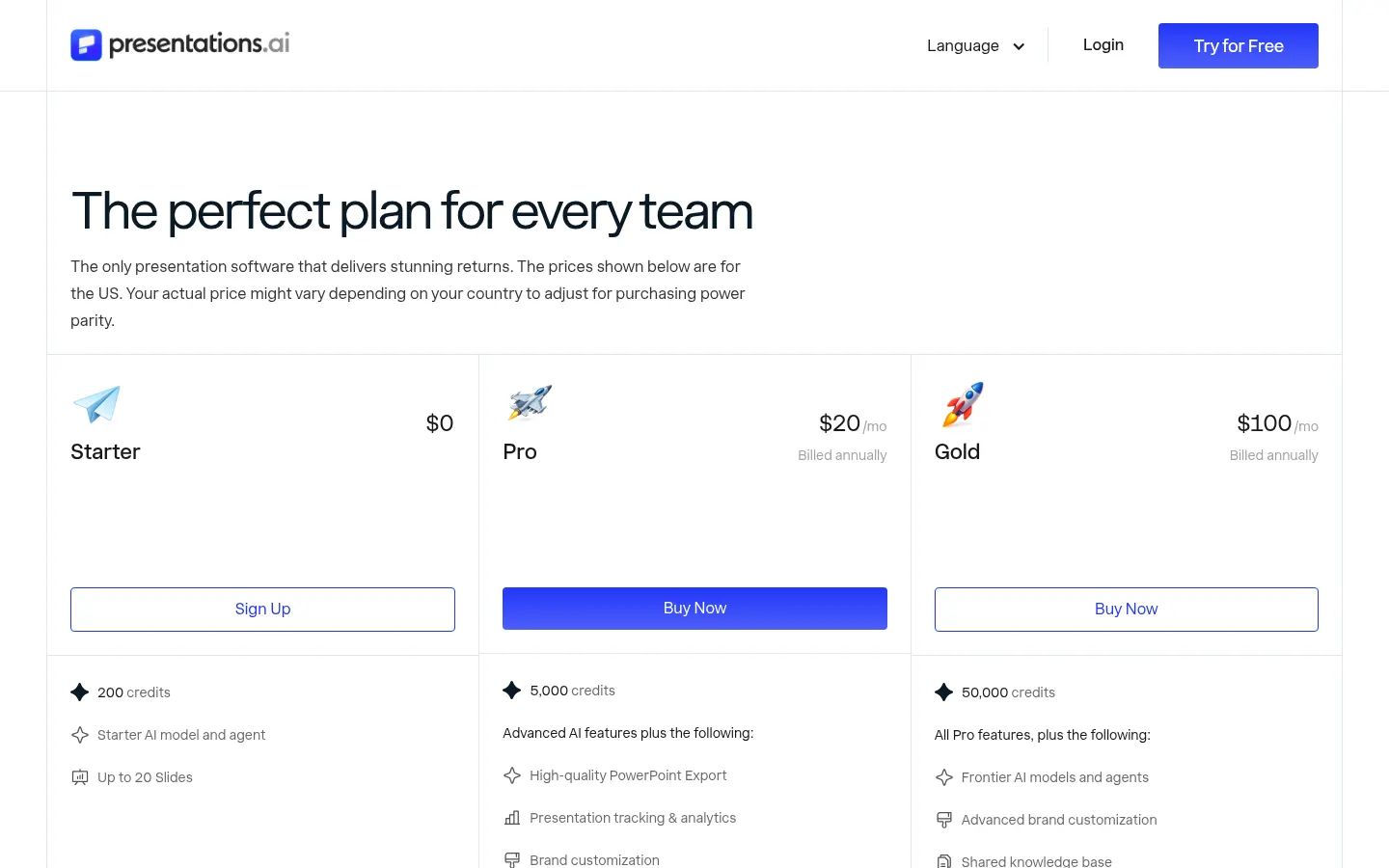
There is a free Starter tier with 200 credits and up to 20 slides; Pro costs $20 per month billed annually.
Can I edit the decks in PowerPoint?
Yes, it downloads a fully editable .pptx file that also opens in Google Slides.
What files does it accept?
Text, PDF, Word, Google Docs, Excel and URLs.
What is Brand Sync?
A feature that pulls your logo, fonts and colors from your website and applies them to every slide.
Can it update decks with data?
Yes, Refresh connects a master deck to sources such as Salesforce, HubSpot or Google Sheets and updates it on a schedule.
Does it have an API?
Yes, it offers a REST API and webhooks, plus Zapier and Make connections.
Is it enterprise-ready?
It states SOC 2 Type II certification and GDPR compliance.
What are the best Presentations.AI alternatives?
On GptZone you can compare it with Beautiful.ai, Storypitch.ai and PitchMeAI.
Presentations.AI pricing and plans
Reference price: 240 USD / year. Source · Verified: November 2, 2026
Prices in US dollars (USD) for the US, billed annually; may vary by country. Checked on: 02/11/2026.
Starter: $0; 200 credits, basic AI model and up to 20 slides.
Pro: $20 per month ($240 a year); 5,000 credits, advanced models, high-quality PowerPoint export, analytics and brand customization.
Gold: $100 per month ($1,200 a year); 50,000 credits, frontier models and agents, Refresh, project knowledge, custom templates and unlimited guests.
Presentations.AI Screenshots
Presentations.AI user reviews
Write a review
Checking your session...
Presentations.AI Reviews
Loading reviews...
Presentations.AI alternatives





MagicSlides
MagicSlides generates AI slide decks from a topic, documents, links or videos and exports them to PowerPoint, Google Slides or PDF.