
Scenario
Share
What is Scenario?
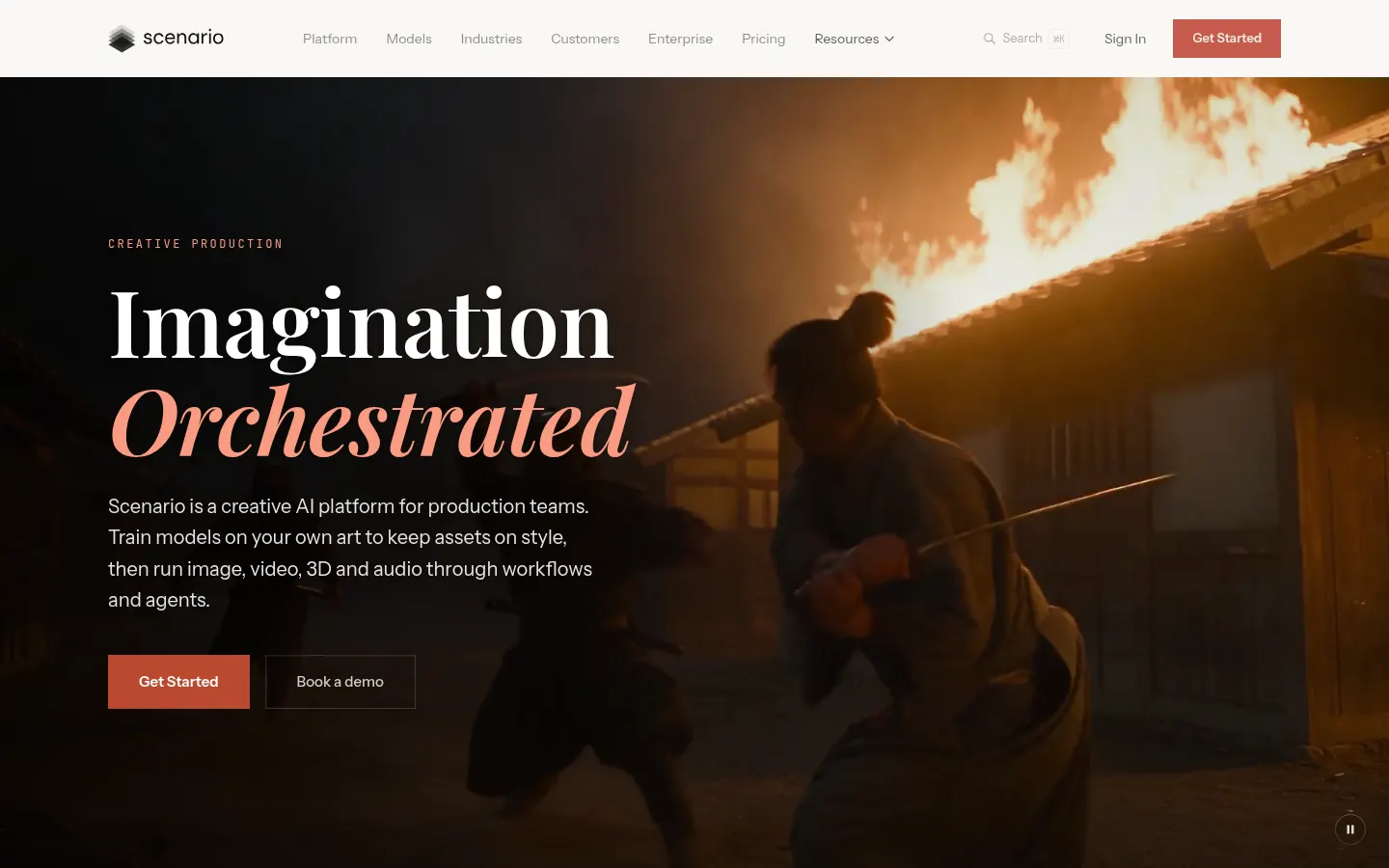
Scenario is a creative AI platform for production teams at game studios, agencies and brands: it generates images, video, 3D and audio and lets you train models on your own art so every asset stays on style. It's built by Scenario, Inc. and used by teams such as Ubisoft, InnoGames and Mad Brain Games.
What is Scenario used for?
It runs in the browser and brings 750+ models from 50+ providers, including Google, OpenAI, ByteDance, Kling, Meshy and ElevenLabs, into one workspace. You can compare several models on the same brief, generate, edit, upscale or split an image into layers, and anchor the look with references so a character or product doesn't drift from shot to shot. New models are added as they launch.
How does Scenario fit into a production pipeline?
Beyond the app there's a node and workflow editor for chaining models and tools and saving the chain as a reusable workflow or app. You can also describe the result and let an agent build the flow, or call it from your own pipeline through the API and MCP server. Examples on the site range from a matching inventory icon set generated from a list of item names to a full game ad built from the key art.
Who is Scenario for?
- Game studios that need characters, icons and environments consistent with their art direction.
- Agencies and user-acquisition teams producing ad creatives at volume.
- E-commerce and fashion brands turning one product photo into videos or editorials.
- Illustrators and animation studios switching styles while keeping the same character.
Scenario pros and cons
Its strength is consistency: custom models, references and shared rules in one place, with SOC 2 Type II and no reuse of your data for training. On the downside, with so many models and nodes the learning curve is steeper than a simple generator, and usage is measured in credits that vary by model.
Scenario features and use cases
How to use Scenario
Scenario FAQ
What is Scenario?
It's a creative AI platform for production teams that generates images, video, 3D and audio and trains models on your own art to keep a consistent style.
Is Scenario free?
You get 50 free daily credits with no card to try it; for more volume and features there are paid plans, listed in the pricing section.
Can I train a model on my own images?
Yes, you can train models on references for your style, a product line or a recurring character and generate new assets that match.
Which AI models does Scenario include?
It brings together 750+ models from 50+ providers, such as Google, OpenAI, ByteDance, Kling, Meshy and ElevenLabs, adding new ones as they launch.
Does Scenario generate 3D models?
Yes, it includes image-to-3D and 3D generation models from several providers, alongside image, video and audio.
Is there an API to use it in my pipeline?
Yes, it has an API and an MCP server, so the same models and workflows can run from your code or from an agent.
Are my generations and models private?
Generations are private from the entry plan, and the company states your data and IP are never used for training.
Is it only for game development?
No, although it started close to games, the site shows workflows for advertising, film and animation, e-commerce, fashion, architecture and education.
Can teams use it together?
Yes, there are shared workspaces with collaboration tools, and the Enterprise tier adds unlimited seats and SSO.
What are some Scenario alternatives?
Our directory lists Leonardo AI, Krea AI and Midjourney, which also focus on AI image and art generation.
Scenario pricing and plans
Reference price: 15 USD / month. Source · Verified: November 8, 2026
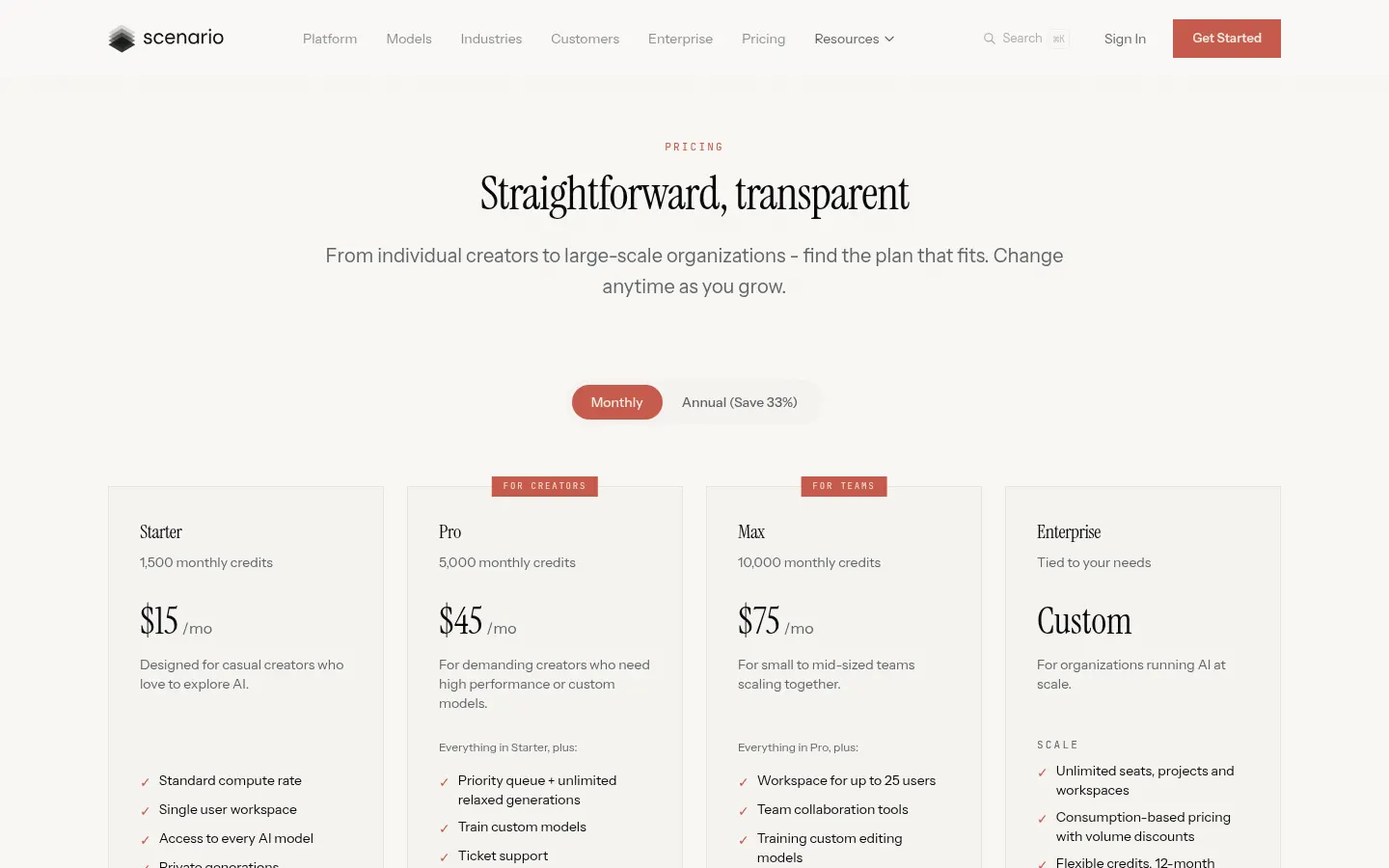
Prices in US dollars, billed monthly (Checked on: 08/11/2026). Annual billing saves 33%. There are 50 free daily credits with no card required.
- Starter: $15/month, 1,500 monthly credits, single user, access to every model, private generations and 50 GB.
- Pro: $45/month, 5,000 credits, priority queue and unlimited relaxed generations, custom model training and 500 GB.
- Max: $75/month, 10,000 credits, workspace for up to 25 users, team tools, custom editing models and 1 TB (+1 TB per seat).
- Enterprise: custom consumption-based pricing on a 12-month contract, unlimited seats, SSO/SAML, watermarking and an account team.
Scenario Screenshots
Scenario user reviews
Write a review
Checking your session...
Scenario Reviews
Loading reviews...
Scenario alternatives

Artbreeder
Artbreeder is an AI creative tool for generating characters and artworks by mixing images, tweaking their traits and building collages, with a large community.

Cutout.pro
Cutout.pro is an AI visual editing platform to remove backgrounds, enhance and upscale photos, make passport photos and generate images and videos, with an API.



Easy-Peasy.AI
Easy-Peasy.AI is an AI platform that combines writing, multi-model chat, images, video, voice, transcription and custom chatbots in one account.