
Share
Turn a sentence into videos with scripts, voiceovers, and editing. Maintain character consistency and refine via chat for professional results.
What is Snaptale?
Snaptale is an advanced AI video creation platform designed to transform a single sentence into a complete, coherent, and edited visual story. This tool is primarily geared toward content creators, marketing agencies, and social media specialists who need to quickly produce high-quality reels, product stories, or vlogs. Unlike generators that produce isolated clips, this solution creates a full narrative that includes a script, storyboard, voiceover, and automated editing.
Snaptale’s operation is based on an AI agent that processes instructions through a chat interface. The technology uses an automatic routing system that selects the most suitable model based on the user's intent: GPT Image 2 for still images and precise text, Seedance 2.0 for cinematic narrative video, and Happy Horse 1.0 to recreate realistic human movements, such as dancing or walking. This multi-model approach delivers professional results without the need to manage multiple independent tools.
Key capabilities include:
- Character Consistency: This allows you to lock in a visual identity using a single reference image. The AI maintains the same character across different scenes and cinematic worlds, ensuring narrative continuity.
- Asset Library: This feature facilitates the reuse of specific characters, products, and locations by mentioning them with the "@" command in the prompt, speeding up the creation of content series.
- Editing Recipes: These offer pre-configured structures for industries like real estate, fashion, or product ads, automatically optimizing visual hooks and close-up shots.
- Style Templates: These allow users to toggle between various visual aesthetics—from auteur realism to impressionist anime—without modifying the original story structure.
For content refinement, Snaptale Studio integrates a functional timeline where users can trim clips, adjust audio tracks, and manage editing pacing. One of its most practical features is chat-based editing, which allows for complex changes—such as slowing down a scene or adjusting the warmth of a voice—using simple text commands. The system supports exports in Full HD 1080p and mobile-optimized formats, ensuring content is ready for immediate publication across various digital platforms. By centralizing asset generation and post-production into a single workflow, the tool drastically reduces turnaround times for digital video projects.
Snaptale features and use cases
How to use Snaptale
Snaptale FAQ
What exactly is Snaptale and how does it work?
It’s a platform that automatically turns a single prompt into a complete video story, including a script, voiceover, music, and professional editing.
How does Snaptale ensure character consistency?
The tool uses a single reference image to maintain the character's identity across all scenes and cinematic environments in the video.
Can I manually edit the results in the Snaptale studio?
Yes, you have access to a timeline where you can easily trim clips, adjust the pacing, and swap audio tracks.
What kind of content can I create using the tool's recipes?
You can generate product ads, real estate walkthroughs, fashion editorials, or music videos using predefined structures that optimize the final result.
Can I make editing changes using just the chat?
Yes, you can request specific adjustments via text—such as slowing down a scene or asking for a warmer voice—and the system will update the video automatically.
What export options does Snaptale offer for my projects?
You can download files in MP4 format at 720p resolution for social media or in 1080p high definition.
Do Snaptale videos include a watermark?
Watermarks only appear on exports from the free plan, while paid plans offer completely clean downloads.
How many credits do I get when I sign up for free on Snaptale?
When you create your account, you’ll receive 170 welcome credits and 100 additional monthly credits to start creating your first stories.
Snaptale pricing and plans
Free
0 US$ forever
100 monthly credits.
170 welcome credits upon sign-up.
Up to 5 active projects.
2 GB storage.
Snaptale watermark on exports.
Starter
19 US$ per month
1,200 monthly credits (approx. 4 full 15-second videos).
Unlimited projects.
25 GB storage.
No watermark on exports.
Option to top up credits at any time.
Creator (Recommended)
49 US$ per month
3,000 monthly credits (approx. 11 full 15-second videos).
Unlimited projects.
100 GB storage.
Priority generation queue.
No watermark and top-ups included.
Pro
99 US$ per month
6,000 monthly credits (approx. 21 full 15-second videos).
500 GB storage.
Access for 3 seats (users).
4K resolution-ready workflows.
Includes all Creator plan features at scale.
Custom Pricing
Inquire on the official website
Tailored credits, billing, and Service Level Agreements (SLAs).
Dedicated organizational onboarding.
Specifically designed for large teams and studios.
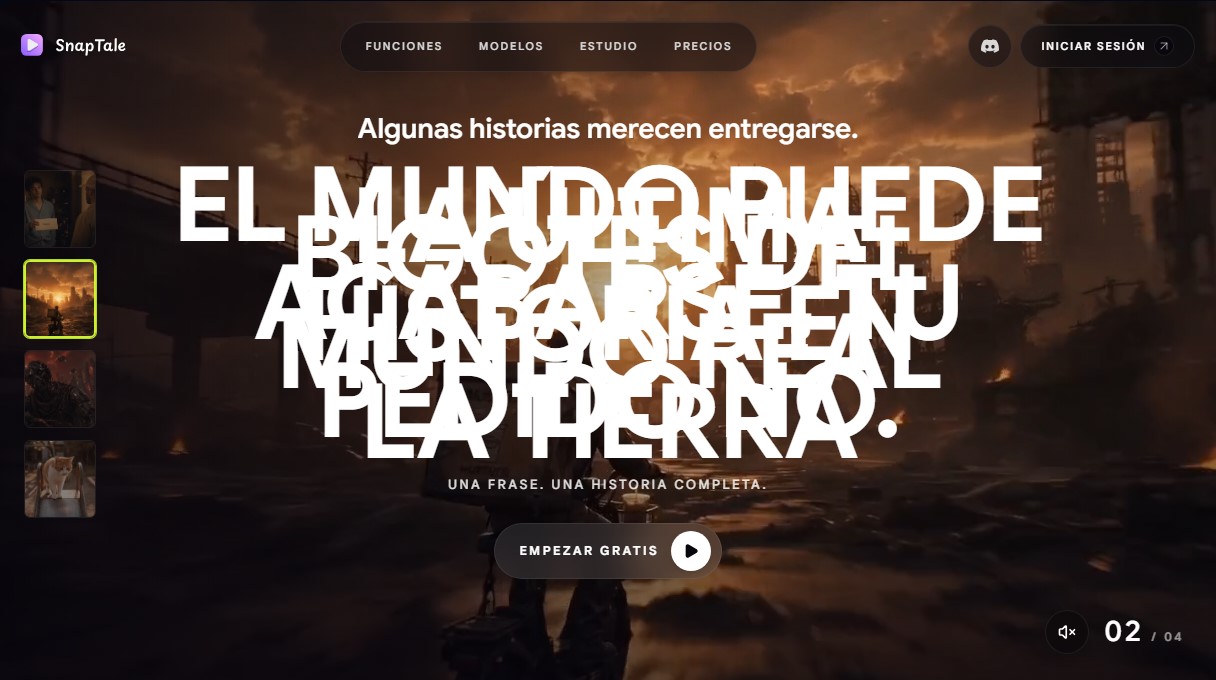
Snaptale Screenshots
Snaptale alternatives



Osmo Studio
AI animation studio for professional motion graphics and videos. Control every detail, collaborate with teams, and export with transparent backgrounds.

Victoria Secret Runway
Create fashion show videos by integrating your face into real scenes. Just upload a photo to replace professional models and walk the runway.


VideoWeb Video Generator
Generate professional AI videos from text or images. Features realistic avatars, automated scripts, and optimized formats for marketing and social media.