

Share
Transform text, PDFs, and web pages into audio with lifelike voices. Listen to documents to save time, generate AI summaries, and dictate content on any device.
What is Speechify?
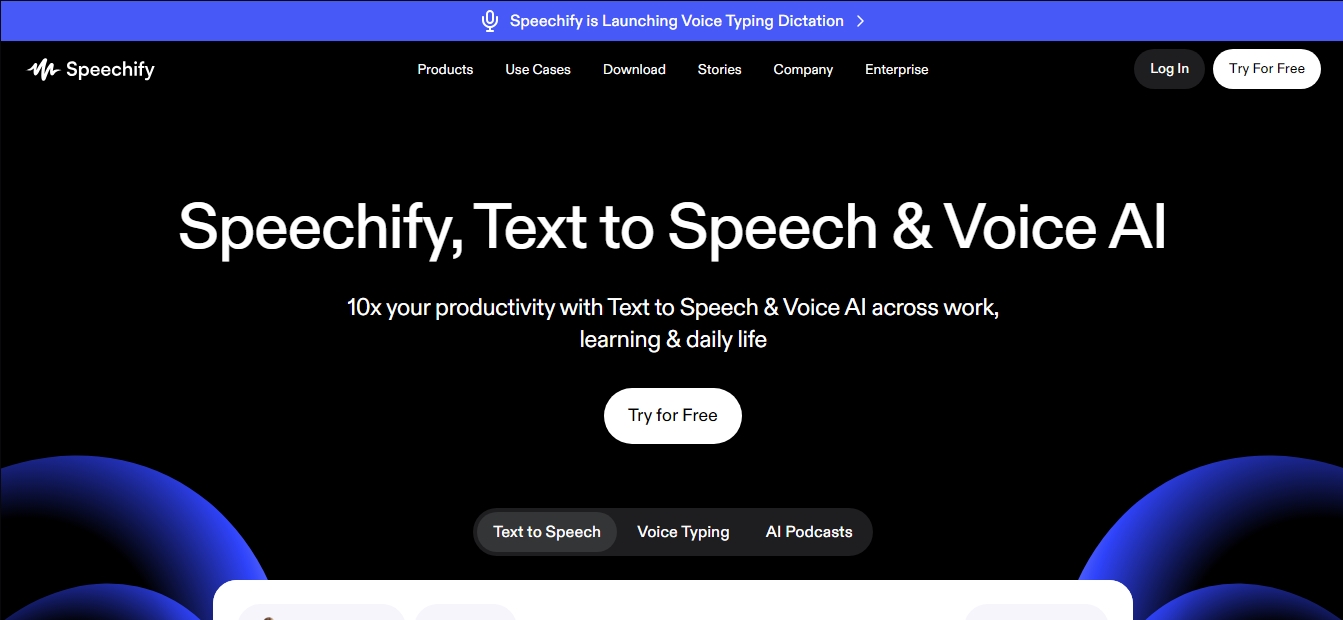
Speechify is an advanced conversational AI platform specializing in text-to-speech (TTS) and voice productivity. Its primary function is to transform any written content—such as PDFs, Google Docs, emails, or web pages—into high-fidelity audio with natural-sounding voices. This tool is designed to optimize reading time and improve information retention, allowing users to consume content while multitasking on their computer or mobile device.
The app's technology utilizes deep learning models to generate synthetic voices that accurately mimic human intonation, eliminating the robotic tone of traditional systems. One of its functional advantages is total control over reading speed, allowing users to adjust the pace to levels up to three times faster than the average visual reading speed. Additionally, it integrates a real-time text highlighting system that synchronizes audio with the on-screen display, making it easier to follow for users with dyslexia, ADHD, or visual impairments.
The tool's core capabilities include:
Scan and Read (OCR): Allows users to capture photos of physical book pages via mobile to instantly convert them into speech.
Contextual AI Assistant: Users can ask questions about the text they are listening to in order to get clarifications or smart summaries.
Voice Typing: A high-speed speech recognition system that allows for drafting text up to five times faster than manual typing.
Podcast Generation: The ability to transform long documents into podcast-style audio formats with a single click, customizing the tone and depth.
Cross-Platform Sync: Reading progress stays up to date across the Chrome extension, web app, and applications for iOS, Android, and Mac.
Speechify’s user profile ranges from students who need to process large volumes of academic material to professionals looking to review reports and contracts during their commute. It is a key accessibility solution that helps overcome learning and reading barriers, enabling greater autonomy in both educational and professional environments.
Beyond narration, the tool offers automated note-taking and quiz creation based on the processed content, reinforcing active learning. Its focus on voice productivity enables hands-free information management, seamlessly integrating into daily workflows across various browsers and operating systems.
Speechify features and use cases
How to use Speechify
Speechify FAQ
What is Speechify and how does it work?
Speechify is an artificial intelligence tool that converts any written text into audio with natural-sounding voices, allowing you to listen to documents, books, or articles instead of reading them.
What types of documents can the Speechify app read?
The platform can read PDFs, Google Docs, web pages, emails, and even physical books if you take a photo of the pages.
Which devices can I use Speechify on?
It is available as an extension for Chrome and Edge browsers, as an app for iOS and Android devices, and also features a version for Mac computers.
Are Speechify’s AI voices natural-sounding?
Yes, the tool offers over 200 high-quality voices that sound like real people, including celebrity voice options like Gwyneth Paltrow.
Is it possible to adjust the reading speed on the platform?
The app allows you to control the narration speed so you can listen to content much faster than you could read it visually, helping you save time.
What is Speechify’s Voice Typing feature?
It is a voice dictation utility that allows you to draft text in any application up to five times faster than typing on a keyboard.
Does Speechify offer an option to summarize long texts?
Yes, the AI voice assistant can create automatic summaries and answer questions about the content you are listening to in order to improve comprehension.
Can students with dyslexia benefit from Speechify?
The tool is ideal for people with dyslexia or ADHD, as it allows them to follow along with highlighted text while listening, which makes reading and learning much easier.
Is there a free trial for premium features?
Speechify offers a seven-day free trial that lets you unlock all advanced features before any subscription charges are applied.
Can Speechify be used to create podcasts?
The platform allows you to quickly and easily generate a podcast from a document or a short description using its AI voices.
Speechify pricing and plans
Free Version
Price: Free.
Access to basic text-to-speech (TTS) features to read documents, PDFs, and web pages.
Voice typing up to 5x faster than manual typing.
Voice assistance tools for summarizing content and taking notes.
Scanning feature to convert photos of physical text into audio.
Synchronized text highlighting during playback.
Basic AI podcast creation from documents.
Speechify Premium
Price: $139.00 per year (includes a 7-day free trial).
Over 200 natural, human-sounding AI voices.
Seamless reading of books, PDFs, and long-form articles.
Instant sync across all devices (Chrome, iOS, Android, Mac, and Web).
Smart AI summaries to quickly extract key insights.
Full reading speed control to boost productivity.
Advanced AI voice assistant that understands context and answers questions about what you’re listening to.
Plans for Schools and Teams
Price: Visit the official website.
Specialized plans tailored for educational institutions.
Solutions for teams and businesses.
Speechify Screenshots
Speechify alternatives
TextInMyVoice
Clone your voice with a short sample to turn text into natural voiceovers. Generate and download MP3s in your own tone for free, no registration required.

SpeakCrate
Open-source API for local, private speech synthesis. Generate multilingual audio on your own servers with OpenAI standard compatibility.

Vidverse AI
Vidverse AI brings several AI video, image and voice models into one web and mobile app, so you can turn text or photos into clips, images and voiceovers.



AI ReFounder
24/7 AI voice agent for online stores. Automatically handle calls, resolve inquiries, and close sales with seamless Shopify integration.